Windows 11 Setup for Business Computers: A Comprehensive Guide
Are you planning to deploy and manage Windows 11 in your business environment? With the latest features and enhancements, Windows 11 is an exciting step forward for businesses looking to future-proof their enterprise operations. However, setting up a Windows 11 computer for business purposes can be a daunting task, especially for IT administrators. In this article, we'll guide you through the process of setting up a Windows 11 computer for business use, covering key considerations, troubleshooting tips, and best practices.Preparing for a Smooth Setup
Before diving into the setup process, it's essential to prepare your business environment for a smooth transition to Windows 11. Here are some critical considerations: * Ensure you have a proper inventory of the devices you plan to upgrade to Windows 11. This includes checking the hardware compatibility and software requirements. * Plan to migrate your existing applications and data to Windows 11, taking into account any necessary configuration or testing. * Consider implementing a Windows 11 pilot program to test the software and identify potential issues before broader deployment.Configuring User Accounts and Permissions
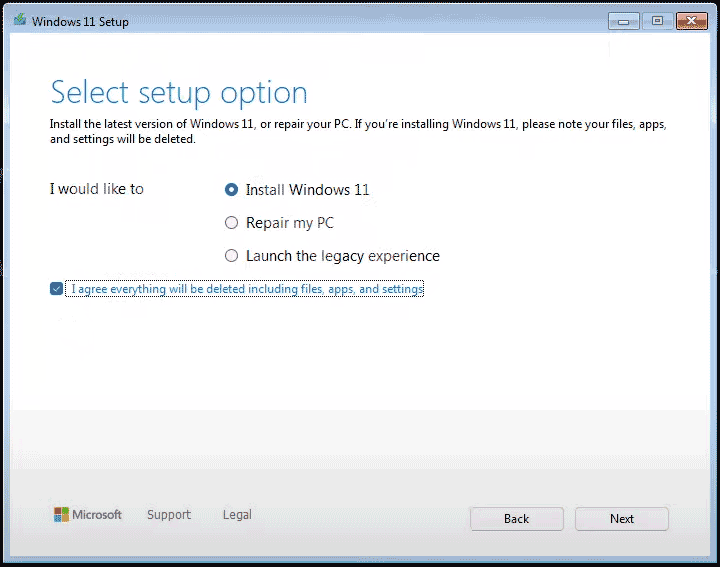
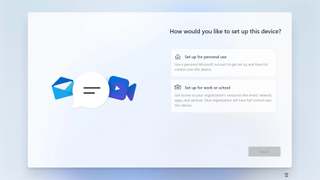
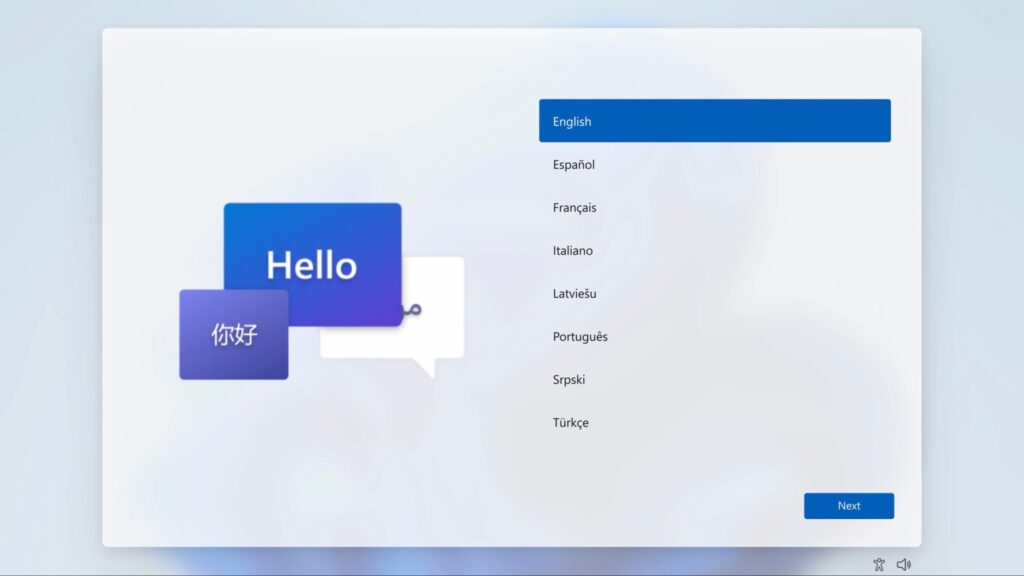
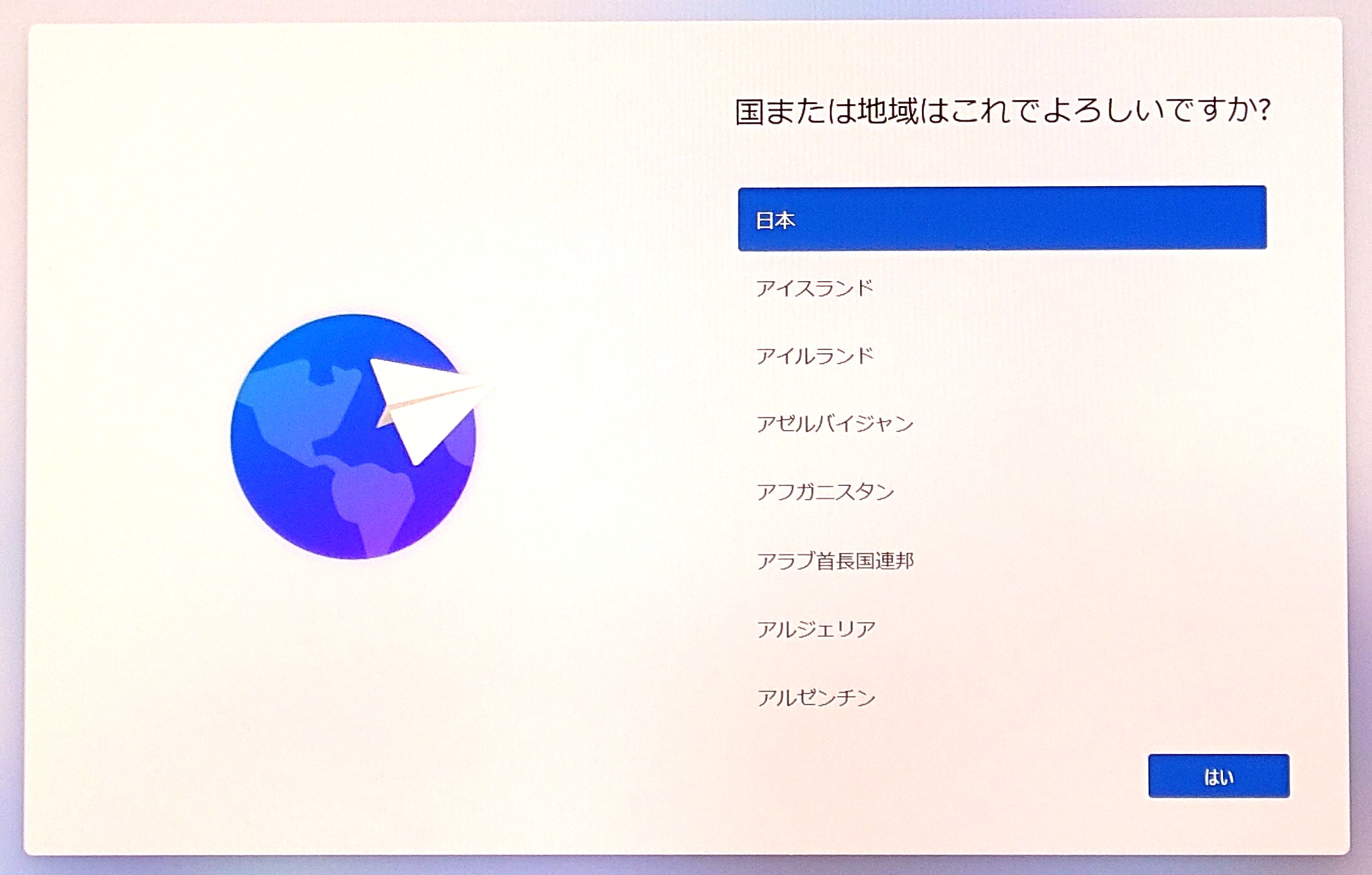
When setting up a new Windows 11 computer for business use, creating a local administrator account is essential. This allows you to configure user accounts and permissions as needed. To create a local administrator account: 1. During the setup process, click on "Create a local account with administrative privileges." 2. Enter a username and password for the local administrator account. 3. Fill out the other required fields, such as the account name and description.Configuring Network Settings and Wireless Connectivity