GoFundMe Page Setup Guide for Fundraising: A Step-by-Step Tutorial
Are you considering setting up a GoFundMe page to raise money for a personal or community cause? With over £35 million raised every week on the platform, GoFundMe has become a popular choice for individuals and organizations looking to fundraise online.
What is GoFundMe and Why is it a Good Choice for Fundraising?
GoFundMe is a crowdfunding platform that allows users to create online fundraising pages for various purposes, including medical expenses, education, personal emergencies, and community projects. With its user-friendly interface and low fees, GoFundMe has become a go-to platform for those seeking to raise funds.
Creating a GoFundMe Account
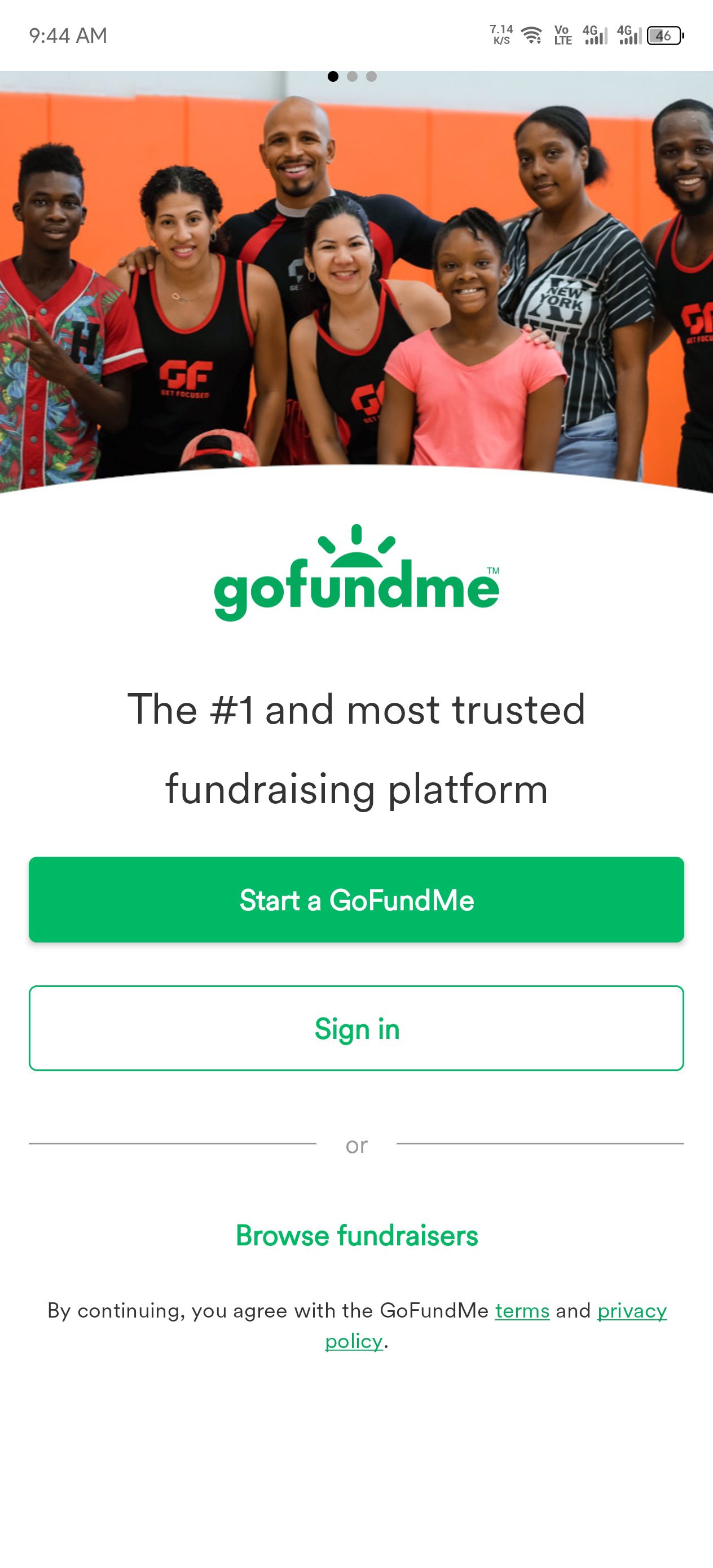
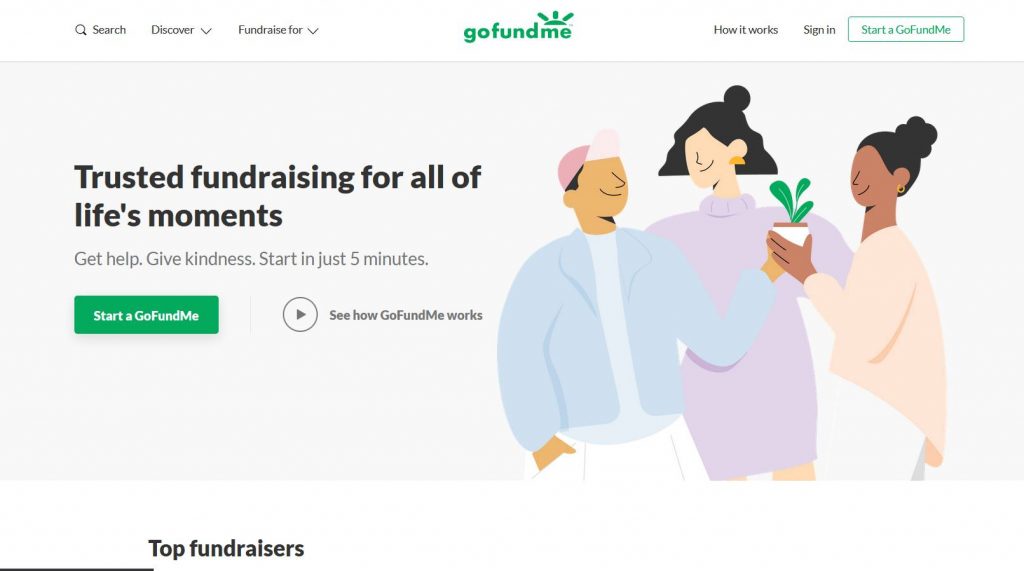
Before setting up a GoFundMe page, you need to create an account on the platform. You can do this by visiting the GoFundMe website and clicking on the "Start a GoFundMe" button. Enter your email address and password to sign up. Alternatively, you can sign up using your Facebook or Google account.
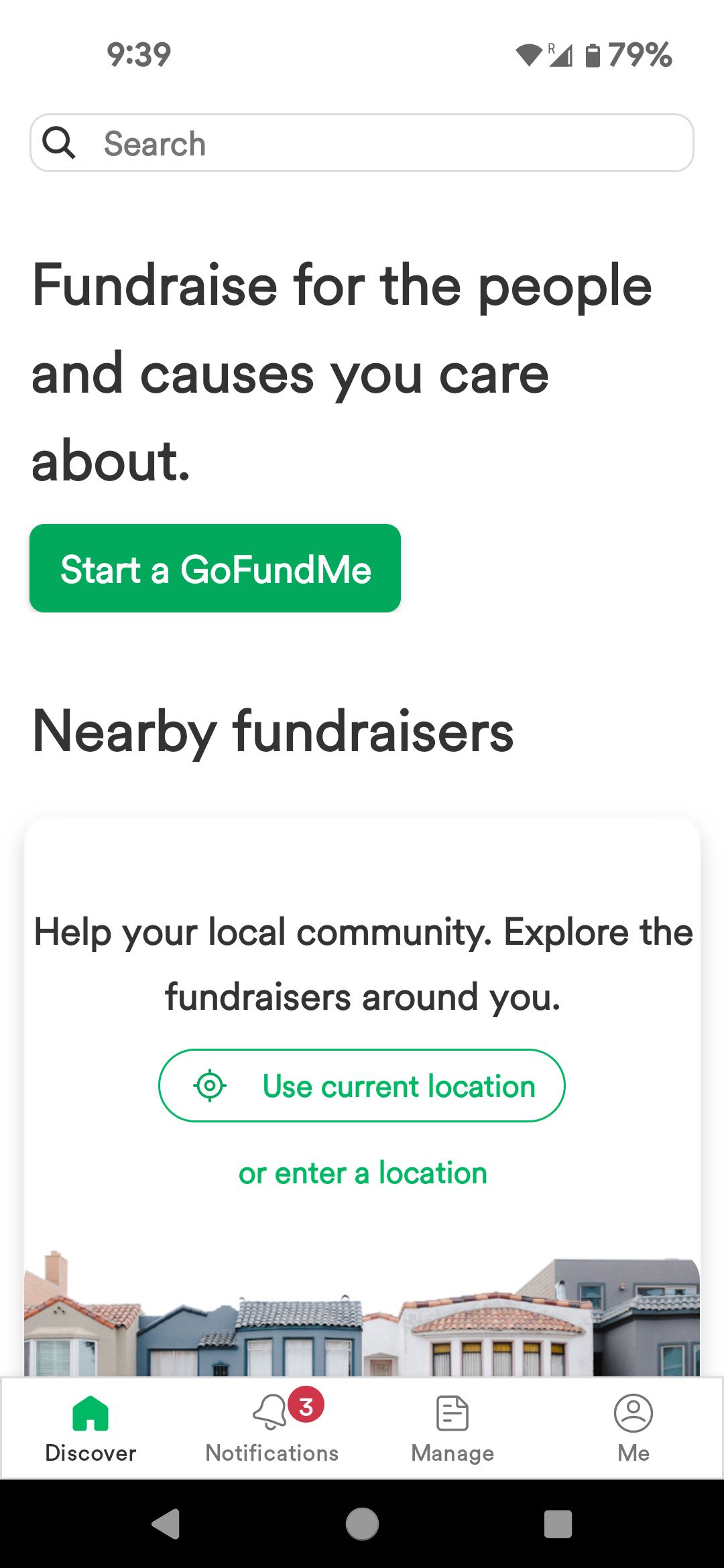
- Click on the "Start a GoFundMe" button on the GoFundMe website.
- Enter your email address and password to create an account.
- You can also sign up using your Facebook or Google account.
Setting Up a Fundraiser
Once you have created your account, you can start setting up your fundraiser. You can choose to work with a personal fundraising coach or create your fundraiser yourself.
- Choose the type of fundraiser you want to create (e.g., personal, organization, or business).
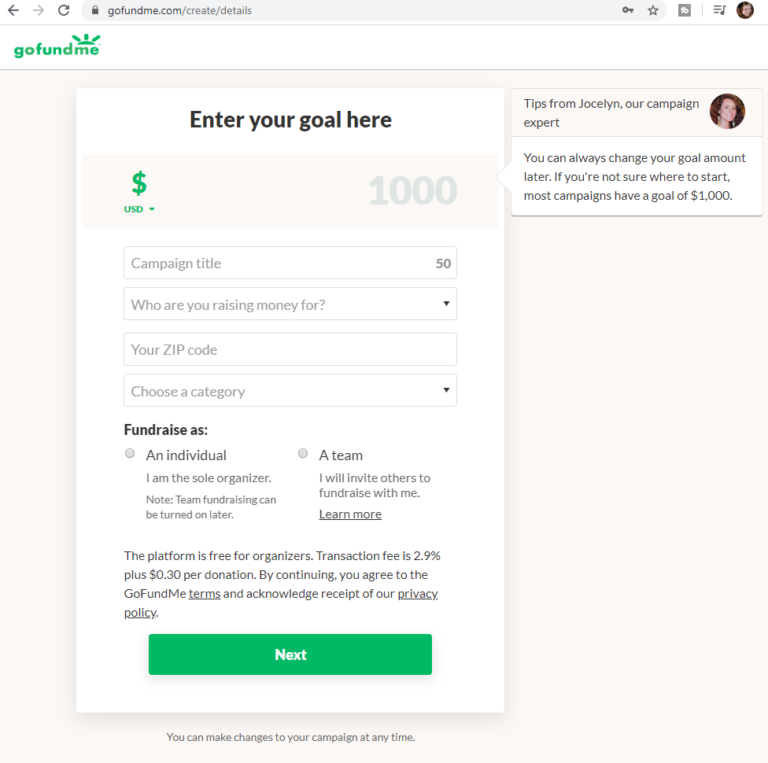
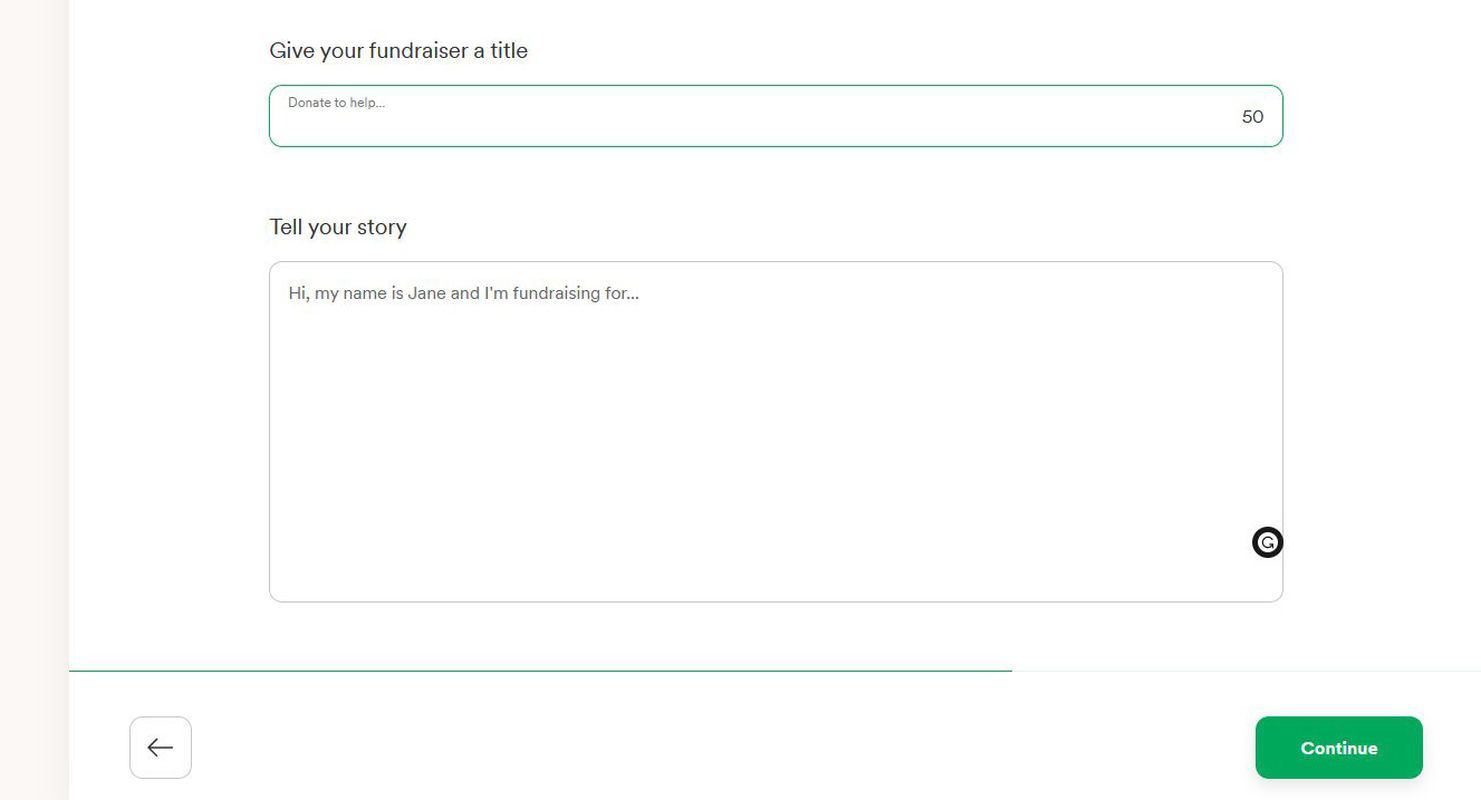
- Enter the fundraiser title and a brief description of the cause or purpose of the fundraiser.
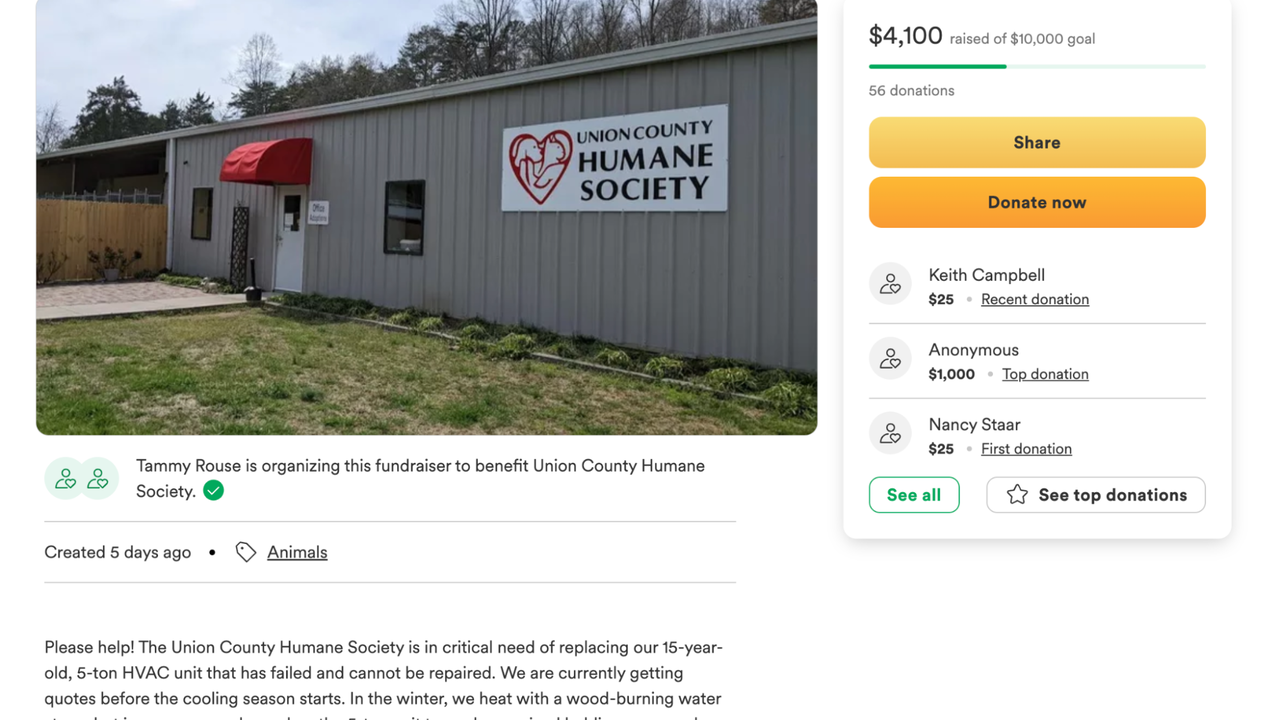
- Set a fundraising goal and add a cover photo or video to make your fundraiser stand out.
- Customize your fundraiser by adding details and information to help potential donors understand your cause.
Writing a Compelling Story and Adding Photos and Videos
A compelling story and eye-catching photos and videos can make your fundraiser stand out and attract more donors. Consider adding a personal story, a video, or photos to showcase the impact of your fundraiser.
- Write a clear and concise story that explains the purpose and need of your fundraiser.
- Add photos and videos to illustrate the impact of your fundraiser.
- Use emotional storytelling techniques to engage your audience and encourage them to donate.

Promoting Your Fundraiser
Once your fundraiser is live, you need to promote it to attract donors. Share your fundraiser on social media, email, and other online platforms to reach a wider audience.
- Share your fundraiser on social media platforms like Facebook, Twitter, and Instagram.
- Use email marketing to reach your network and ask for donations.
- Collaborate with influencers or popular bloggers in your niche to promote your fundraiser.
Tracking and Managing Donations
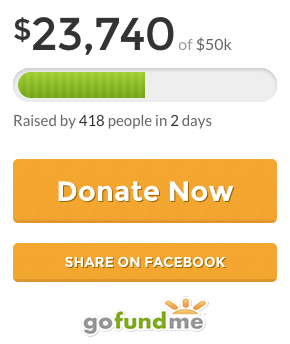
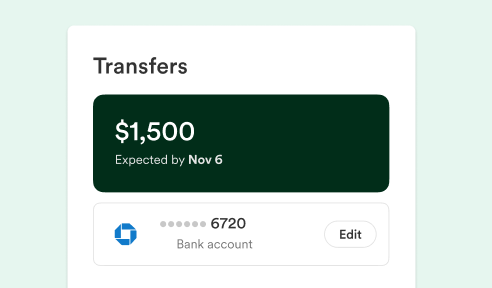
Once donations start coming in, it's essential to track and manage them effectively. GoFundMe provides various tools and features to help you manage your donations, including a dashboard to view donations, a tracker to monitor progress, and a notification system to keep you updated on new donations.
Conclusion
Starting a GoFundMe page is quick and easy, and with these step-by-step instructions, you can create a successful fundraiser that connects with donors and drives results. Remember to write a compelling story, add eye-catching photos and videos, and promote your fundraiser to attract a wider audience.
Additional Resources
For more information on setting up a GoFundMe page and fundraising, check out the following resources:
- GoFundMe's Help Center: A comprehensive guide to setting up and managing a GoFundMe campaign.
- GoFundMe's Fundraiser Coaching: Personalized guidance to help you create and grow your fundraiser.
- GoFundMe's Blog: Tips and advice on fundraising, marketing, and promoting your charity or cause.
With these resources and the step-by-step guide above, you're ready to create a successful GoFundMe page and start raising funds for your chosen cause.