Hide Online Browsing History: Protect Your Digital Security and Privacy
In today's digital age, protecting our online privacy and security is more crucial than ever. With the constant threat of cybercrimes, data breaches, and surveillance, it's essential to know how to hide your online browsing history. In this article, we'll delve into the world of online anonymity, exploring the entities that can see your browsing history, and provide you with practical tips on how to prevent them from tracking your online activities.
Who Can See Your Browsing History?
While most people are concerned about their online activities being monitored by the government or cybercriminals, there are several entities that can see your browsing history without your knowledge or consent. These include:
- Internet Service Providers (ISPs): Your ISP can track your browsing history, including the websites you visit, the searches you conduct, and the files you download.
- Network Administrators: If you're connected to a public Wi-Fi network or a network provided by your employer or school, the network administrator can monitor your browsing activities.
- Advertisers: Advertisers use cookies and other tracking technologies to collect data about your browsing habits and interests.
- Malware and Viruses: Malware and viruses can intercept your browsing data, allowing hackers to access sensitive information.
5 Essential Tips to Hide Your Internet Search History
If you're a victim of domestic violence or seeking help online, it's essential to protect yourself from an abuser who may monitor your online activities. Here are 5 essential tips to help you hide your internet search history:
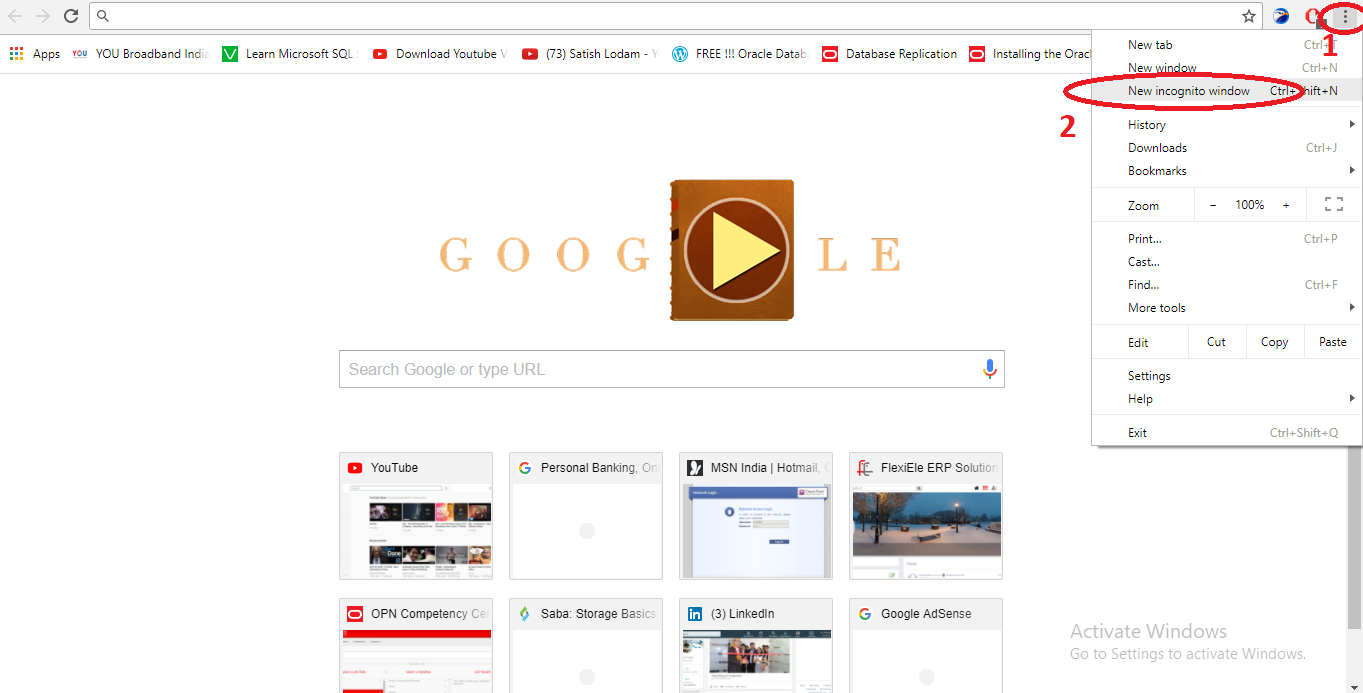
- Use Private Browsing: Private browsing (also known as incognito mode) is a feature available in most web browsers that prevents your browsing history from being stored. However, it's not a substitute for more advanced security measures like a virtual private network (VPN) or encrypted messaging apps.
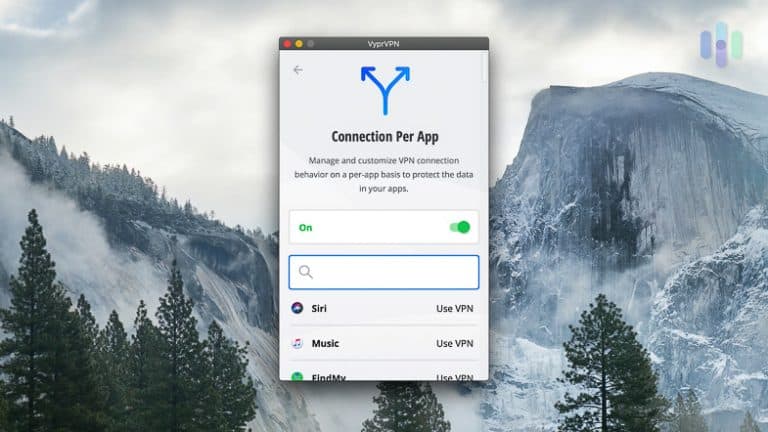
- Use a VPN: A VPN encrypts your internet traffic, hiding your browsing history from your ISP and network administrator. When choosing a VPN, look for one that offers strong encryption and a no-logs policy.
- Use a Proxy Server: A proxy server acts as an intermediary between your device and the internet, hiding your IP address and browsing history. You can use a free proxy server or set up a subscription-based service.
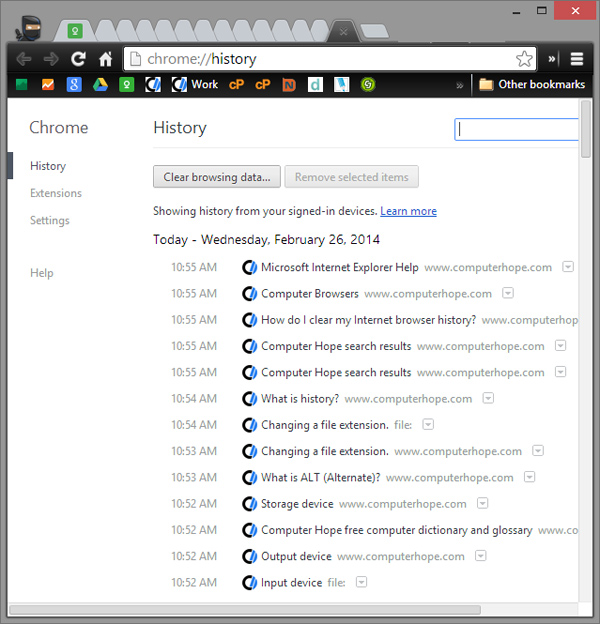
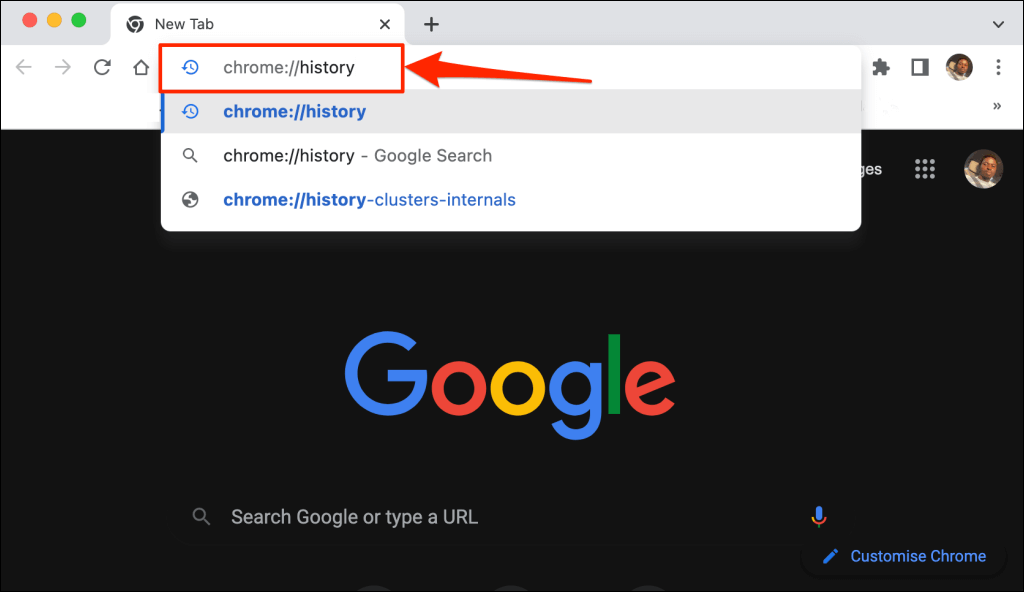
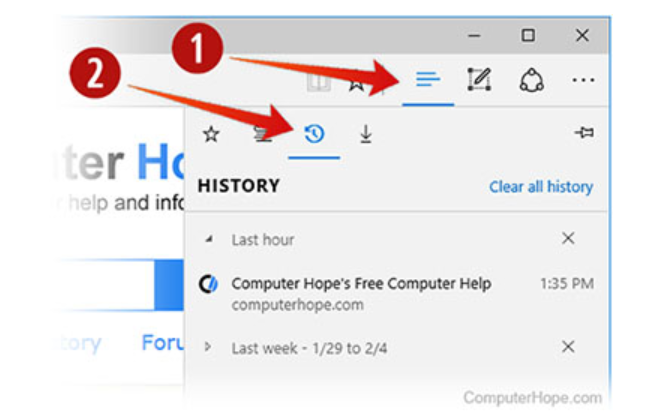
- Clear Your Browser History: Regularly clearing your browser history and deleting cookies can help prevent tracking. You can also use browser extensions like Ghostery or uBlock Origin to block tracking scripts.
- Use a Secure Browser: Consider switching to a secure browser that offers advanced security features, such as Brave or Tor. These browsers are designed to protect your online anonymity and prevent tracking.
Why Hide Your Online Browsing History?
There are several reasons why you may want to hide your online browsing history, including:
- Protecting your personal data and sensitive information.
- Preventing targeted ads and marketing campaigns.
- Maintaining online anonymity and avoiding surveillance.
- Protecting your online reputation and preventing cyberbullying.
Conclusion
Protecting your online privacy and security is a crucial step in maintaining your digital security. By understanding who can see your browsing history and using practical tips to hide your internet search history, you can safeguard your personal data and maintain online anonymity. Remember to use private browsing, a VPN, a proxy server, and clear your browser history regularly to prevent tracking. Stay safe online!
Resource Links:
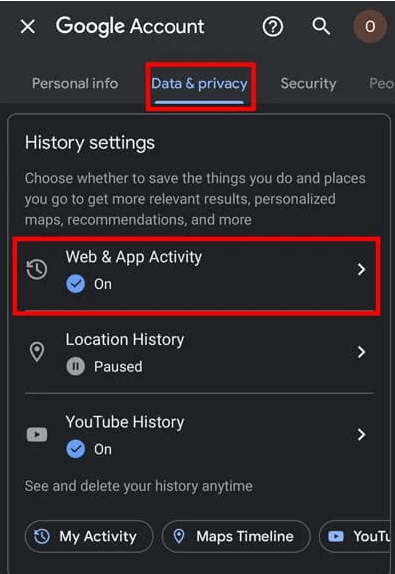
WPSoftware - Learn how to opt out of Google Ads personalization with this comprehensive guide.
Steganos - Discover how to browse anonymously with the Steganos Online Web Proxy.
Google Support - Learn how to clear your browsing history in Google Chrome.