How to Protect Email Account Online Safe
Protecting your email account online is essential in today's digital age. With cyber threats increasing daily, it's crucial to take proactive steps to safeguard your email account from hackers and scammers. In this article, we will discuss the importance of protecting your email account online and provide you with practical tips on how to protect email account online safe.Why Protecting Email Account Online is Important
Your email account is a gateway to sensitive information, including passwords, financial data, and personal details. If hackers gain access to your email account, they can use this information to commit identity theft, financial fraud, and other malicious activities. Therefore, it's crucial to protect your email account online to prevent sensitive data from falling into the wrong hands.How Email Accounts Get Compromised
Cybercriminals often target email accounts to gain unauthorized access to sensitive information. Here are some common ways email accounts get compromised: * **Weak passwords**: Using weak or easily guessable passwords can make iteasy for hackers to access your email account. * **Phishing attacks**: Scammers use phishing emails or texts to trick you into revealing your password or other sensitive information. * **Malware**: Malware can be installed on your device, allowing hackers to access your email account without your knowledge.5 Steps to Protect Email Account Online
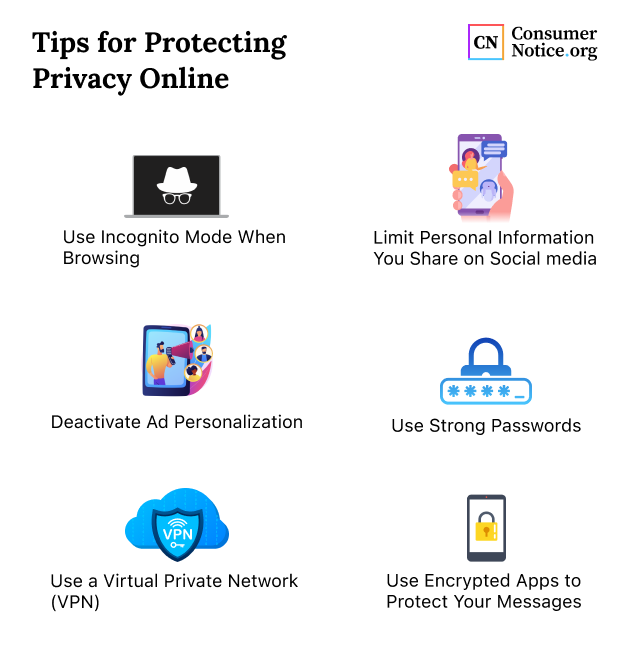
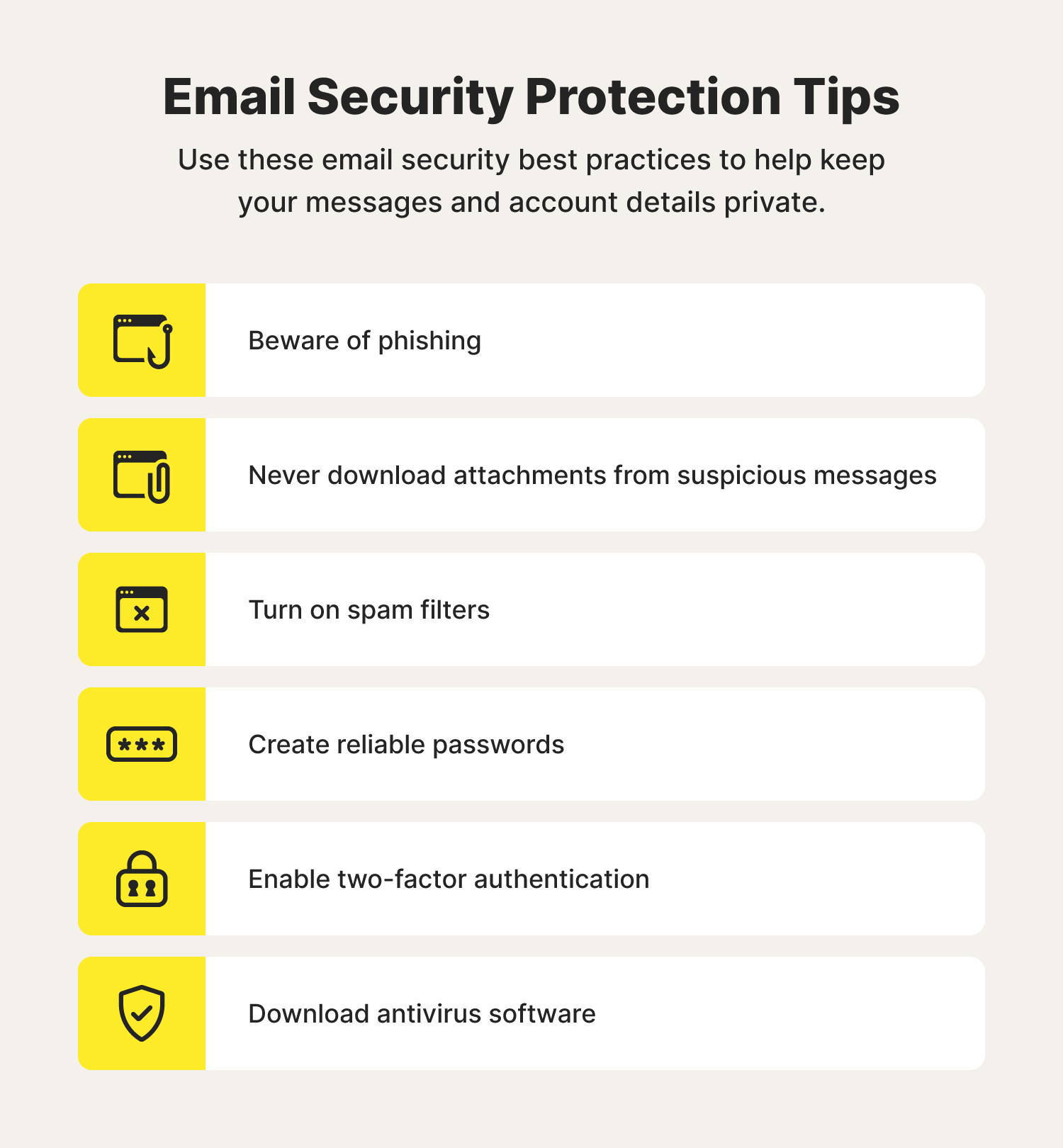
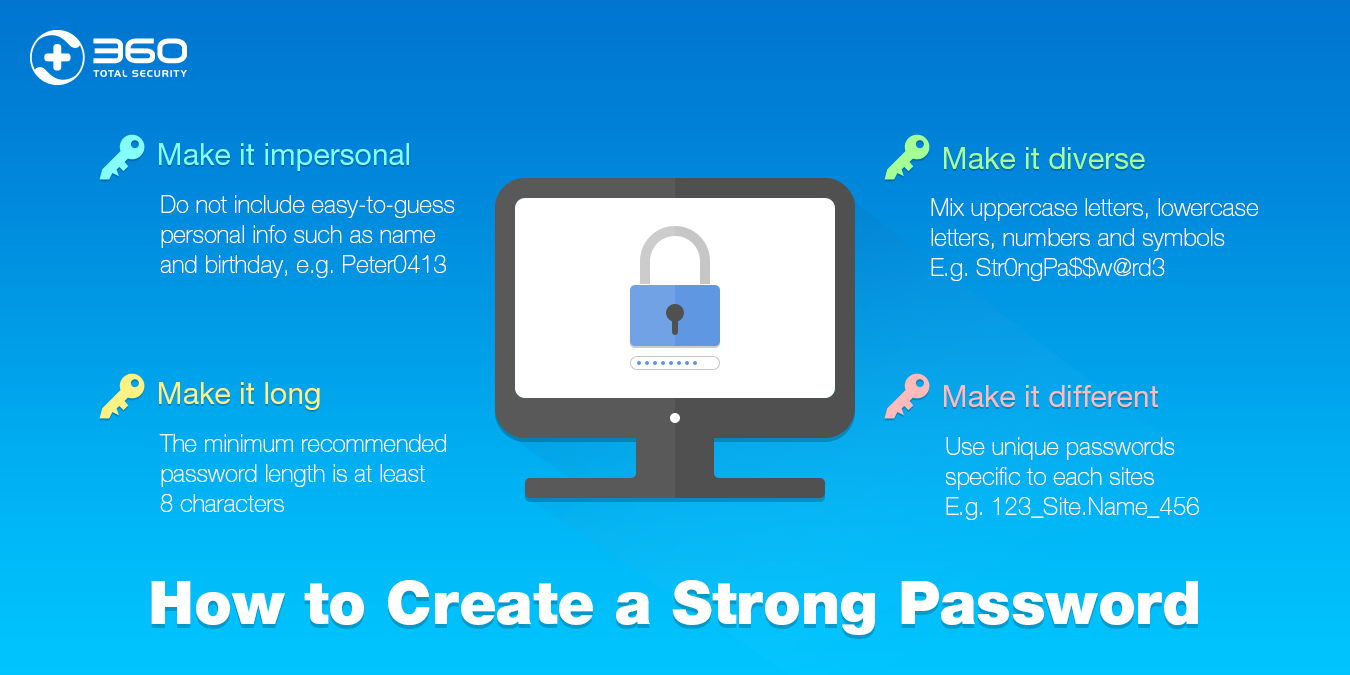
- Use a strong password**: Choose a password that is unique and difficult to guess. Avoid using easily guessable information, such as your name, birthdate, or common words.
- Enable two-factor authentication (2FA)**: Enable 2FA to add an extra layer of security to your email account. This requires you to provide a second form of verification, such as a code sent to your phone or a biometric scan.
- Use a secure email client**: Use a reputable email client that offers robust security features, such as encryption and password protection.
- Monitor account activity**: Regularly review your email account activity to detect any suspicious activity.
- Use a reputable antivirus software**: Install antivirus software that scans your device for malware and viruses, helping to prevent unauthorized access to your email account.