Instagram Security Recommendations: Protecting Your Account from Threats
In today's digital age, social media platforms like Instagram have become an integral part of our lives. With over a billion active users, Instagram provides a platform for users to express themselves, connect with others, and share their experiences. However, with the increased usage of Instagram, there has been a rise in security threats and scams that can compromise your account safety. In this article, we will provide you with a comprehensive guide on Instagram security recommendations to help you protect your account from threats.
Learn How to Bolster Your Account with Instagram Security Tools
Instagram offers various tools and features to help keep your account safe and secure. These tools include:
- Two-Factor Authentication (2FA): This feature adds an extra layer of security to your Instagram account by requiring you to enter a code sent to your email or phone number in addition to your password.
- Password Guidelines: Instagram recommends using a strong and unique password for your account. You should also avoid using the same password for multiple accounts.
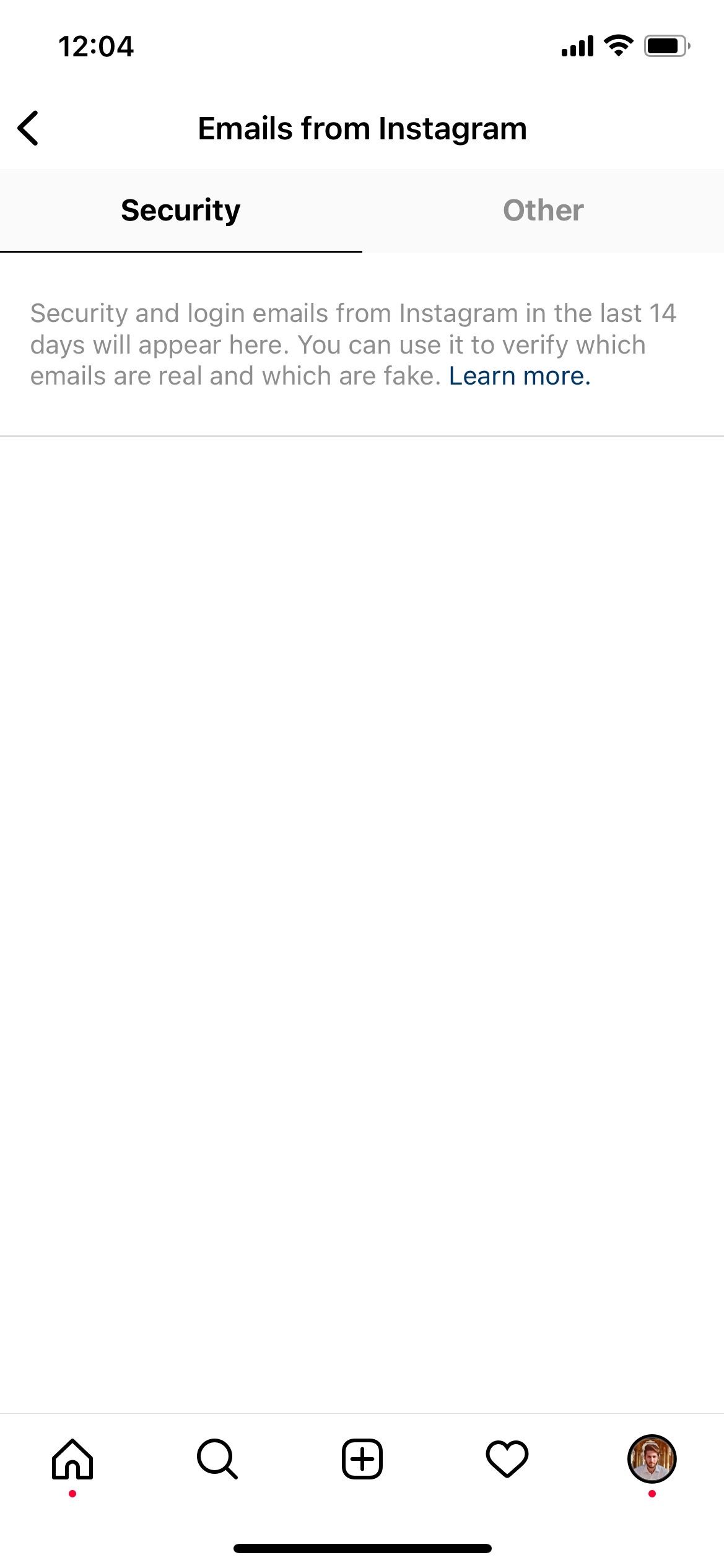
- Email Address Verification: Make sure your email address is up to date to receive important security notifications and updates from Instagram.
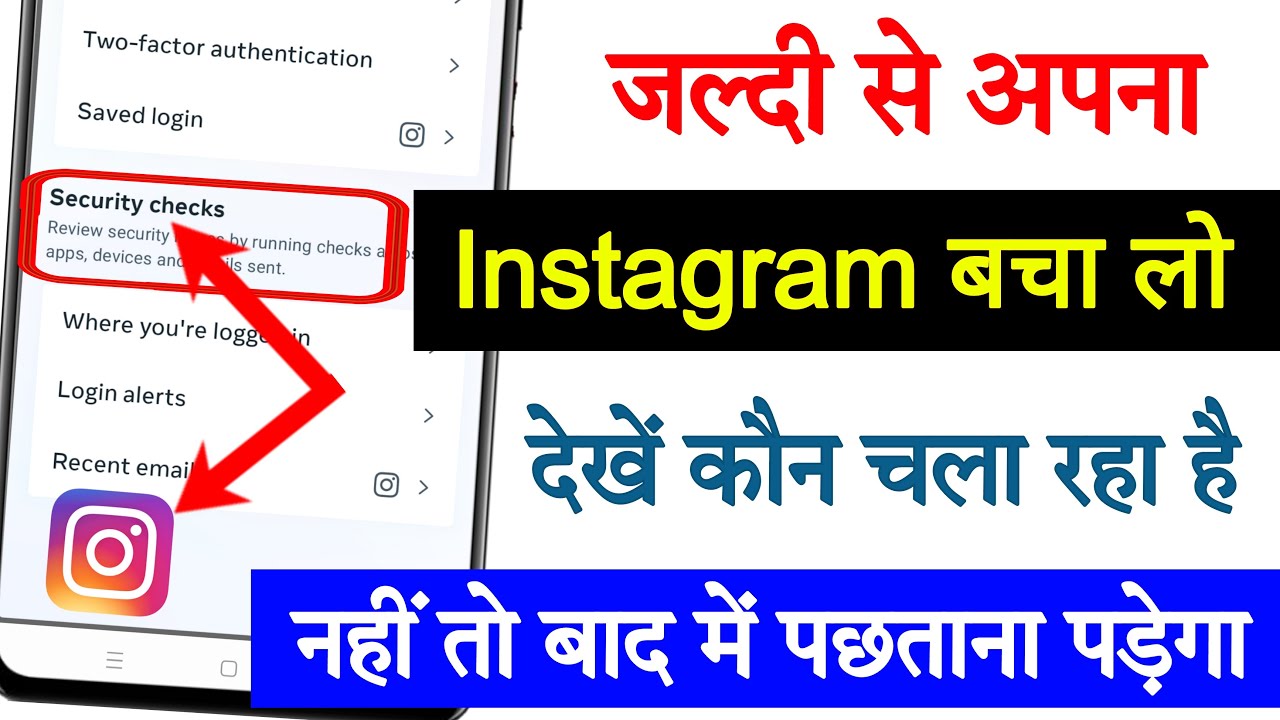
- Security Checkup: This tool provides recommendations on how to make your Instagram account more secure, including creating a stronger password and enabling additional security features.
Activities to Avoid on Instagram
To minimize the risk of your account being compromised, it's essential to avoid certain activities on Instagram. These include:
- Sharing Personal Information: Avoid sharing personal details, such as your address, phone number, or financial information, on Instagram.
- Clicking on Suspicious Links: Be cautious when clicking on links from unknown sources, as they may lead to phishing scams or malware.
- Engaging with Suspicious Accounts: Be wary of accounts that seem suspicious or ask for personal information.
Roles and Responsibilities for Your Instagram Account
As an Instagram user, it's crucial to understand the roles and responsibilities for your account. These include:
- Account Management: You are responsible for managing your account, including setting up two-factor authentication, updating your email address, and creating a strong password.
- Content Moderation: You are responsible for monitoring and controlling the content you post and engage with on Instagram.

Signs of Common Scams, Attacks, and Other Instagram Threats
Be aware of common scams, attacks, and threats that can compromise your Instagram account. These include:
- Phishing Scams: Scams that ask you to provide personal information or login credentials.
- Malware and Ransomware: Malicious software that can compromise your account and steal your data.
- Account Takeover: Scammers who take control of your account and post malicious content.
Steps to Take if a Security Concern Arises on Instagram
If you notice any suspicious activity or security concern on your Instagram account, take the following steps:
- Report the Issue: Immediately report the issue to Instagram's support team.
- Change Your Password: Change your password to a strong and unique one.
- Enable Two-Factor Authentication: Enable two-factor authentication to add an extra layer of security to your account.
- Monitor Your Account: Monitor your account closely for any suspicious activity.
Conclusion
Instagram security recommendations are essential to protect your account from threats and scams. By following the tips and tools provided in this article, you can ensure the security and privacy of your Instagram account. Remember to be cautious when engaging with others on Instagram, and always report any suspicious activity or security concerns to the support team.
By taking the necessary steps to secure your Instagram account, you can enjoy a safe and enjoyable experience on the platform.


![The Essential Guide to Secure Your Instagram Account [Updated]](https://static.digit.in/Instagram-45.jpg "The Essential Guide to Secure Your Instagram Account [Updated]")
![How To Protect Your Instagram Account [Security Guide] - Clario](https://nextdoorsec.com/wp-content/uploads/2023/03/How-to-Get-Instagram-Security-Code-Via-Email.png "How To Protect Your Instagram Account [Security Guide] - Clario")