How to Set Up a Projector Like a Pro: A Step-by-Step Guide
Whether you're a seasoned tech enthusiast or a newcomer to the world of home theater, setting up a projector can seem like a daunting task. However, with the right guidance, you'll be enjoying a blockbuster movie night in no time. In this comprehensive guide, we'll walk you through the key steps to set up a projector like a pro.
Step 1: Choose the Optimal Location
Before you begin setting up your projector, it's essential to choose the perfect spot for it. Consider the following factors:
- Lighting:** Avoid setting up your projector near windows, mirrors, or any other light source that might disrupt the image quality.
- Reflections:** Opt for a location with minimal reflections from furniture, glass, or other surfaces that might create glare.
- Viewing Angle:** Make sure the viewing area is angled correctly to minimize eye strain and ensure a comfortable viewing experience.
- Noise Level:** Try to minimize background noise by setting up your projector in a quiet room or using noise-reducing materials.
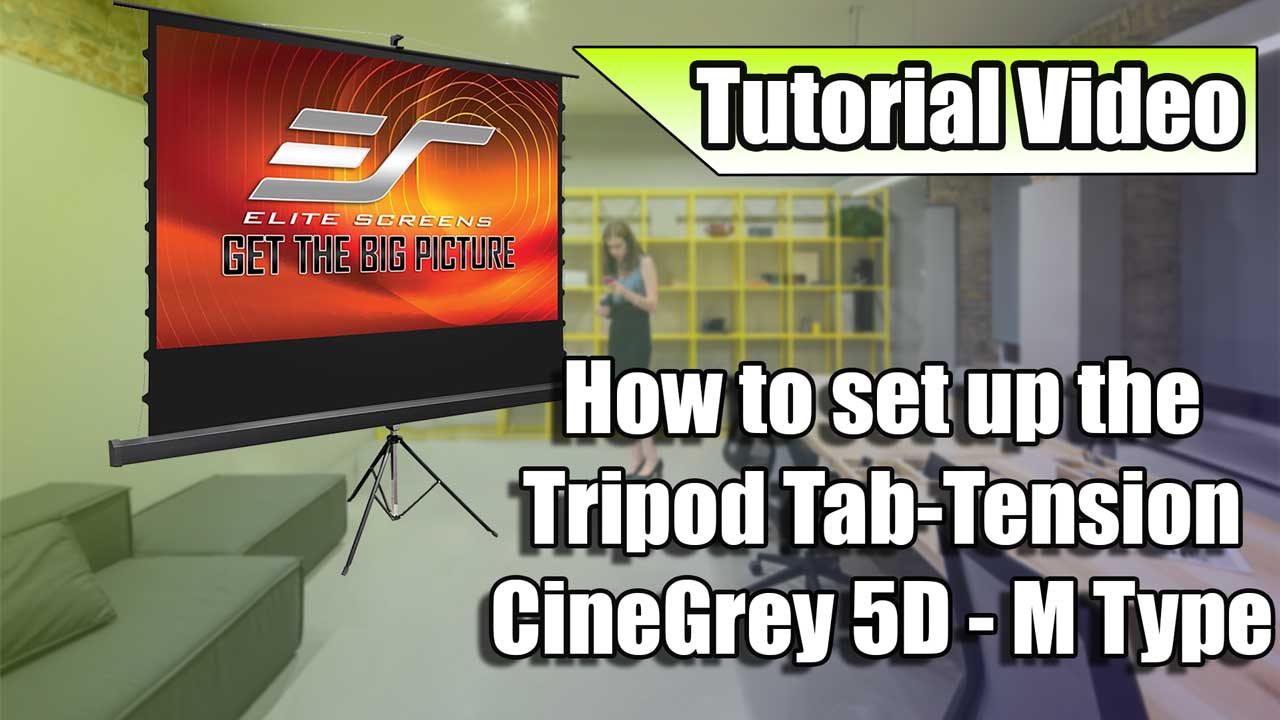
Step 2: Install the Screen
Once you've found the perfect location, it's time to install your screen. Consider the following options:
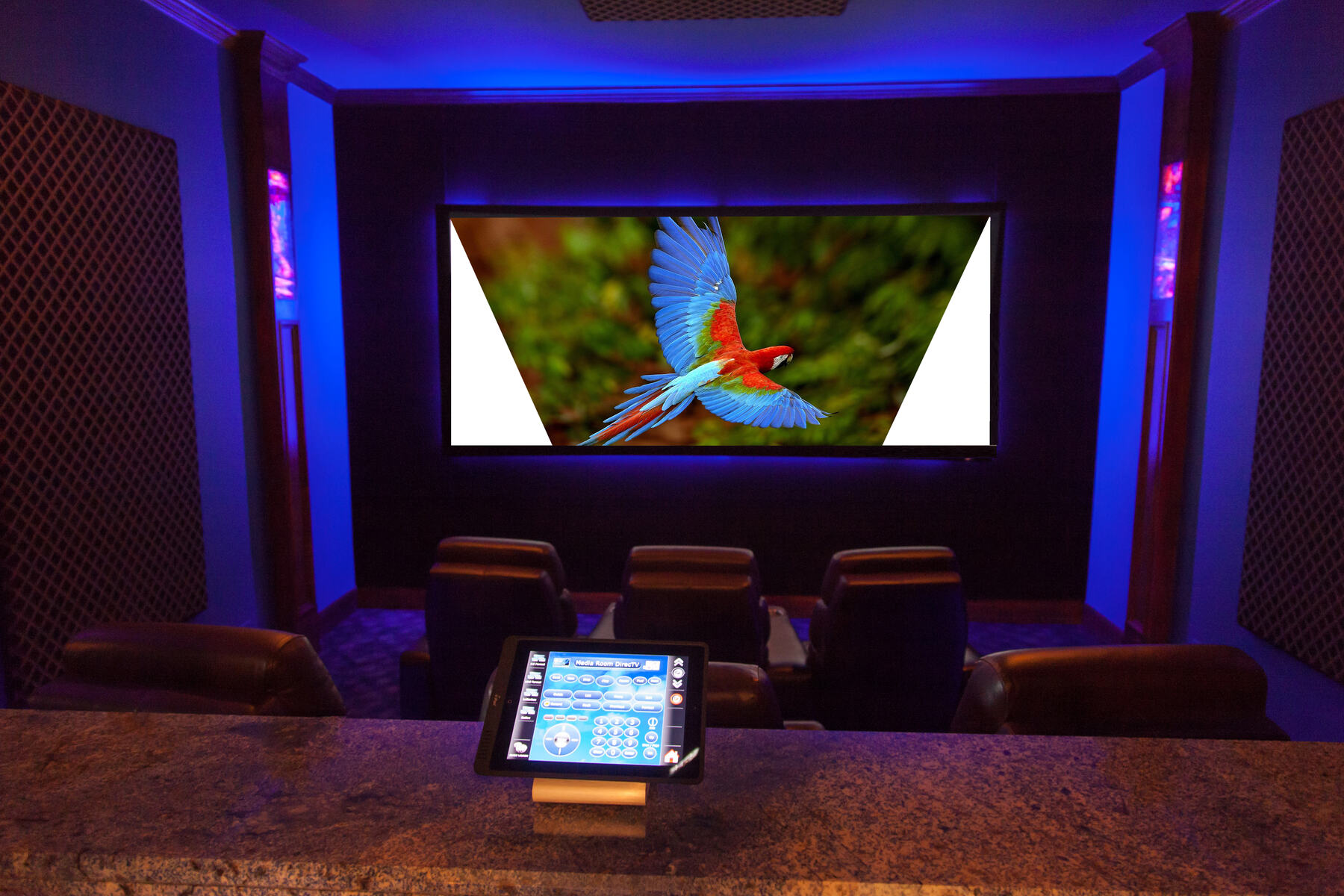
- Fixed Screen:** This is a good option for a fixed viewing area, as it provides a crisp and clear image.
- Inflatable Screen:** An inflatable screen is portable and easy to set up, making it perfect for outdoor movie nights or makeshift home theaters.
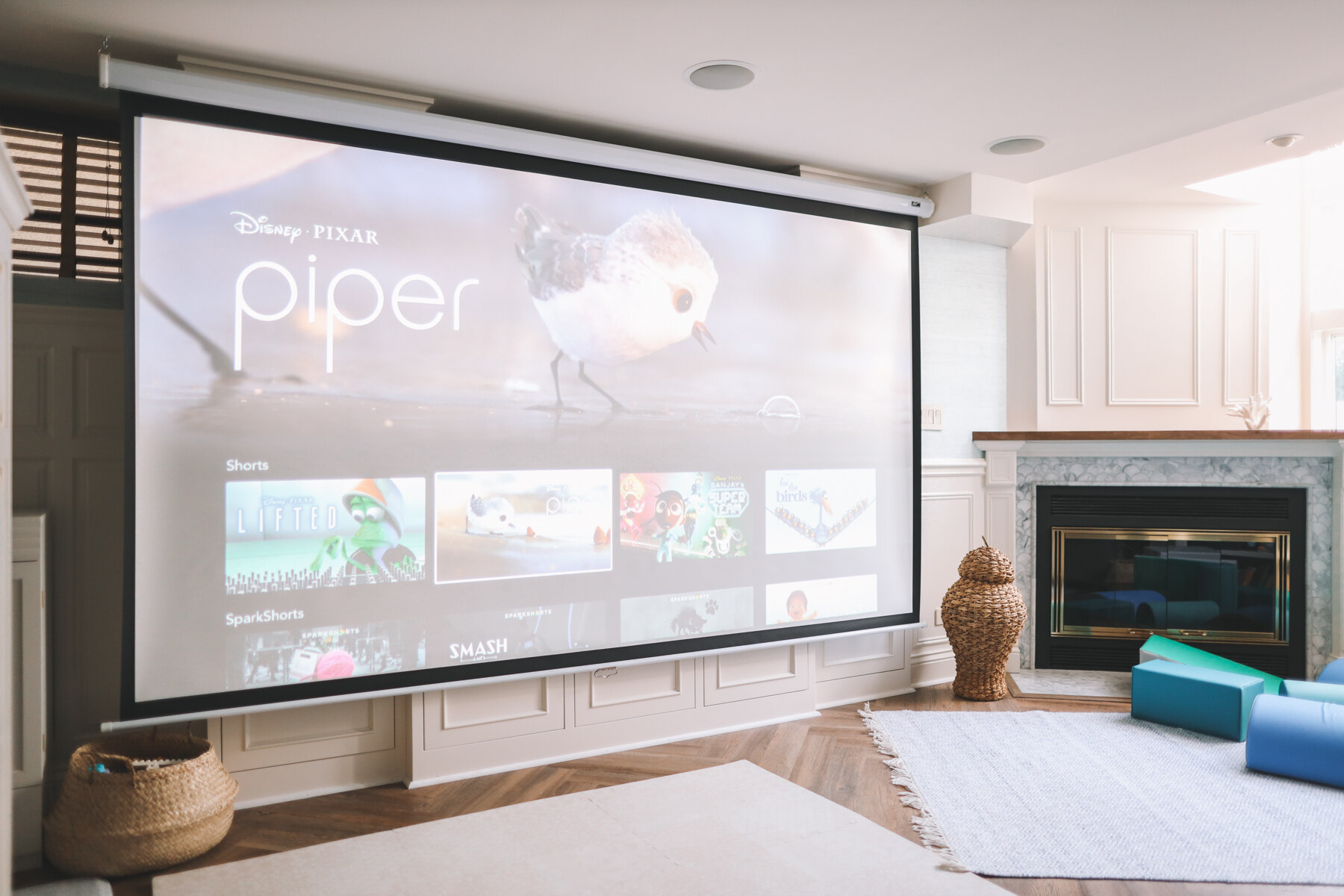
- Ceiling-Mounted Screen:** Ceiling-mounted screens offer a sleek and modern look, and can be easily installed in a variety of locations.
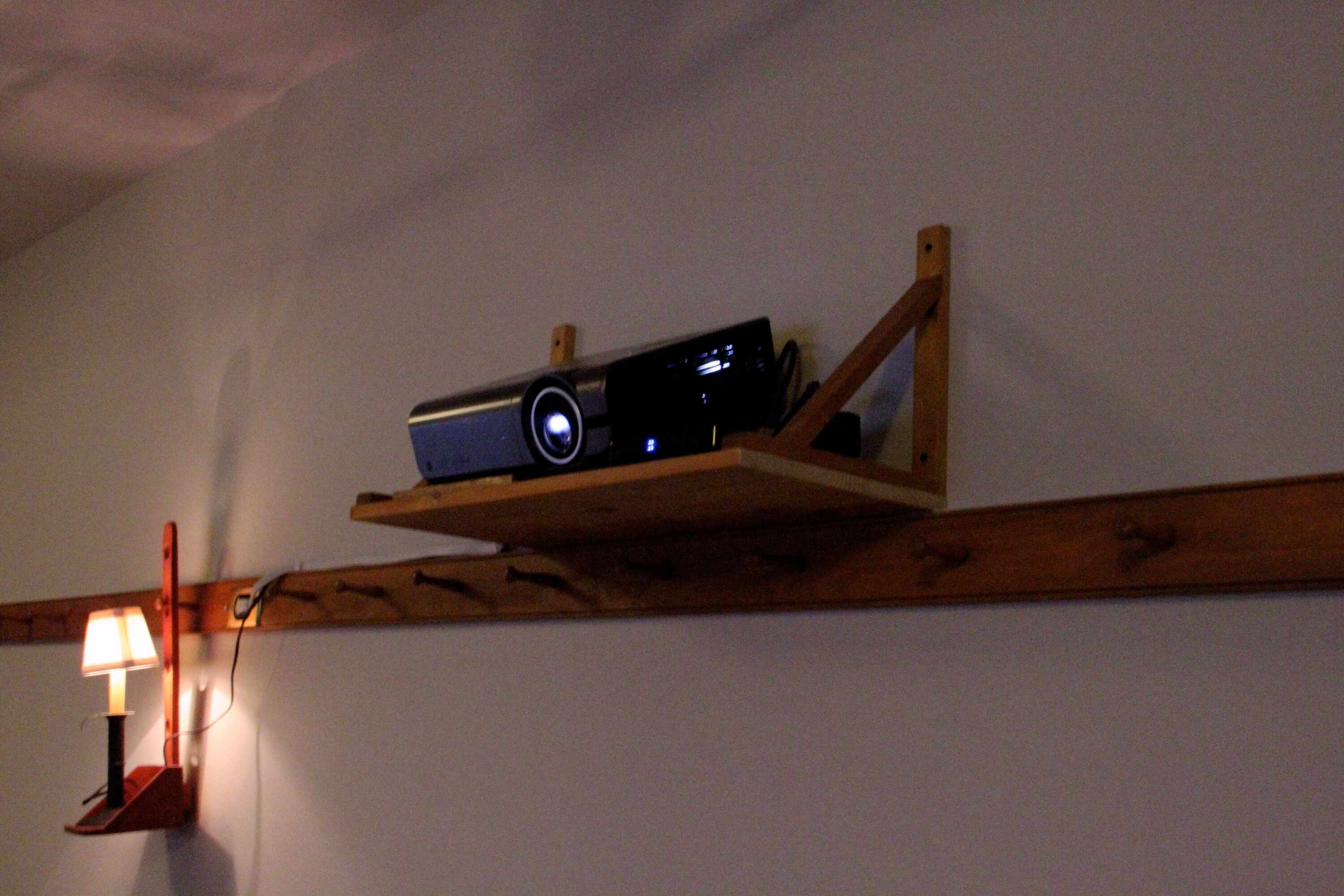
Step 3: Position and Mount the Projector
Now that you've installed your screen, it's time to position and mount your projector:
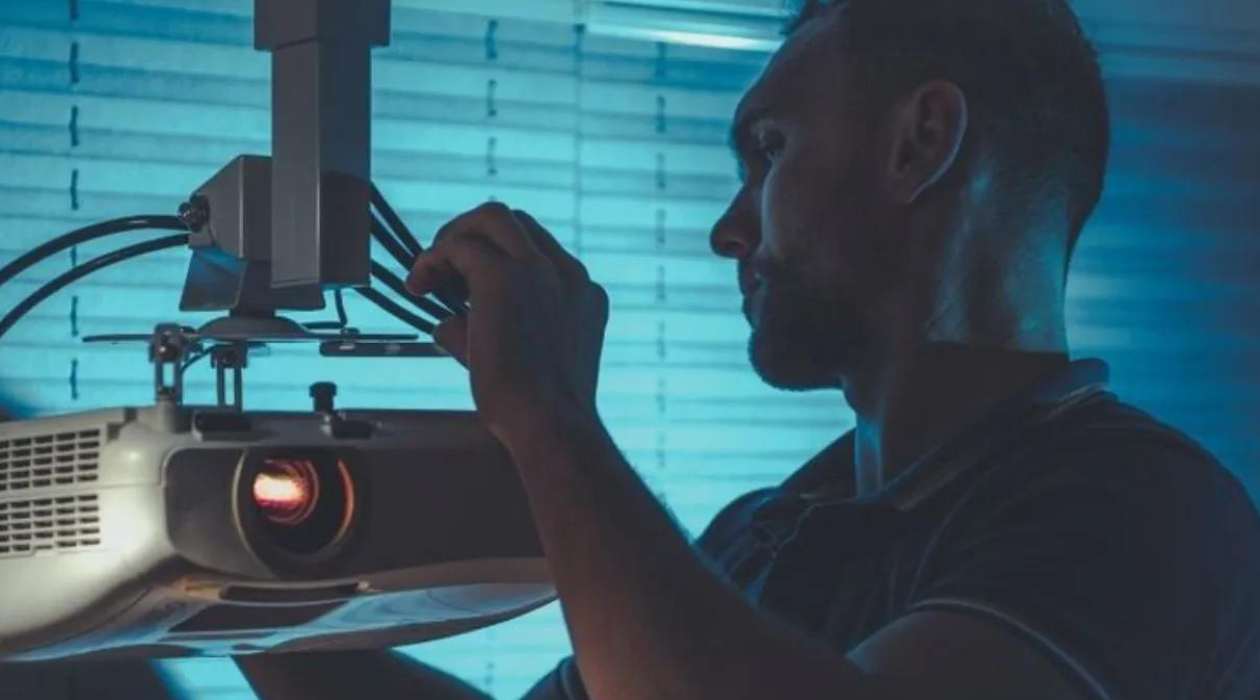
- Fix the Projector to the Ceiling:** Use a sturdy ceiling mount to secure your projector in place and ensure a stable image.
- Align the Projector:** Use keystone correction to adjust the image and ensure centered alignment on the screen.
- Check the Image:** Before finalizing your setup, test the image to ensure it's clear, bright, and well-defined.
Step 4: Connect and Power Up
Now that your projector is positioned and mounted, it's time to connect and power up:

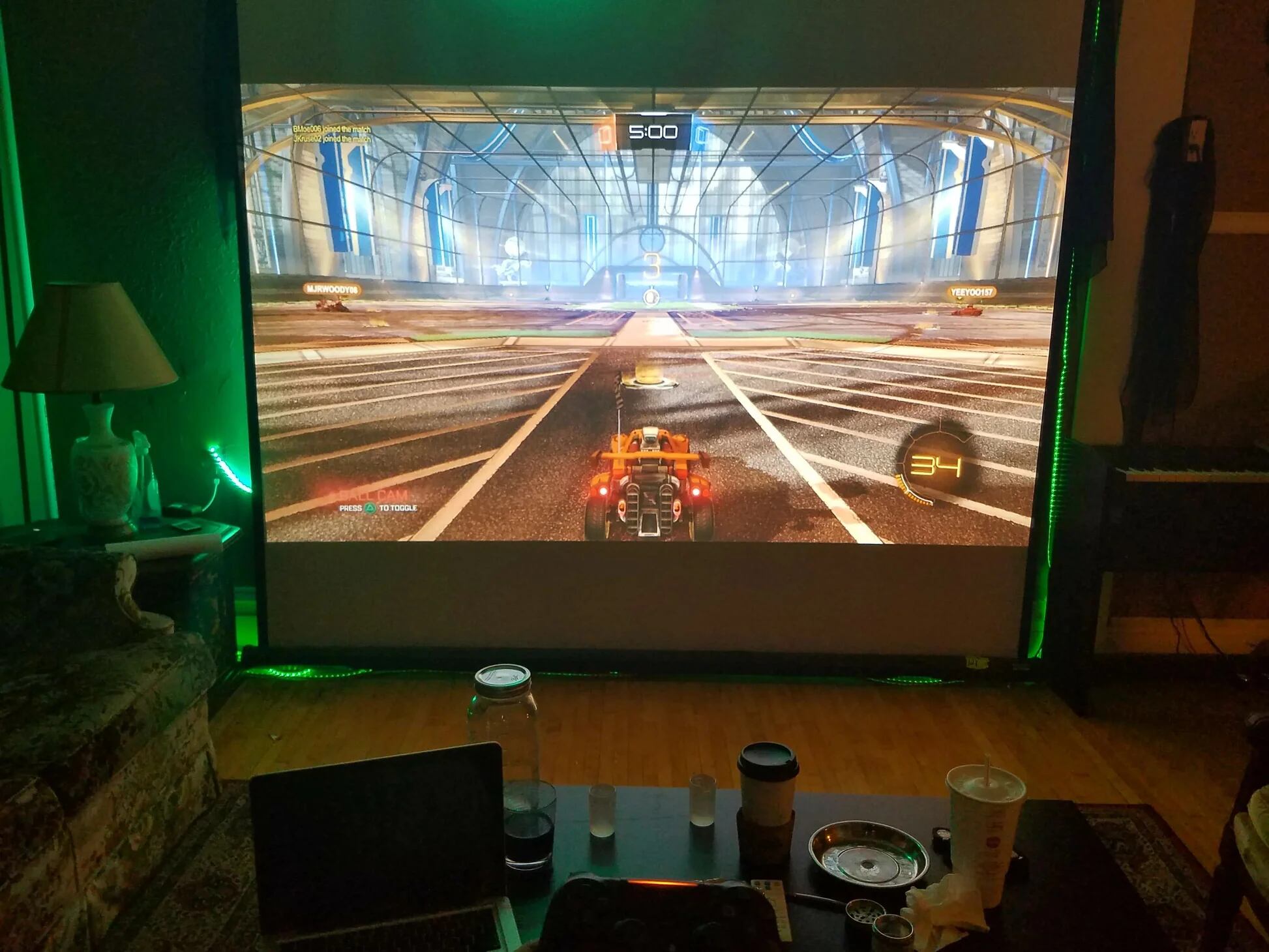
- Connect the Projector to Your Source Device:** Use an HDMI cable to connect your projector to your gaming console, laptop, or other source device.
- Power Up the Projector:** Ensure the projector is properly plugged in and turned on, and adjust the brightness and contrast settings to optimize the image.
- Calibrate the Projector:** Use the calibration menu to adjust the picture settings, brightness, and contrast to achieve the best possible image quality.
Step 5: Adjust and Focus the Image
Finally, it's time to adjust and focus the image to ensure a seamless viewing experience:
- Adjust the Focus:** Use the zoom and focus controls to adjust the image and ensure it's clear and well-defined.
- Adjust the Keystone:** Use keystone correction to adjust the image and ensure centered alignment on the screen.
- Check the Image:** Before finalizing your setup, test the image to ensure it's clear, bright, and well-defined.
Conclusion
With these simple steps, you'll be enjoying a blockbuster movie night in no time. Remember to follow the manufacturer's instructions, and don't hesitate to reach out if you need further assistance. Happy viewing!
Buying and Installing a Home Theater Projector
Planning, measuring, building, purchasing, and installing a home theater projector requires patience and dedication. Consider consulting with a professional installer, if you're unsure about the process.
Portable Projector Screen Included
The V08 mini projector includes a projection screen that is tailored to meet our customer's needs. As opposed to other projectors, our included projectors screen allows you to set up your own home theater anywhere to watch movies, TV shows, photos, slide shows, and play video games.