How to Set Up a Nest Thermostat: A Step-by-Step Guide
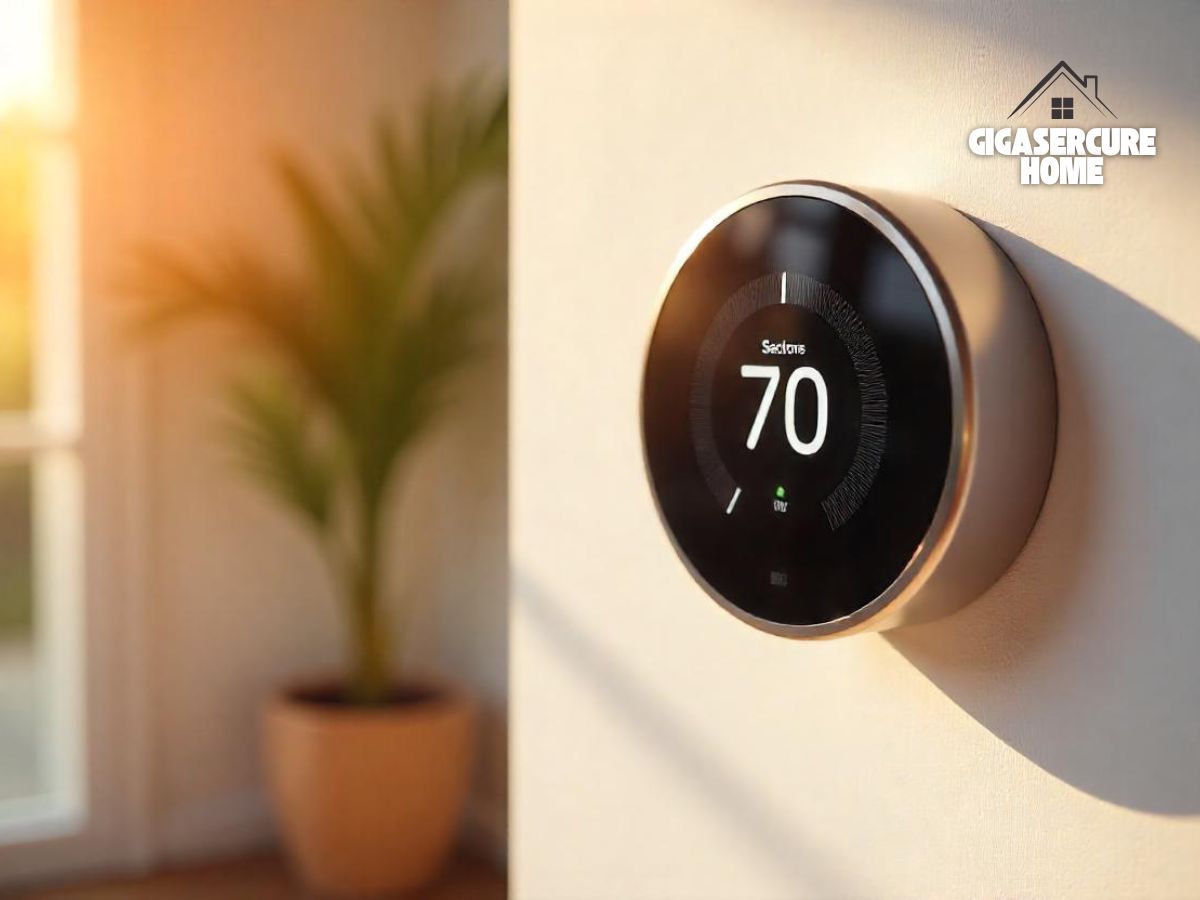
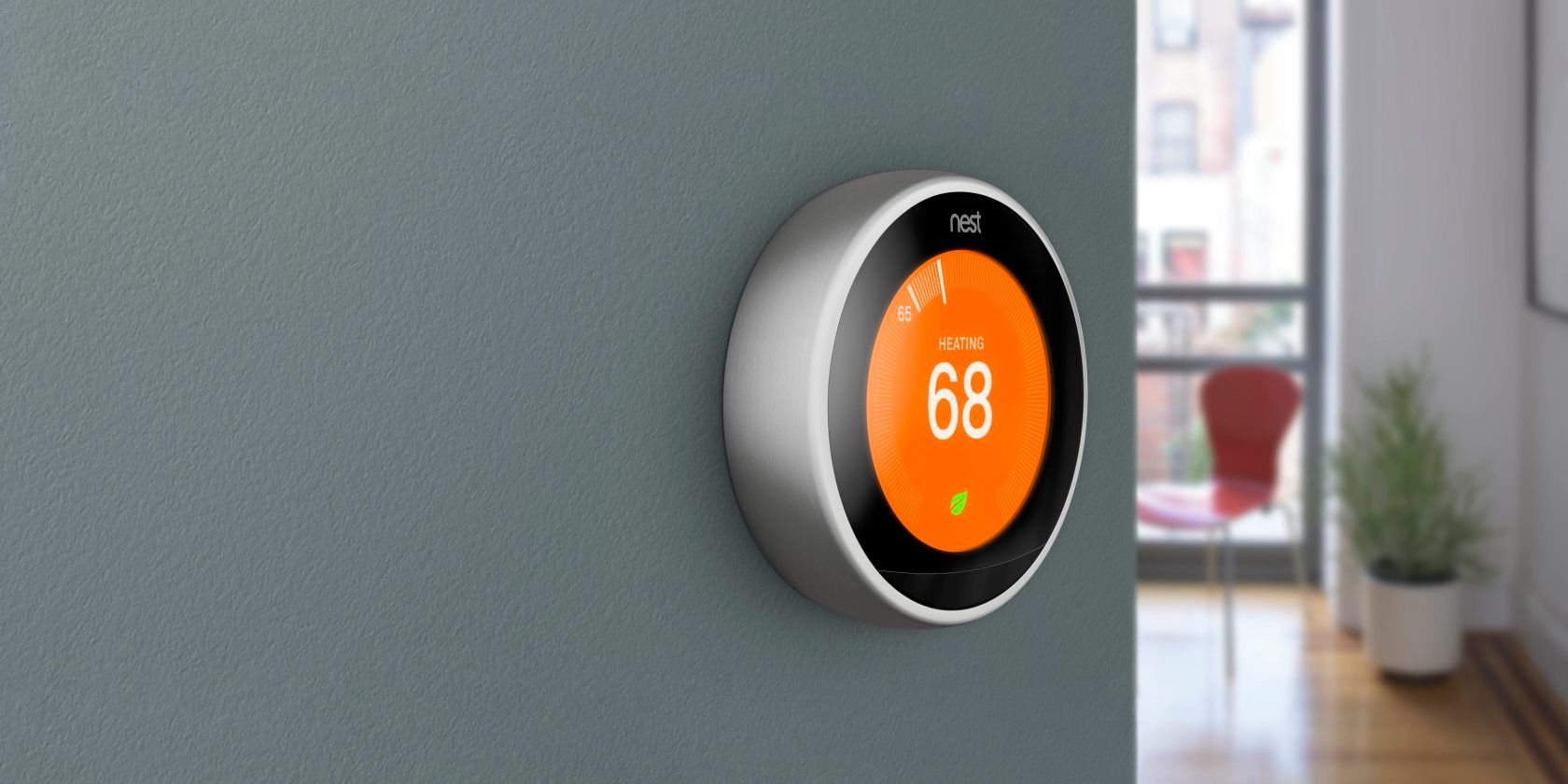
The Nest thermostat is a popular smart thermostat designed to optimize home comfort and energy savings. Installing a Nest thermostat is a relatively straightforward process, but it requires some technical knowledge and attention to detail.
Before You Start
Before you start the installation process, make sure you have the following:
- A Nest thermostat (e.g., Nest E or Nest Learning Thermostat)
- The Nest thermostat's quick start card
- The installation manual for your Nest thermostat
- A phone or tablet with the Nest app installed
Step 1: Prepare Your Thermostat
Shut off the power to your current thermostat and remove it from the wall. Label the wires to ensure they can be easily identified during the installation process.
Step 2: Install the Nest Base
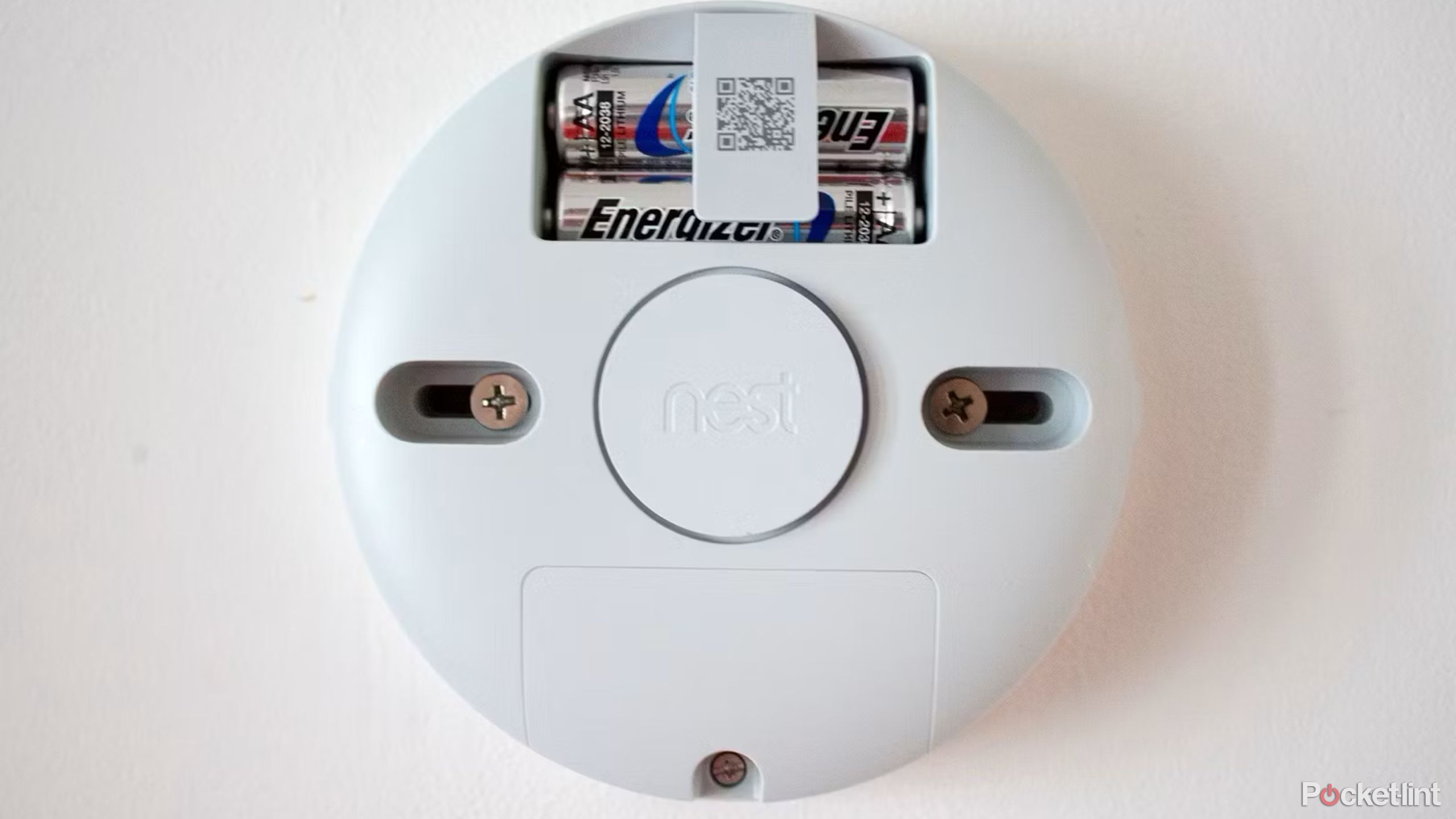
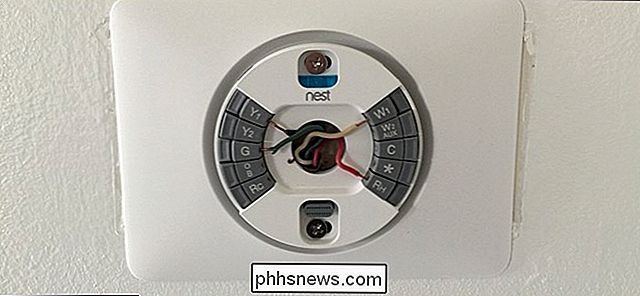
Mount the Nest base to the wall using the provided screws. Make sure it is level and securely attached.
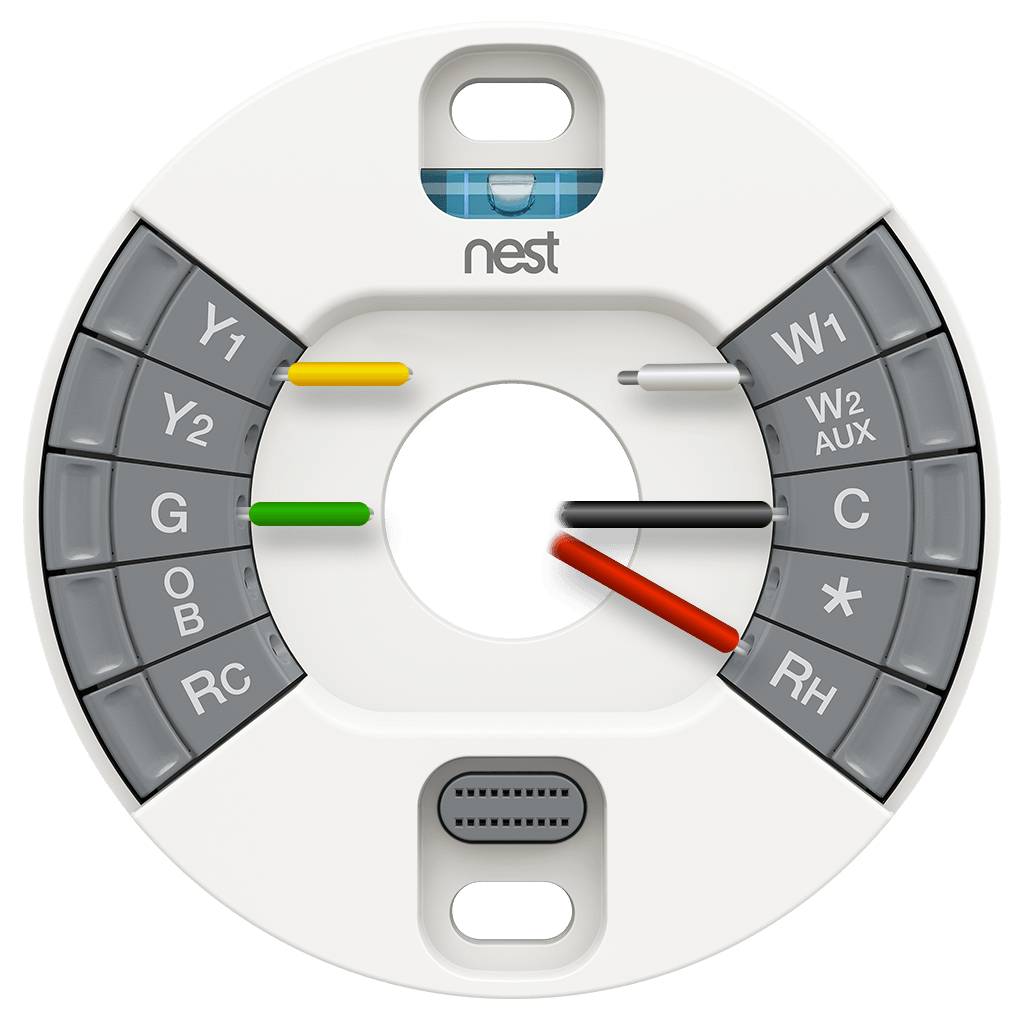
Step 3: Connect the Wires
Connect the wires to the Nest thermostat. Refer to the installation manual for the correct wire connections.
Step 4: Attach the Nest Thermostat to the Base
Attach the Nest thermostat to the base, making sure it is securely fastened.

Step 5: Turn On the Power
Turn the power back on and verify that the Nest thermostat is working correctly.
Step 6: Set Up the Nest Thermostat Using the App
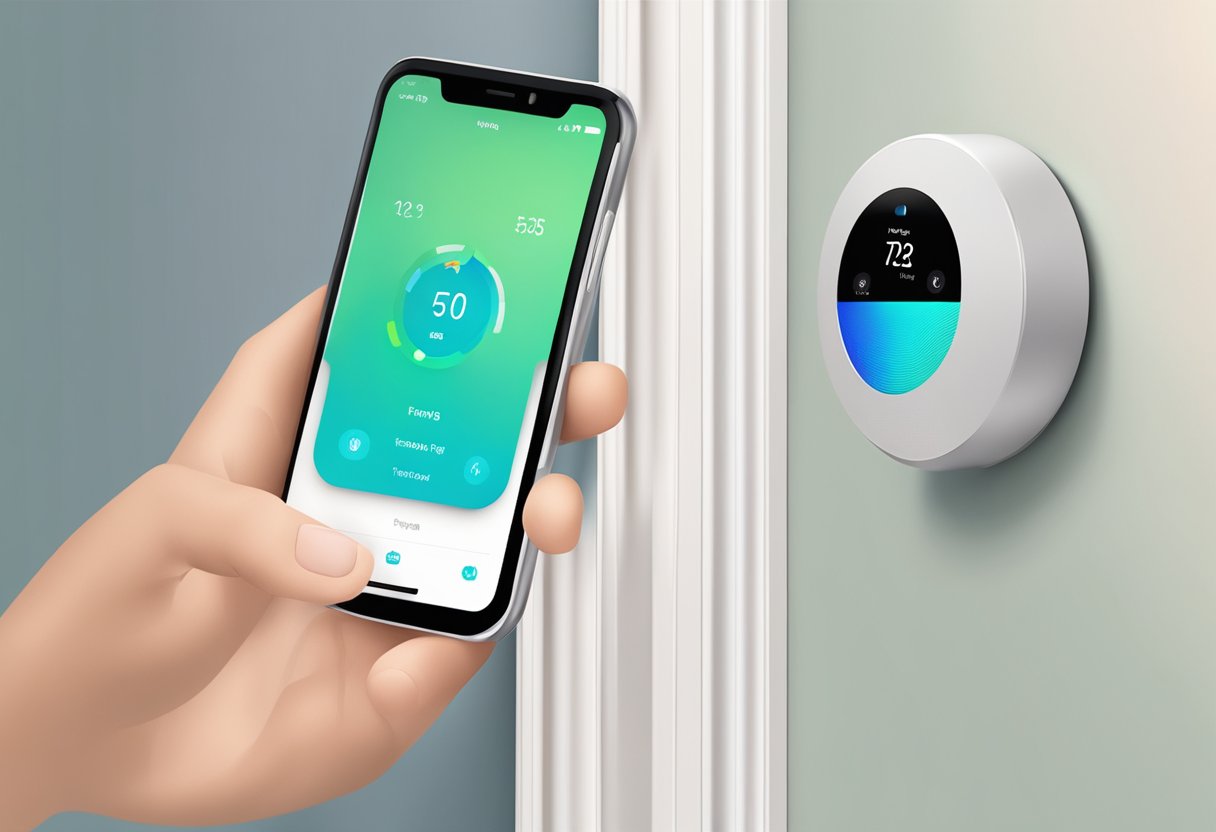
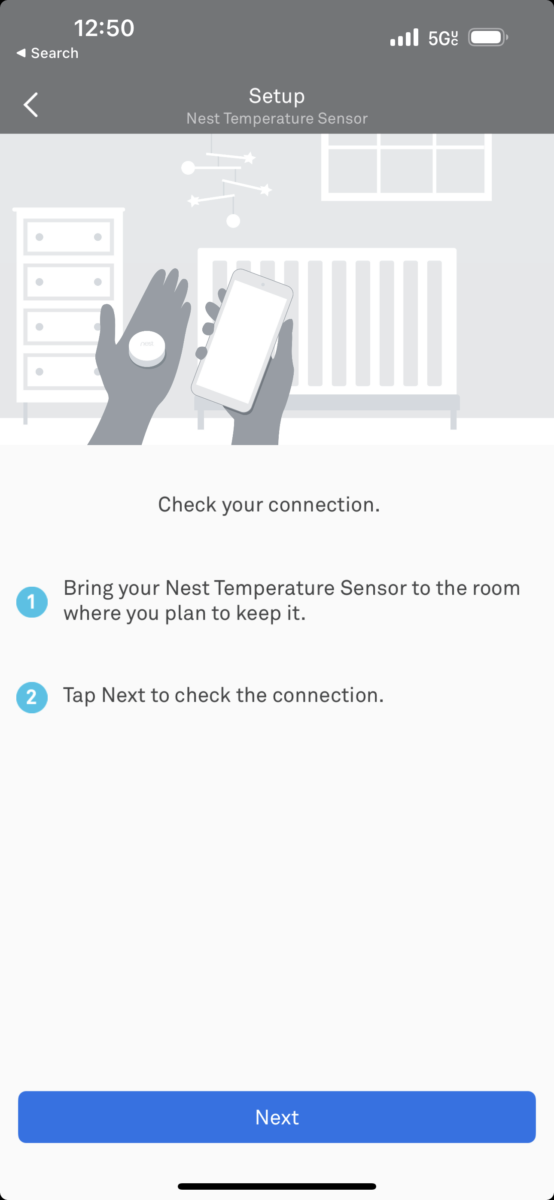
Open the Nest app on your phone or tablet and follow the in-app instructions to set up your Nest thermostat. This includes connecting your thermostat to Wi-Fi, running system tests, and setting schedules.
Step 7: Configure Advanced Settings
Once your Nest thermostat is set up, you can configure advanced settings, such as setting a comfortable temperature range, enabling Eco mode, and scheduling temperature changes.
Step 8: Troubleshoot Common Issues
Refer to the installation manual or online resources to troubleshoot common issues, such as connectivity problems or temperature discrepancies.
Additional Tips and Considerations
- Make sure to check the Nest thermostat's compatibility with your HVAC system before installing it.
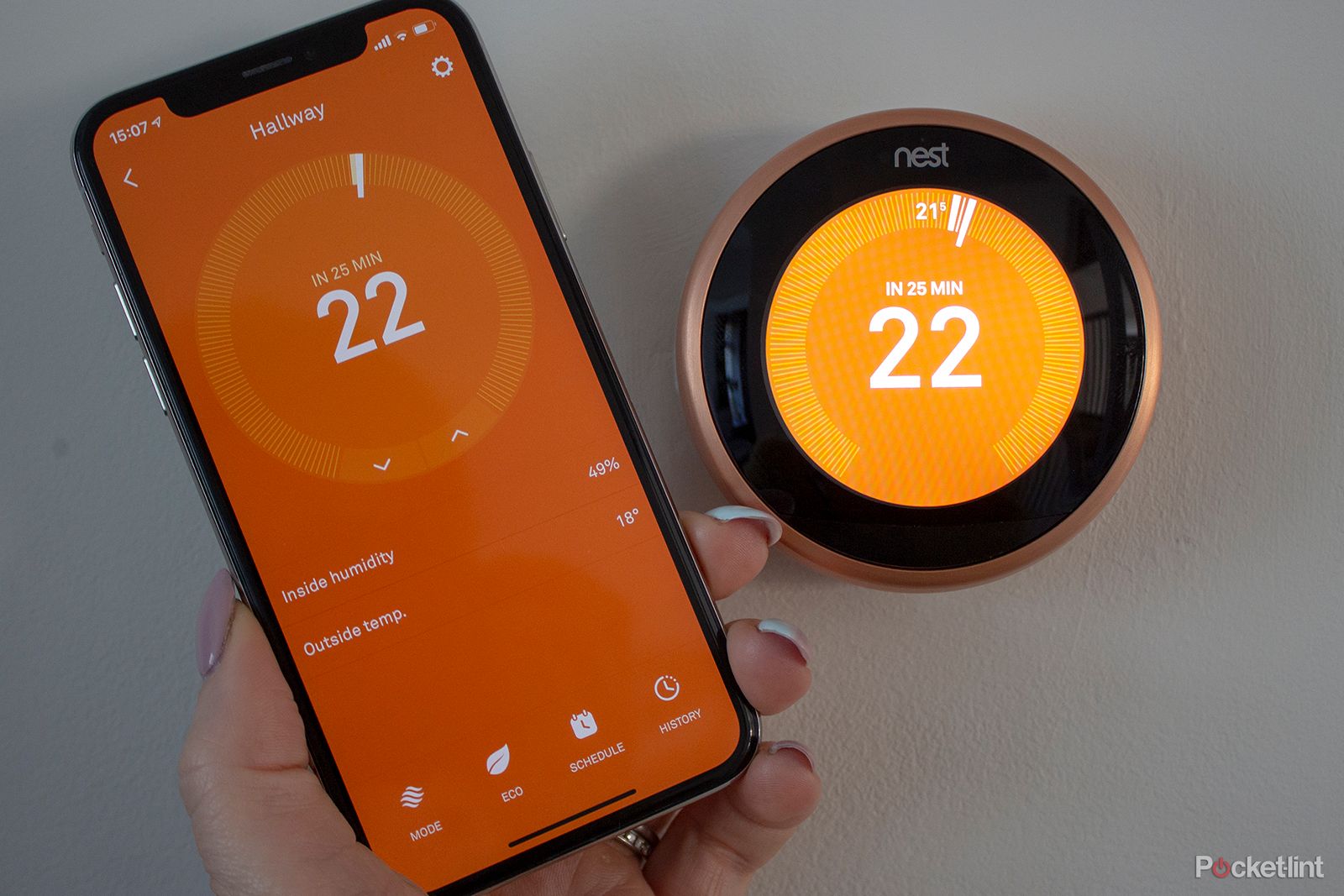
- Use the Nest app's remote control features to adjust your thermostat from anywhere, at any time.
- Enable the Nest thermostat's energy-saving features, such as the yellow leaf icon, to optimize your energy usage.
- Consider installing a Nest Learning Thermostat, which can learn your schedule and program itself to help save energy.
Conclusion
Installing a Nest thermostat is a straightforward process that can be completed in a few hours. By following these steps and tips, you can enjoy the benefits of a smart thermostat, including energy savings, remote control, and advanced temperature management.