Minecraft Server Set Up and Configuration: A Comprehensive Guide
Setting up a Minecraft server can be a daunting task, but with the right guidance, you'll be able to create a smooth and enjoyable gaming experience for you and your friends. In this article, we'll take you through a step-by-step guide on how to set up and configure a Minecraft server, covering the basics and advanced settings.
Step 1: Install the Necessary Software
The first step in setting up a Minecraft server is to install the required software. You can download the Minecraft server software from the official Minecraft website. Once downloaded, extract the files to a directory on your computer. You'll need to have Java installed on your computer to run the Minecraft server.
Step 2: Configure the Server Properties File
The server properties file is a crucial configuration file that controls the behavior of your Minecraft server. You can find it in the server directory. To edit the file, you'll need to add or modify settings to suit your needs. Some essential settings include:
- Server name and port number
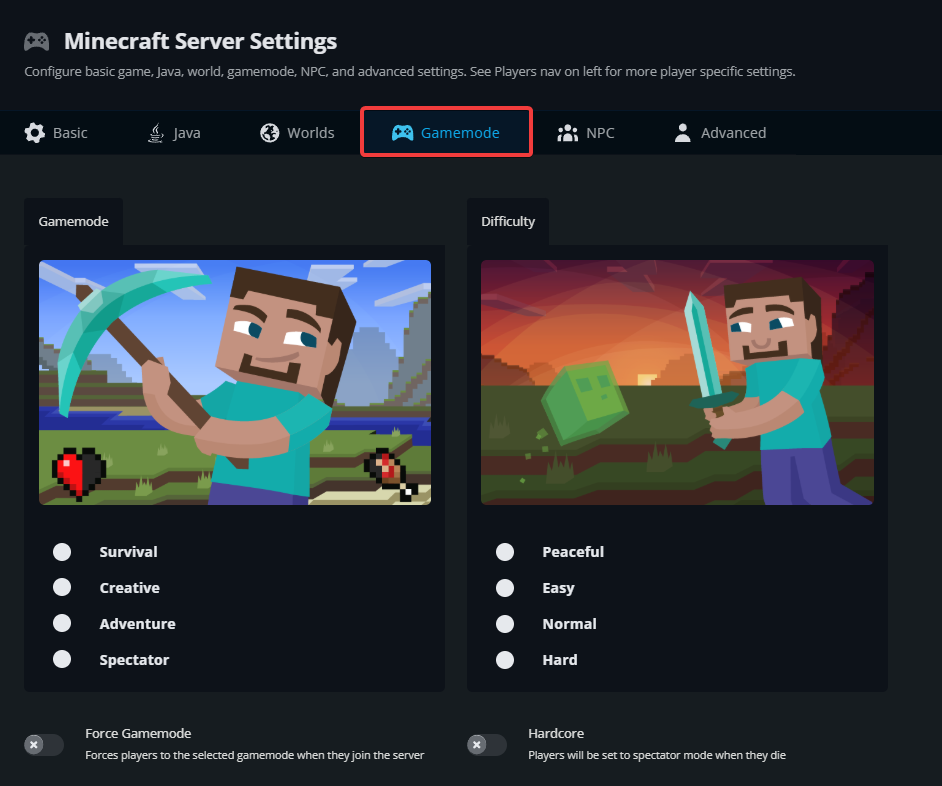
- Game mode (e.g., survival, creative, adventure)
- Difficulty level
- Maximum player slots
- Resource caps (e.g., spawn rate, mine rate)
For more details on all the settings for the server.properties file, visit the Server Properties page on the Minecraft Wiki and scroll down to the "Java Edition."
Step 3: Launch the Server
Once you've configured the server properties file, you're ready to launch your Minecraft server. To do this, make sure you're in the Minecraft server file directory and enter the command `java -jar "your jar name".jar` into the Command Prompt. This will launch your server and start accepting connections from other players.
Step 4: Configure Java Settings
To ensure your Minecraft server runs smoothly, you'll need to configure your Java settings. You can do this by changing the java settings in the server.properties file or by creating a separate java.ini file in the server directory. Some essential settings include:
- Allocate more memory to the server
- Set the number of worker threads
- Configure the garbage collection settings
Step 5: Set Up Firewall Rules
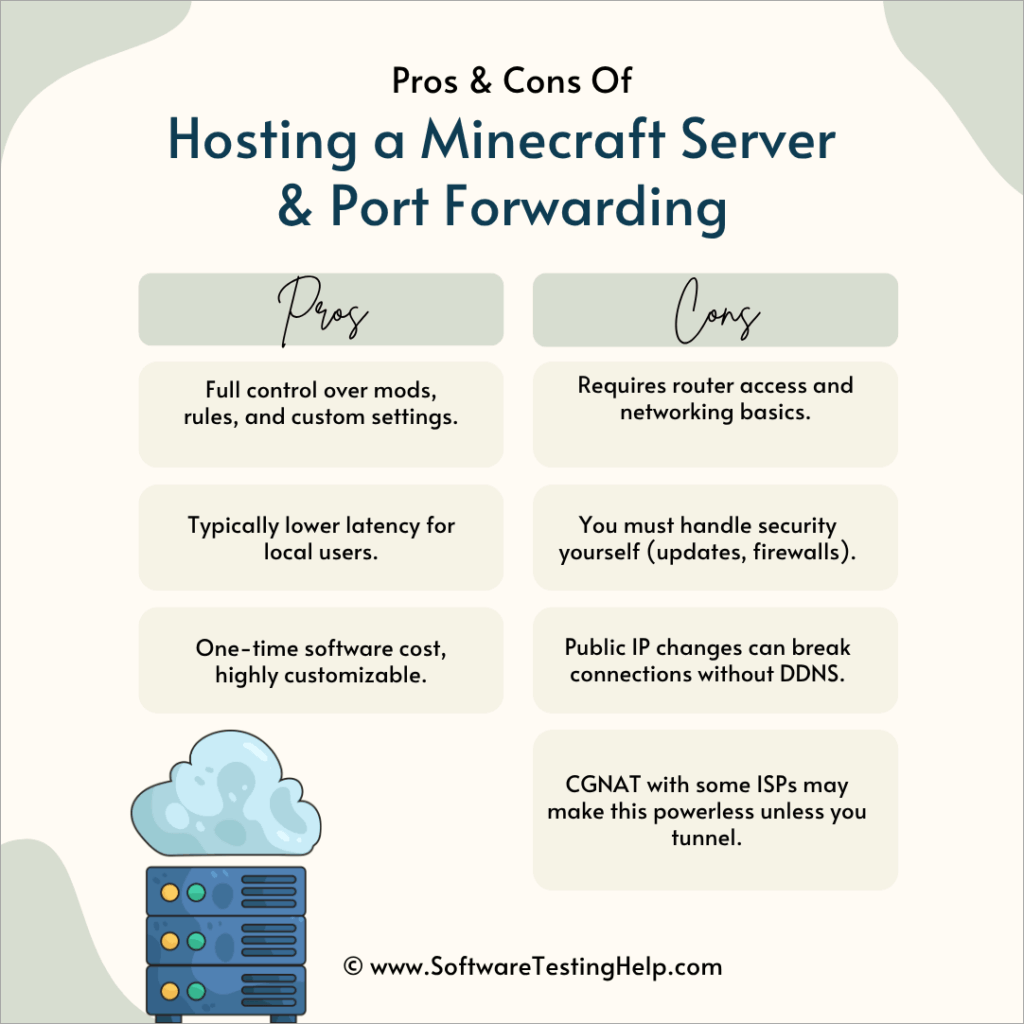
Once you've launched your server, you'll need to set up firewall rules to allow incoming connections from other players. You can do this by configuring your router's port forwarding settings to forward incoming connections to the correct IP address and port number.
Step 6: Optimize Server Performance
To ensure your Minecraft server runs smoothly, you'll need to optimize its performance. You can do this by:
- Migrating to a more powerful server hardware
- Upgrading your internet connection
- Configuring the server to use a more efficient plugin
Conclusion
Setting up a Minecraft server requires some technical knowledge, but with the right guidance, you'll be able to create a smooth and enjoyable gaming experience for you and your friends. By following the steps outlined in this article, you'll be able to configure your Minecraft server settings, optimize its performance, and get ready for adventure with your friends in the world of Minecraft.
References:
- Complete step-by-step guide to install and run a Minecraft Java Edition dedicated server on Windows
- Learn how to set up a Minecraft server from scratch
- Master Minecraft server properties configuration with our complete guide
- How to set up a Minecraft server on your PC with expert insights from Host Havoc
- Host Minecraft servers instantly with no port forwarding required