Ways to Protect Data on Removable Media
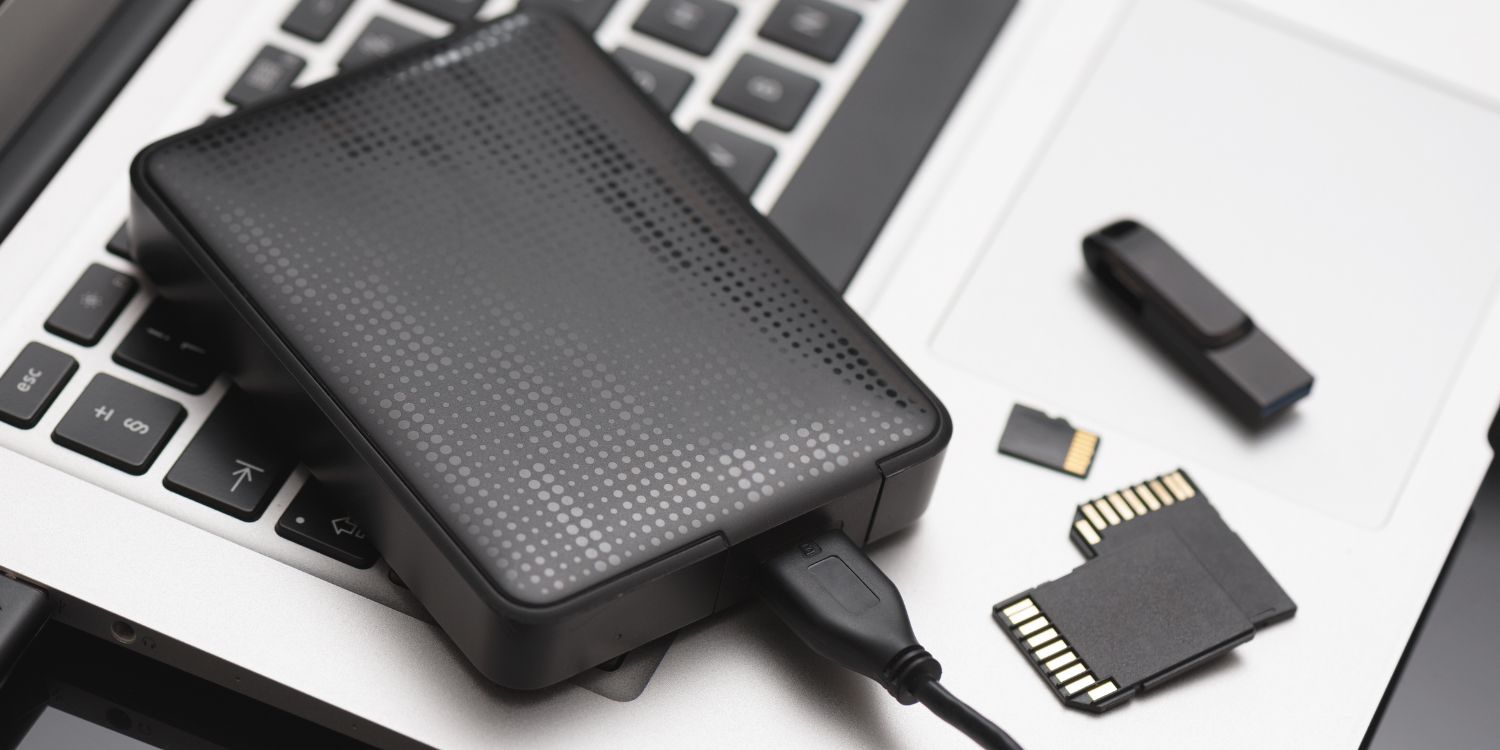
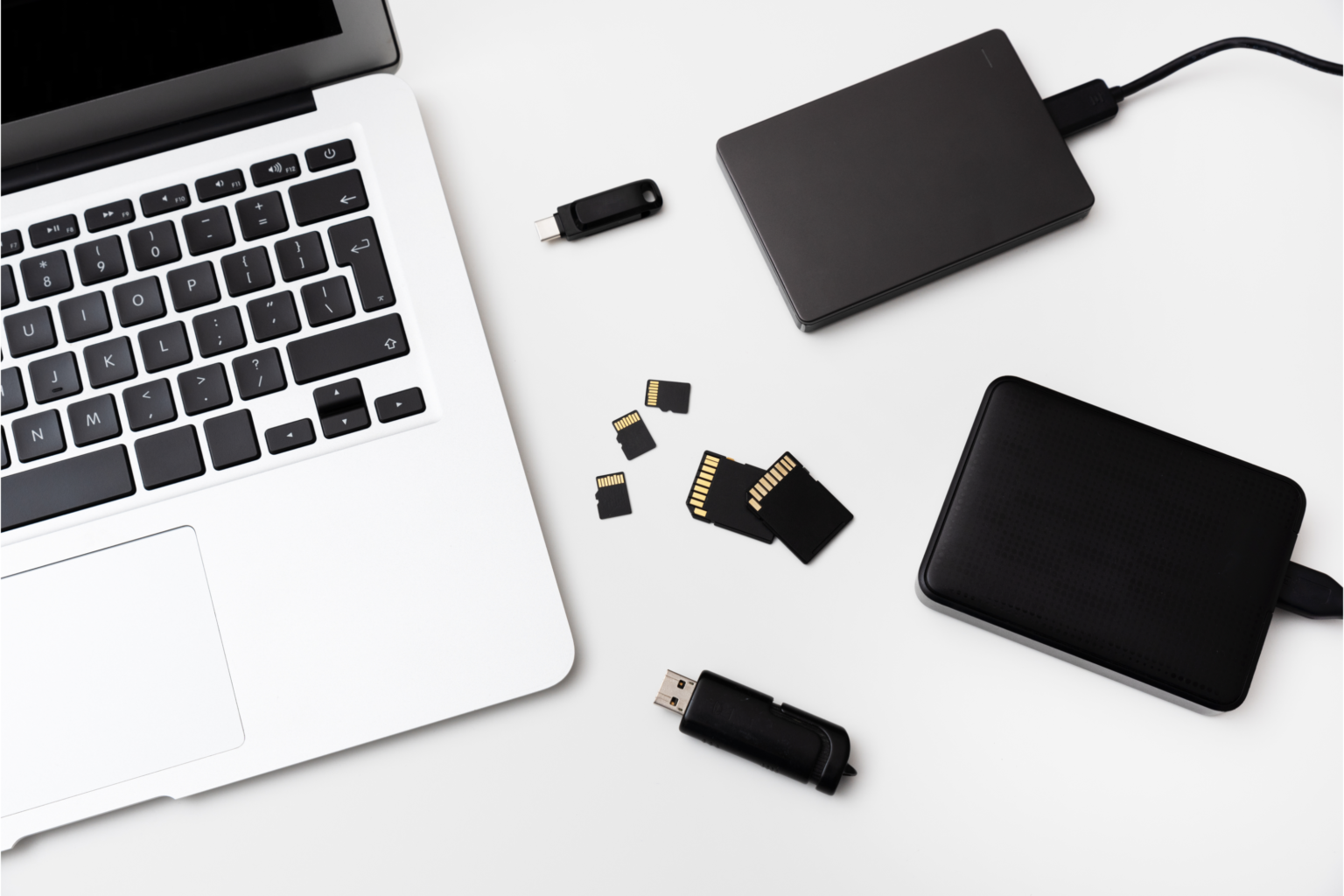
Removable media, such as USB drives, external hard drives, and memory cards, have become an essential tool for storing and transferring data. However, they also pose a significant security risk if not handled properly. In this article, we will explore the ways to protect data on removable media and discuss the best practices for maintaining the security of sensitive information.
Understand the Risks Associated with Removable Media
Removable media can be a convenient way to transfer files between devices, but they can also be a vulnerable point of entry for cyber threats. If not properly encrypted, sensitive data stored on removable media can be accessed by unauthorized individuals, leading to data breaches and malware infections.
Encrypt Your Removable Media
One of the most effective ways to protect data on removable media is to encrypt it. Encryption converts data into a code that can only be deciphered by authorized individuals with the decryption key. This ensures that even if the removable media is lost or stolen, the data it contains remains secure. BitLocker, a free encryption software offered by Microsoft, provides users with full disk encryption, using the AES-256 standard algorithm to keep data safe from unauthorized access.
Password Protect Your Removable Media
Password protecting your removable media is another effective way to safeguard your sensitive data. This ensures that only authorized individuals can access the data stored on the removable media. It's essential to choose a strong password that is difficult to guess and to store it securely.
Use Secure Protocols for Data Transfer
When transferring data using removable media, it's essential to use secure protocols to ensure that the data remains secure. Using secure protocols such as HTTPS or SFTP can help protect data from interception and unauthorized access.
Implement a Removable Media Policy
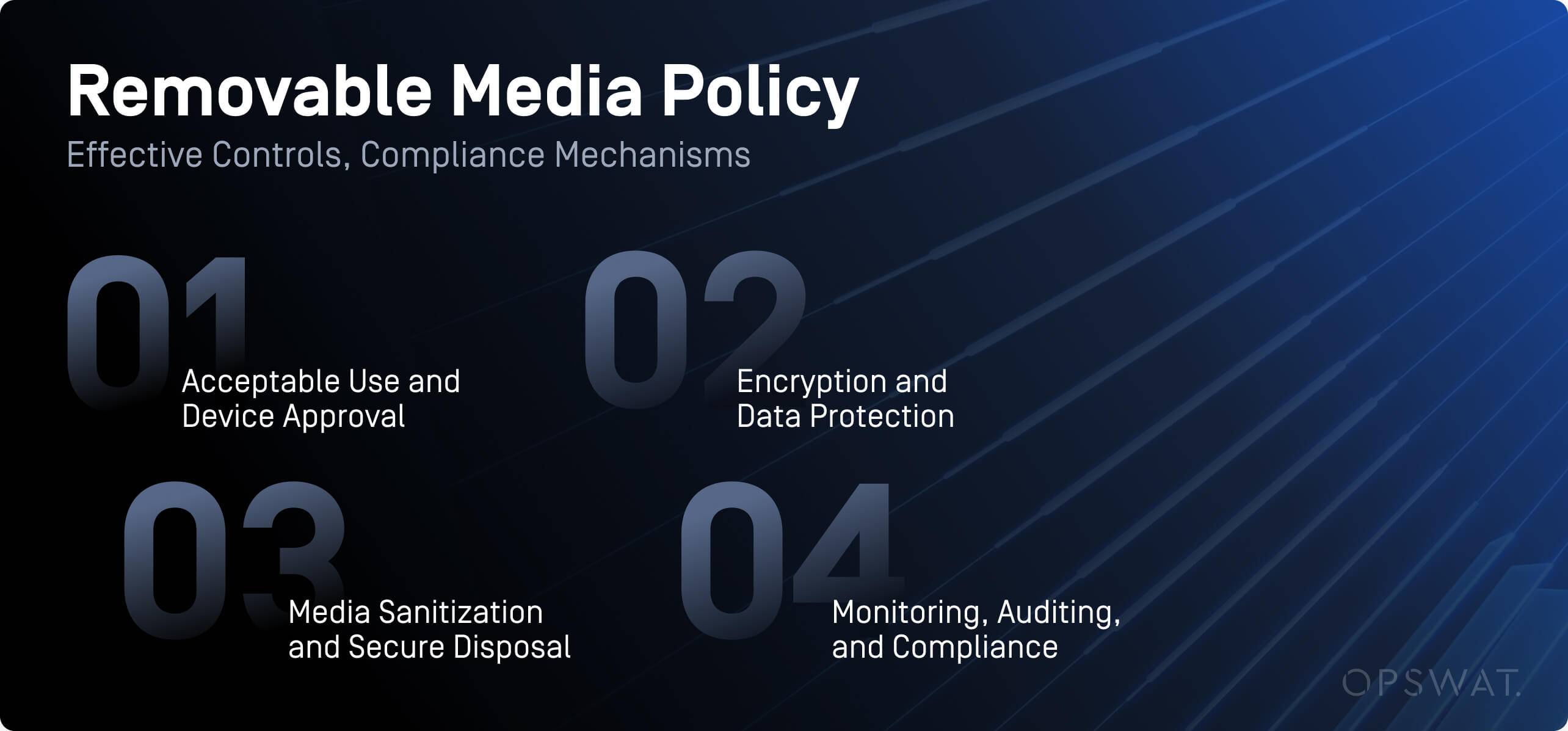
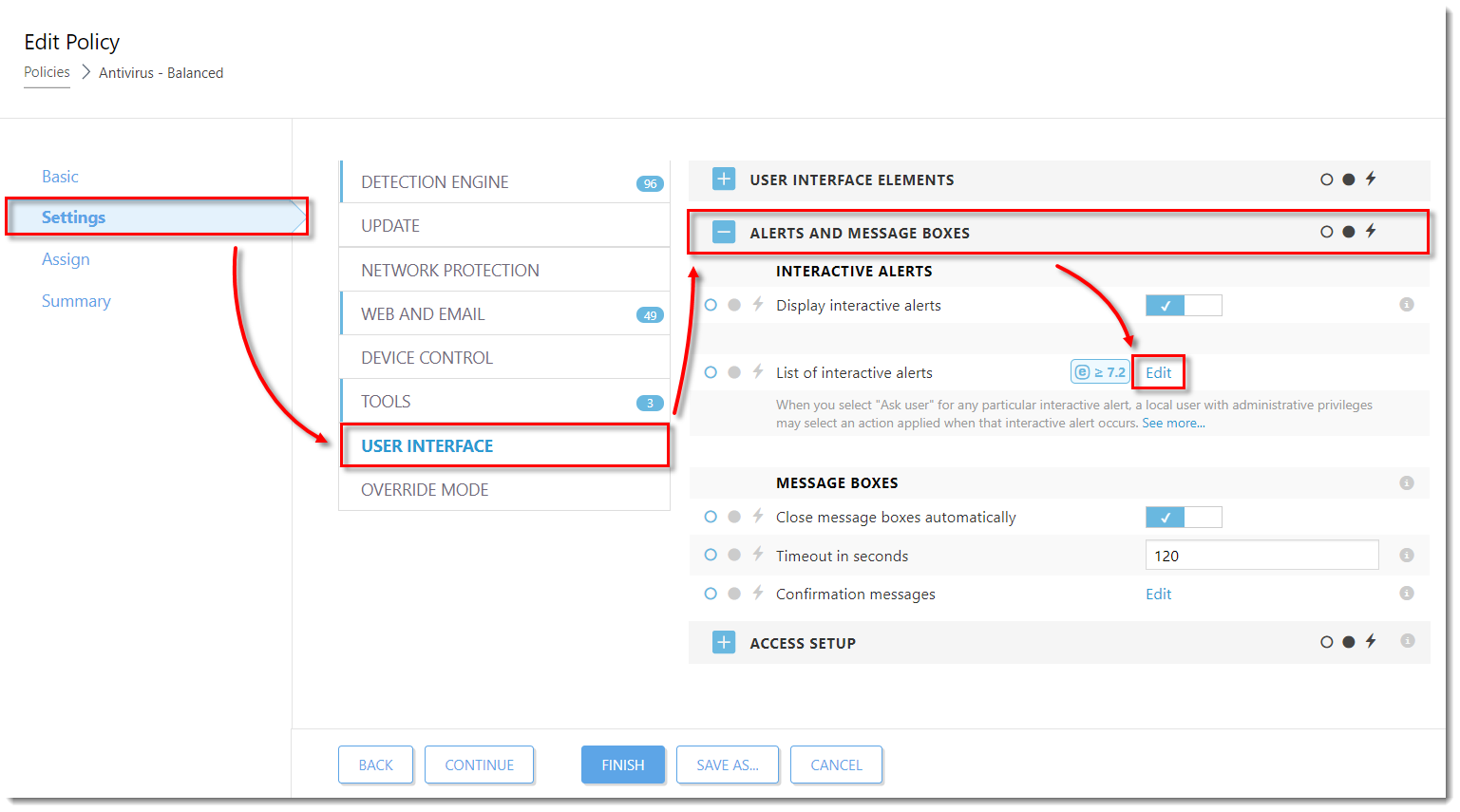
A removable media policy helps organizations control how employees use USB drives, external hard drives, and other portable storage devices. The policy should outline the procedures for using and securing removable media, as well as the consequences of non-compliance.
Backup Your Data
Backing up your data is an essential step in protecting it from loss or damage. Storing backups of your data on a secure external hard drive or cloud service can help ensure that your data remains safe even if the removable media is lost or damaged.
Monitor and Control Removable Media Usage
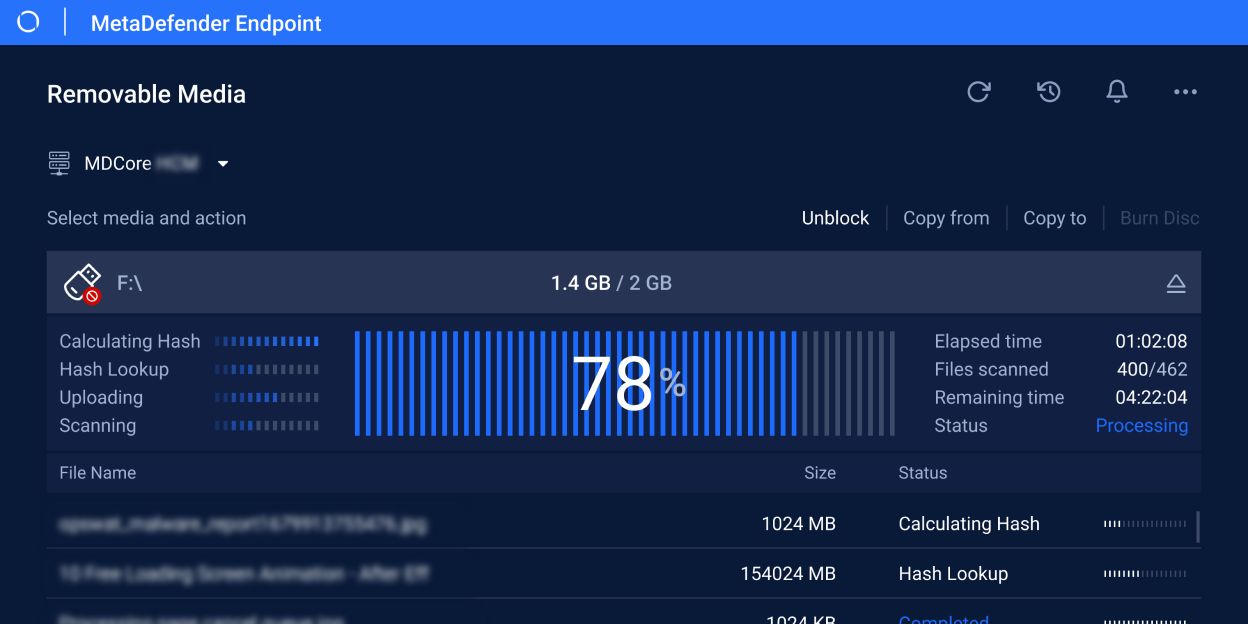
Monitoring and controlling removable media usage is crucial to prevent data breaches and malware infections. Implementing a system to track and log removable media usage can help identify potential security threats and prevent data breaches.
Secure Your Physical Environment
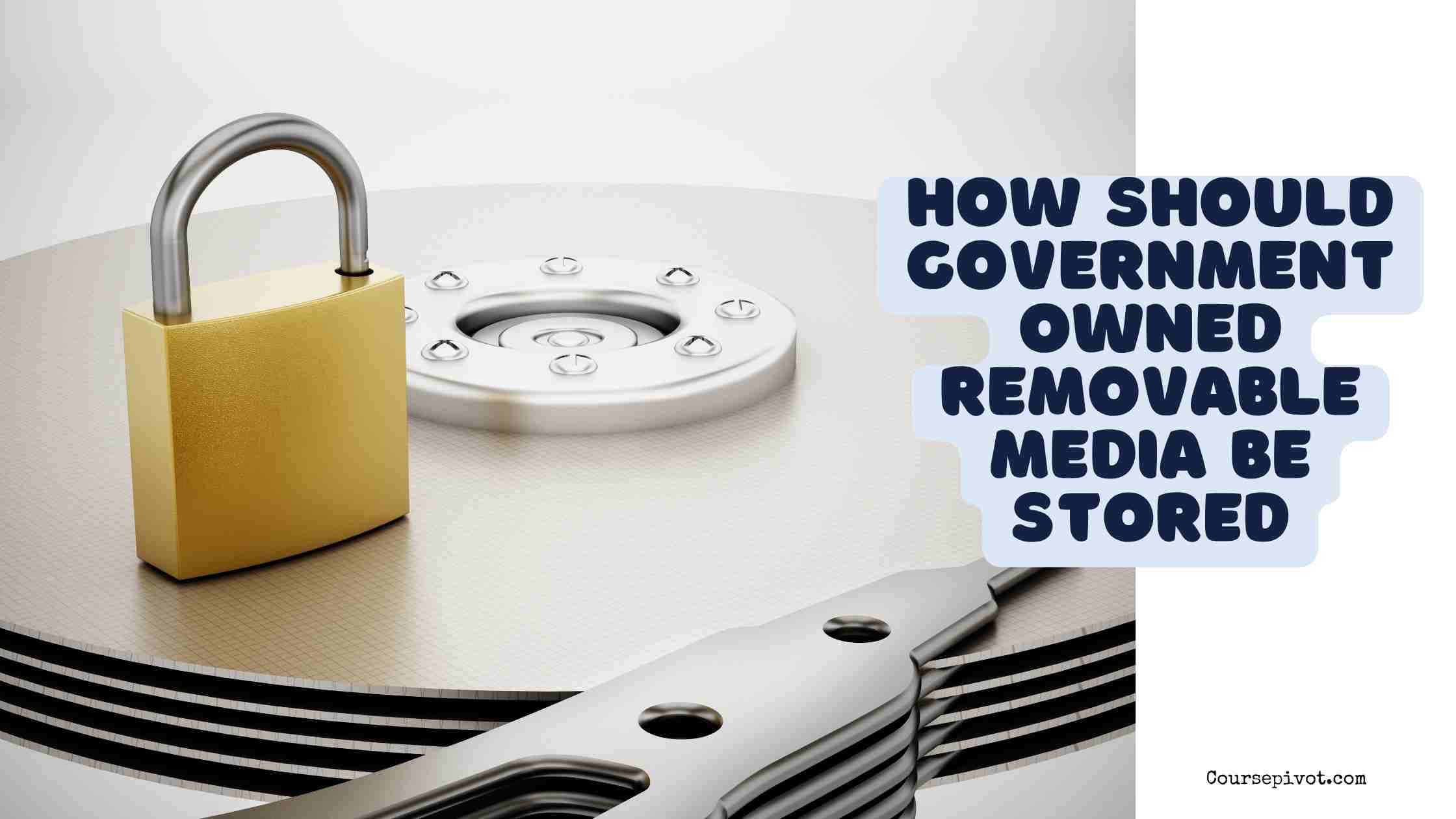
Safeguarding your physical environment is also essential to protect data on removable media. Storing removable media in a secure location, such as a locked cabinet or safe, can help prevent unauthorized access to sensitive data.
Regularly Update and Patch Your Software
Regularly updating and patching your software is essential to prevent vulnerabilities and ensure that your removable media is secure. Keeping your software up-to-date can help prevent data breaches and malware infections.
Dispose of Removable Media Properly
Finally, it's essential to dispose of removable media properly to prevent data breaches and security threats. Shredding or destroying removable media is the best way to ensure that sensitive data is not compromised. Regularly auditing and disposing of removable media can help prevent unauthorized access to sensitive data.
Conclusion
Protecting data on removable media is a critical aspect of maintaining the security of sensitive information. By understanding the risks associated with removable media, encrypting and password protecting it, using secure protocols for data transfer, implementing a removable media policy, backing up your data, monitoring and controlling removable media usage, securing your physical environment, regularly updating and patching your software, and disposing of removable media properly, you can safeguard your sensitive data from potential threats and security breaches.