Ergonomic Tips for Preventing Tech Neck: A Guide to Maintaining Healthy Posture
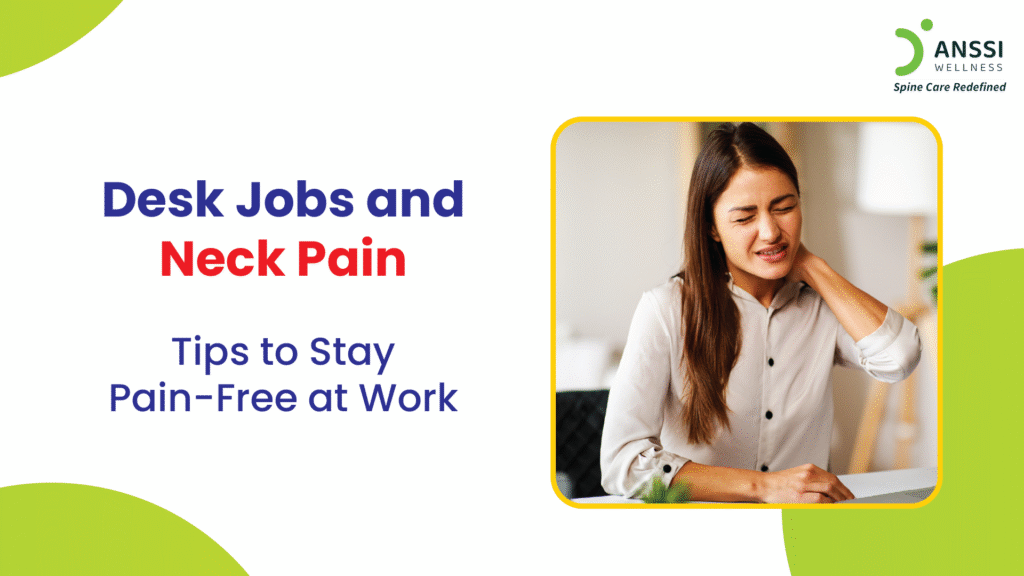
Are you tired of experiencing neck pain and discomfort after long hours spent on electronic devices? If so, you're not alone. Tech neck, a condition characterized by chronic neck or shoulder pain caused by poor posture while using technology, is becoming increasingly common. In this article, we'll explore the causes of tech neck, provide ergonomic tips for preventing it, and offer exercises to alleviate neck pain.
What is Tech Neck?
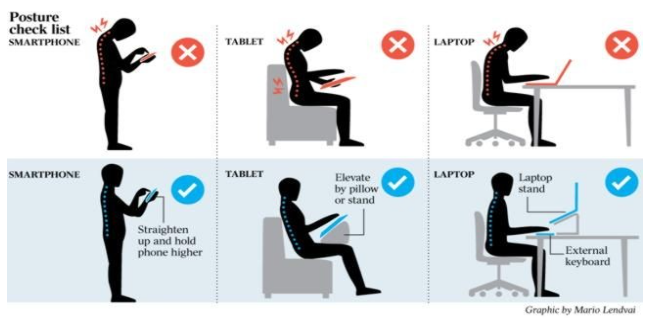
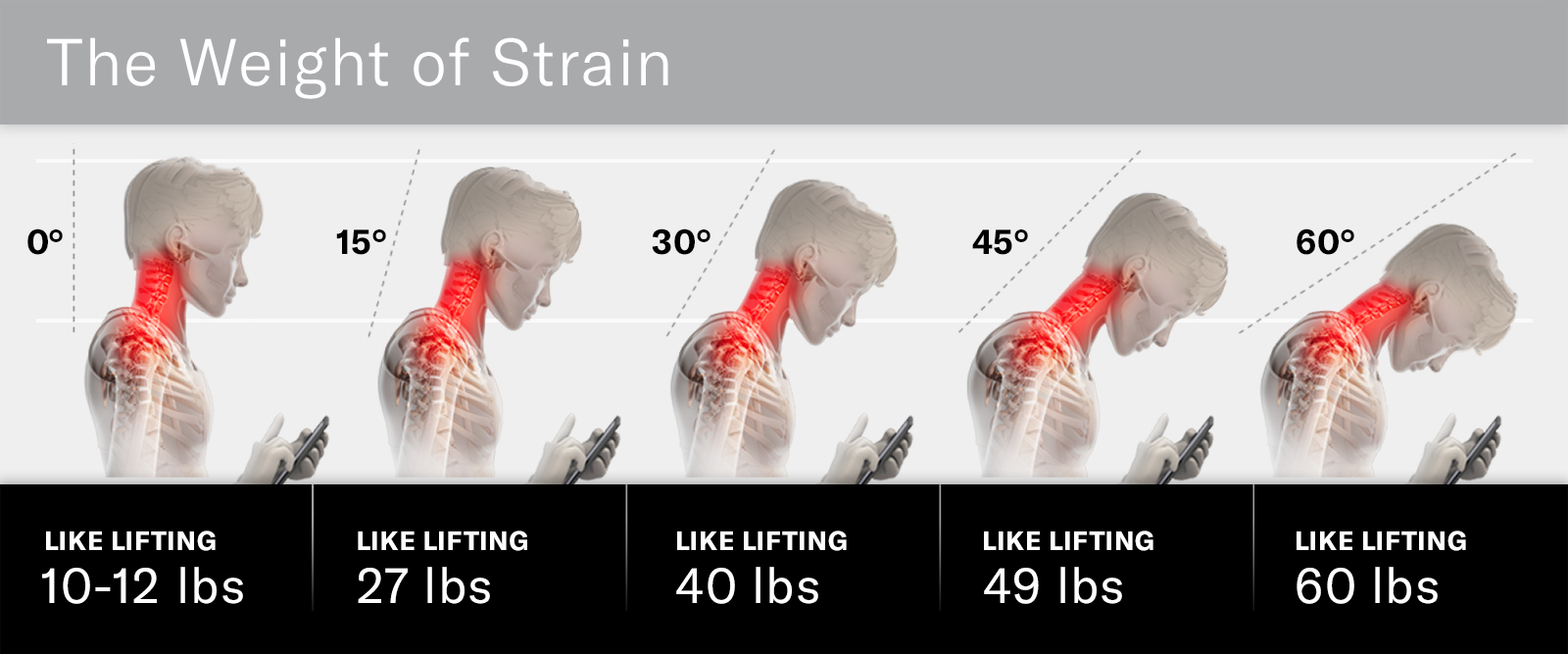
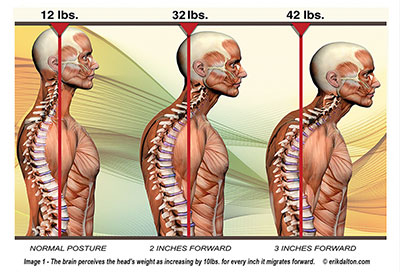
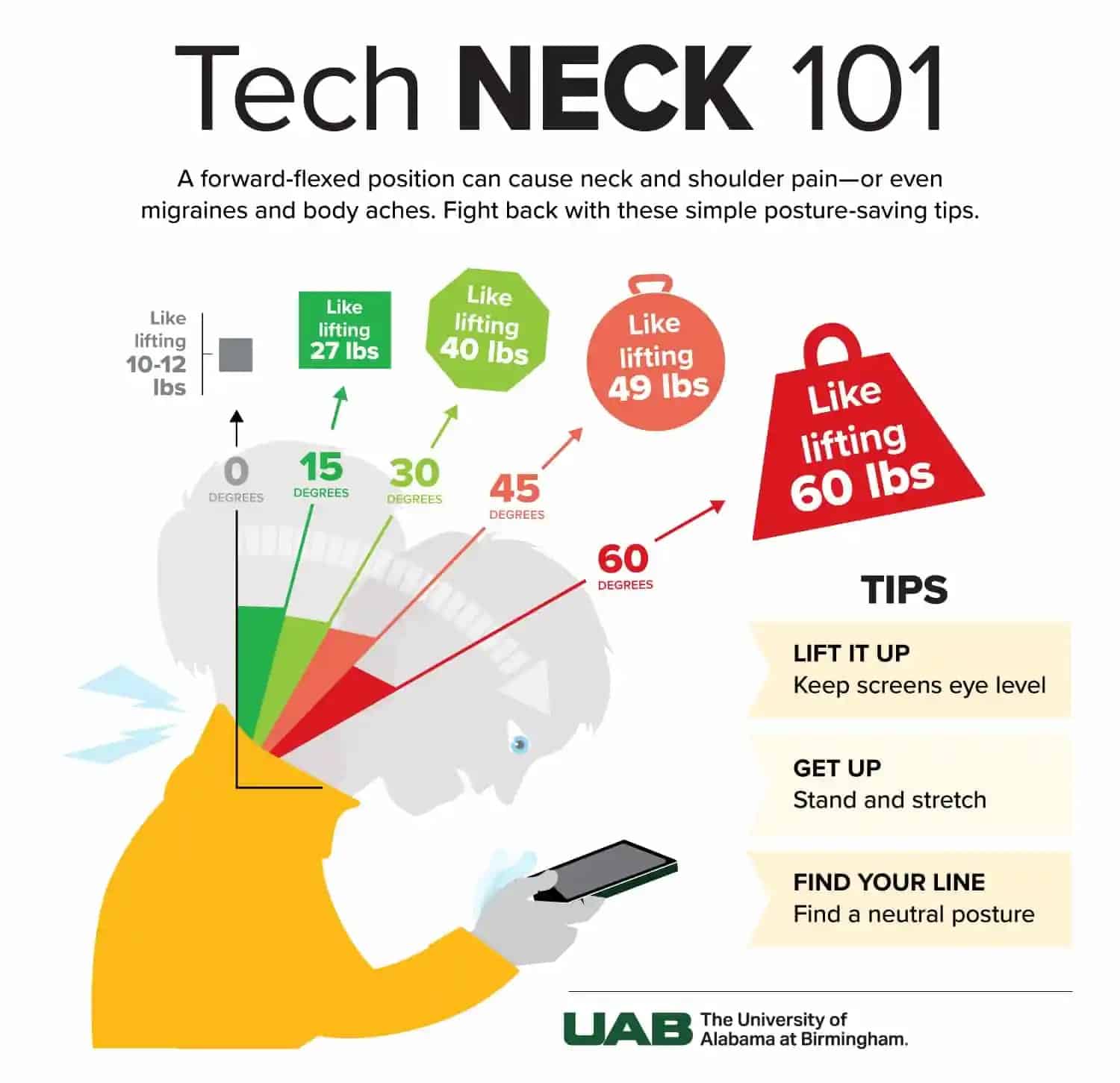
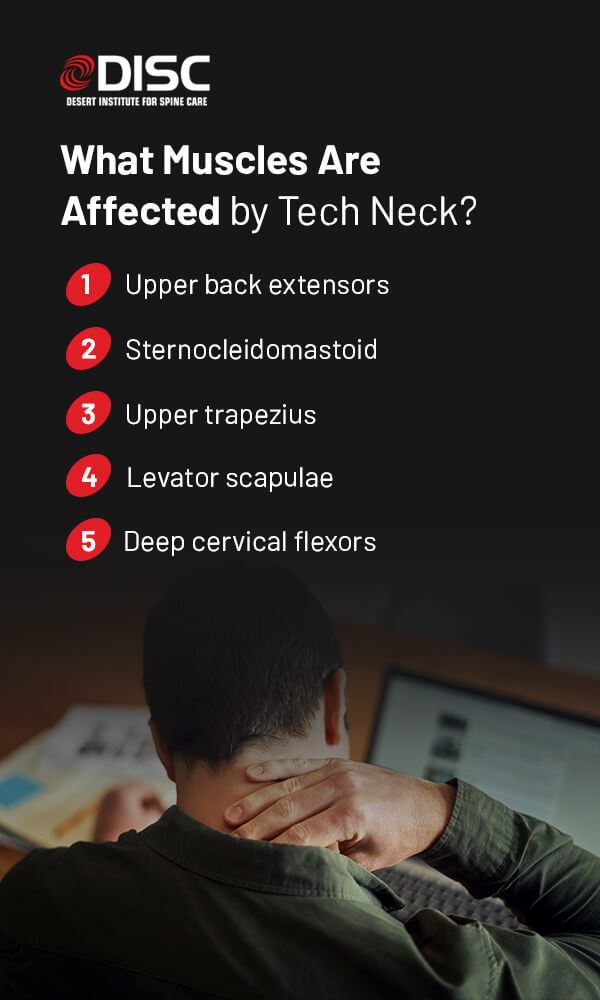
Tech neck, also known as forward head posture, occurs when the head is held in a forward position for extended periods, putting strain on the neck muscles and leading to pain and discomfort. This condition is often caused by the frequent use of electronic devices such as smartphones, tablets, and computers.
The Risks of Tech Neck
The consequences of tech neck can be severe, including:
- Neck pain and stiffness
- Shoulder pain and discomfort
- Headaches and migraines
- Long-term spinal damage
- Reduced productivity and focus
Ergonomic Tips for Preventing Tech Neck

To prevent tech neck, follow these simple ergonomic tips:
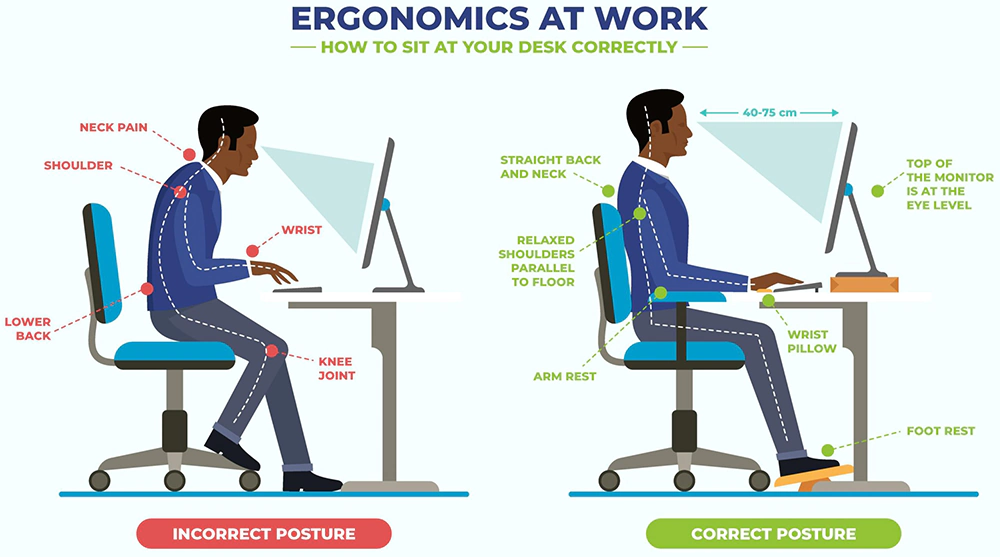
- Monitor height**: Position your monitor directly in front of you, at a distance of about 20-25 inches, and at a height that allows you to gaze slightly downward.
- Keyboard and mouse positioning**: Place your keyboard directly in front of your body, with your wrists straight and your elbows at a 90-degree angle. Position your mouse close to your body and at the same height as your keyboard.
- Chair height**: Adjust your chair height to ensure your feet are flat on the floor or on a footrest, with your knees at or below hip level.
- Posture**: Maintain good posture by sitting up straight with your shoulders back and your head level.
- Break reminders**: Set reminders to take regular breaks every 30-60 minutes to stretch and move around.
- Exercise**: Incorporate exercises that strengthen your neck and shoulder muscles, such as shoulder rolls, neck stretches, and chin tucks.
Exercises to Alleviate Neck Pain
In addition to ergonomic adjustments, the following exercises can help alleviate neck pain and discomfort:
- Chin tucks**: Slowly tuck your chin in towards your chest, holding for 15-30 seconds. Repeat 10-15 times.
- Shoulder rolls**: Roll your shoulders forward and backward in a circular motion, repeating 10-15 times.
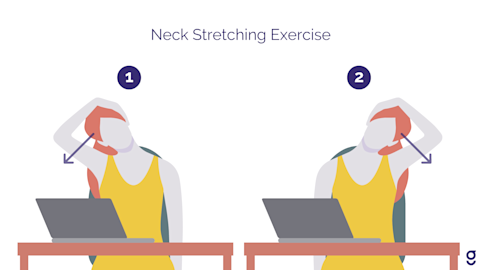
- Neck stretches**: Slowly turn your head to the right, bringing your ear towards your shoulder. Hold for 15-30 seconds and repeat on the left side.
- Corner chest stretches**: Stand in a corner with your hands on the wall at shoulder height. Lean forward, stretching your chest and shoulders. Hold for 15-30 seconds.
Conclusion
Preventing tech neck requires a combination of ergonomic adjustments, regular exercise, and mindful posture awareness. By following these tips and incorporating exercises into your daily routine, you can reduce the risk of neck pain and discomfort associated with tech neck. Remember to take regular breaks, stretch, and move around to maintain a healthy posture and prevent long-term spinal damage.