Protecting Against Malware in Online Shopping: A Comprehensive Guide
In today's digital age, online shopping has become an integral part of our lives. With the rise of e-commerce, it's easier than ever to shop from the comfort of our own homes. However, this convenience comes with a price - the risk of malware and cyber threats. In this article, we'll explore the best methods for e-commerce malware prevention and provide you with the knowledge to protect yourself from online threats.
The Risks of Malware in Online Shopping
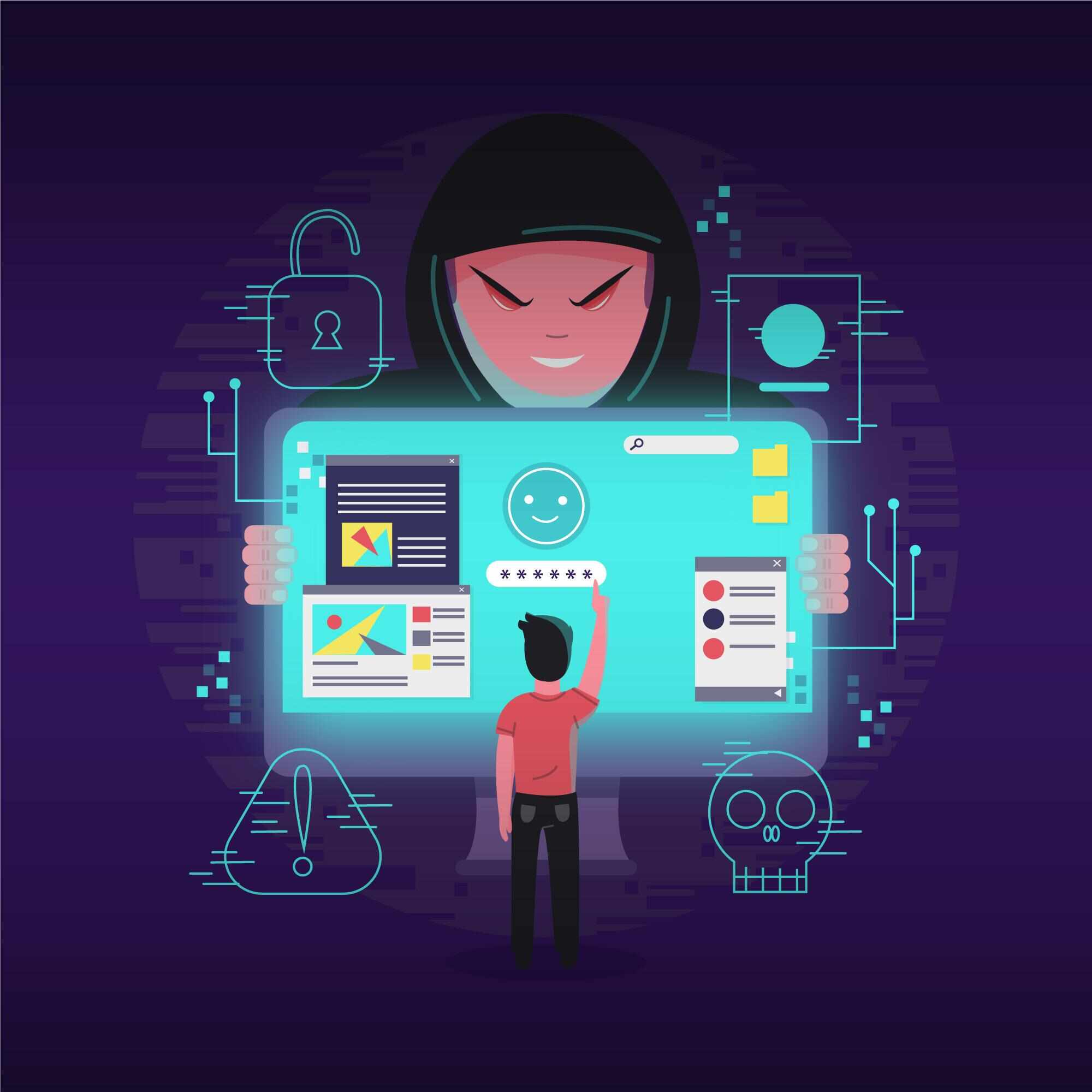
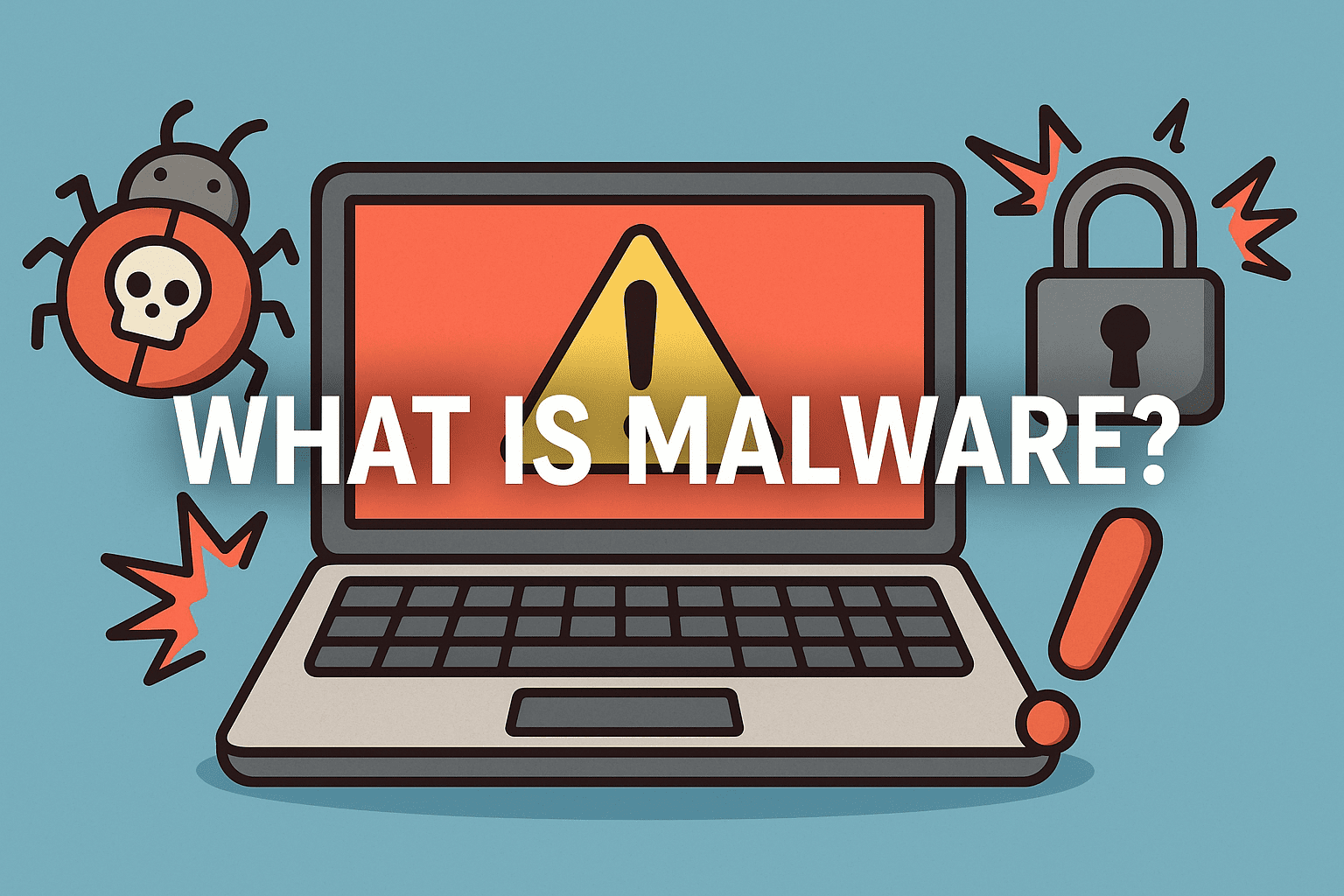
Malware is one of the biggest threats to the security of your computer, tablet, phone, and other devices. It's a type of malicious software that can steal your personal information, cause damage to your device, or disrupt your online shopping experience. According to recent statistics, the number of malware attacks on online shoppers has increased significantly in the past year.
Types of Malware in Online Shopping
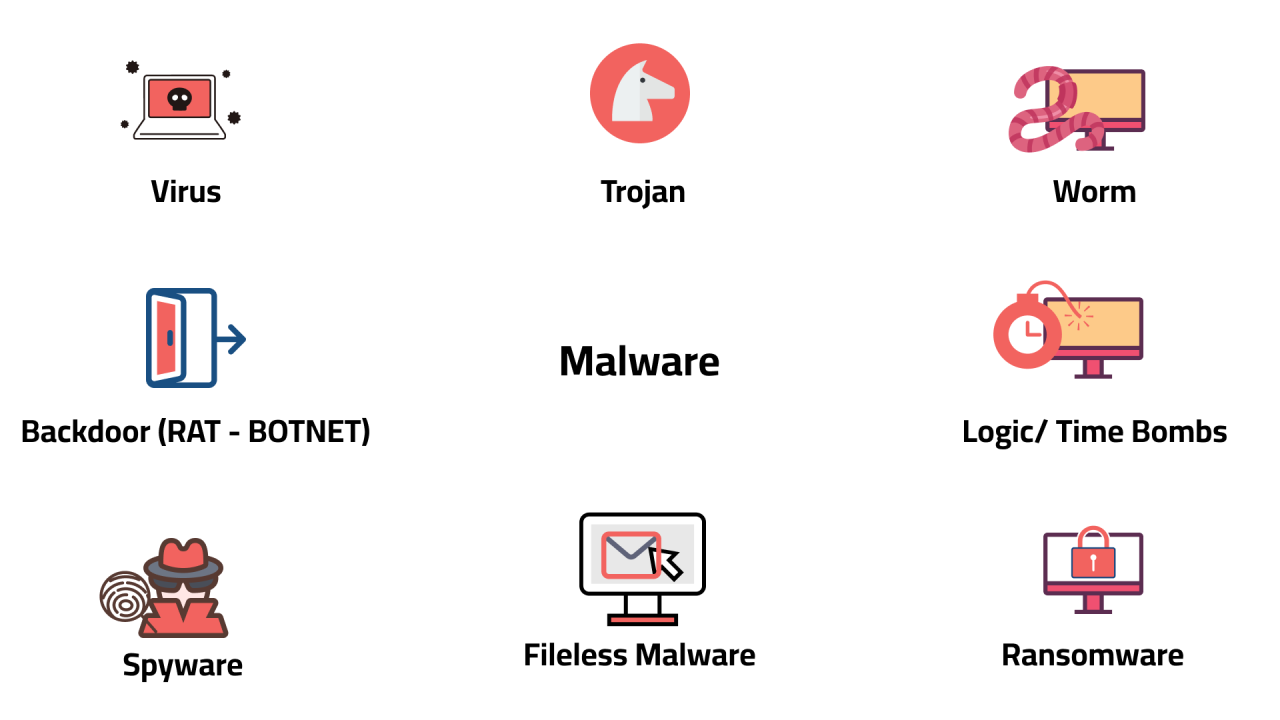
- Phishing scams: Scammers use email or text messages to try to steal your passwords, account numbers, or Social Security numbers.
- Malware: Malicious software that can steal your personal information or cause damage to your device.
- Adware: Software that displays unwanted advertisements on your device.
- Ransomware: Malware that demands payment in exchange for restoring access to your device or data.
Protecting Yourself Against Malware in Online Shopping
To protect yourself from malware in online shopping, follow these simple tips:
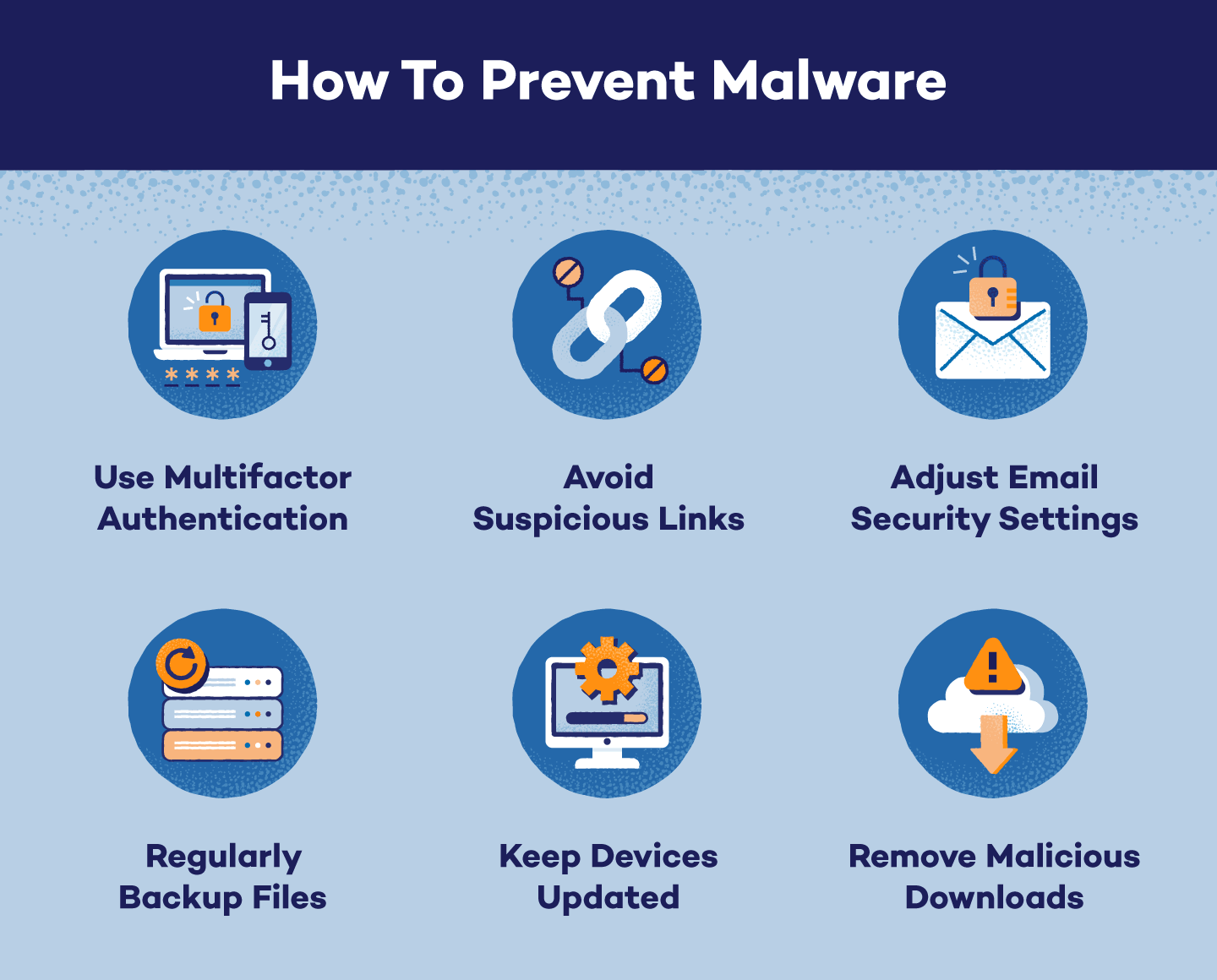
1. Use Comprehensive Security Software
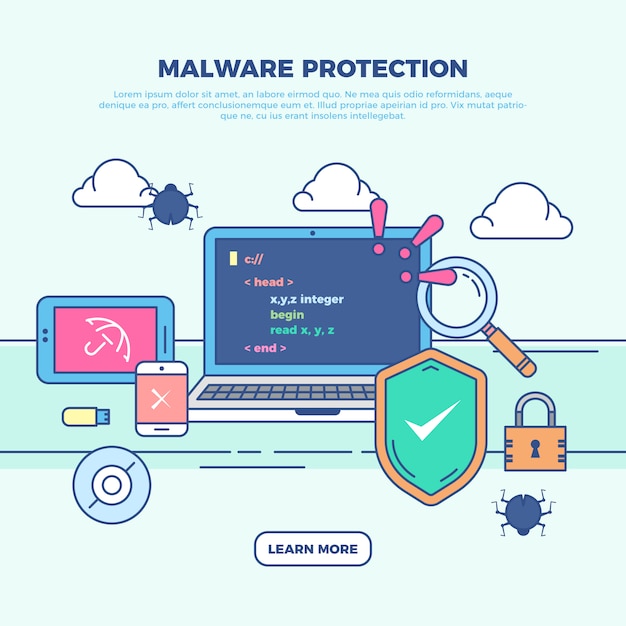
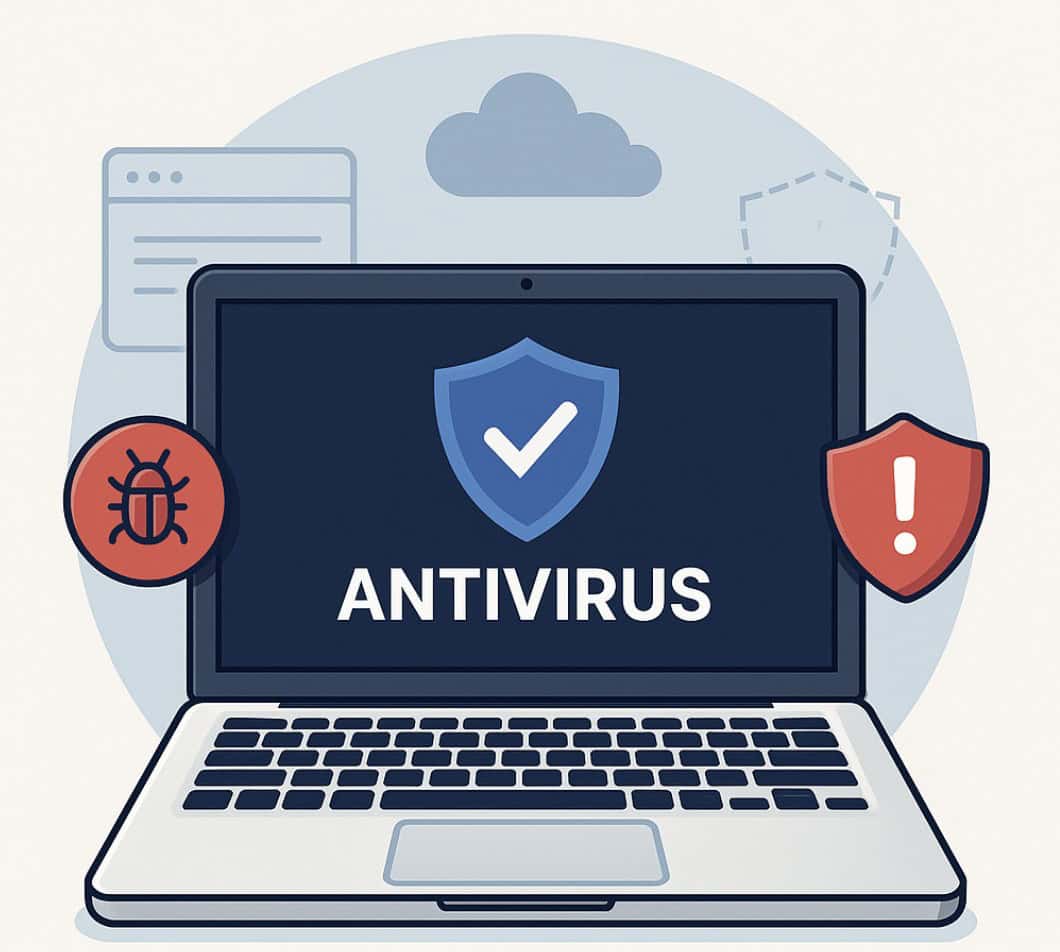
Investing in a reliable security software suite can provide an additional layer of protection against various cyber threats. Antivirus and anti-malware programs can detect and remove malicious software, while firewalls can help prevent unauthorized access to your devices and network.
2. Keep Your Devices Up-to-Date
Make sure your devices are running the latest software and operating system updates. This will help patch any security vulnerabilities and prevent malware from exploiting them.
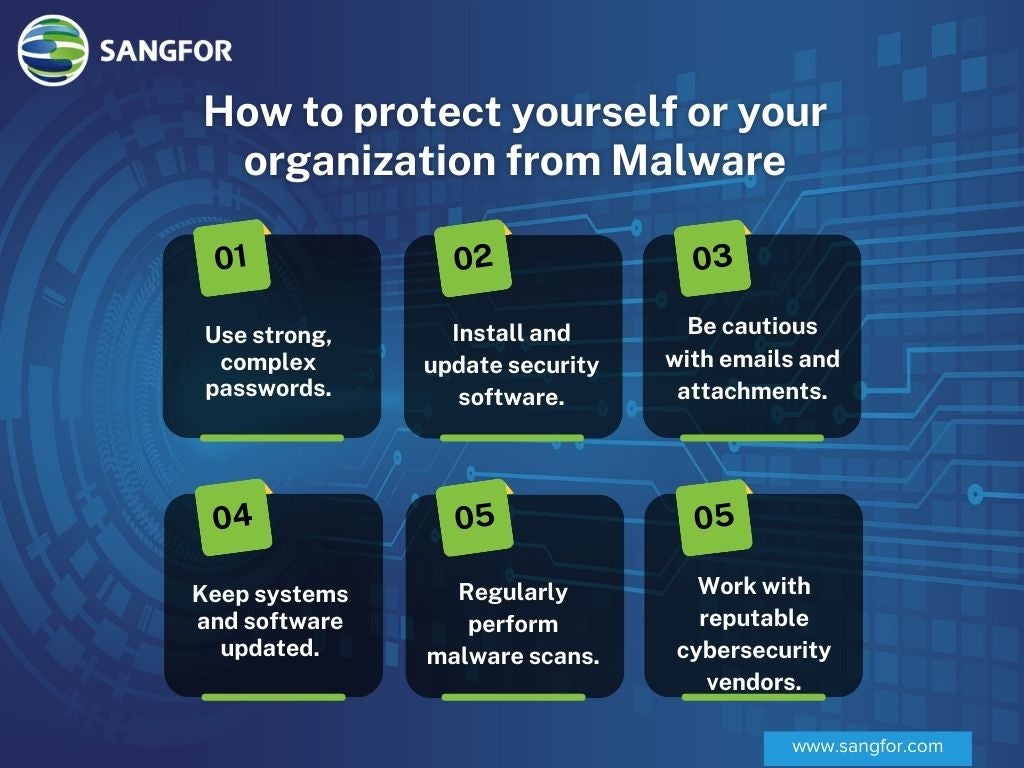
3. Use Strong Passwords and Two-Factor Authentication
Use strong, unique passwords for all your online accounts, and consider using two-factor authentication to add an extra layer of security.
4. Be Cautious of Phishing Scams
Be wary of emails or text messages that ask for your personal information or login credentials. Legitimate companies will never ask you to provide sensitive information via email or text.
5. Use a VPN When Shopping Online
A virtual private network (VPN) can help encrypt your internet traffic and protect your data from hackers and cyber threats.
Conclusion
Protecting yourself against malware in online shopping is crucial in today's digital age. By following these simple tips and staying informed about the latest cyber threats, you can enjoy a safe and secure online shopping experience. Remember, it's always better to be safe than sorry when it comes to your personal data and online security.
Further Resources
For more information on protecting yourself against malware in online shopping, check out the following resources:
- CISA: Cybersecurity and Infrastructure Security Agency
- TotalAV: Award-Winning Antivirus Software
- Kaspersky: Award-Winning Security Products
- FTC: Federal Trade Commission
- Which?: Consumer Organisation