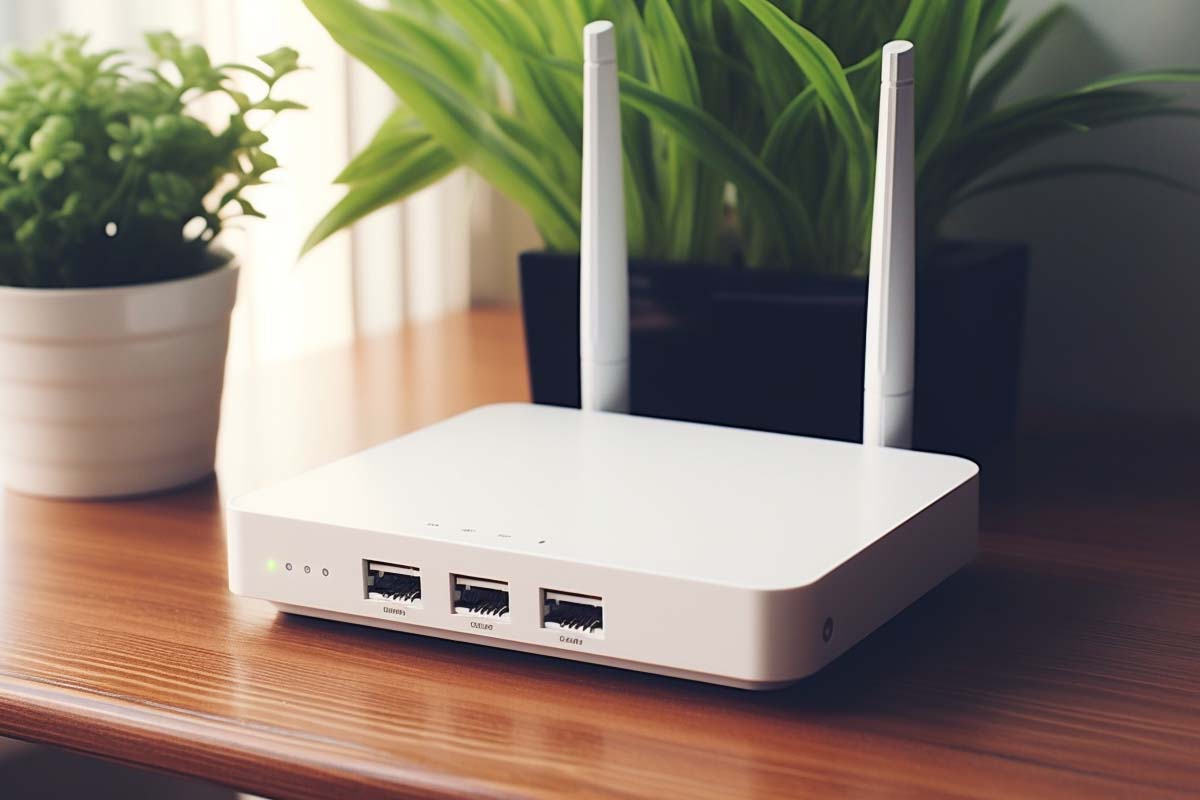
Securing Your Home Wi-Fi Router: A Critical Step in Protecting Your Online Security
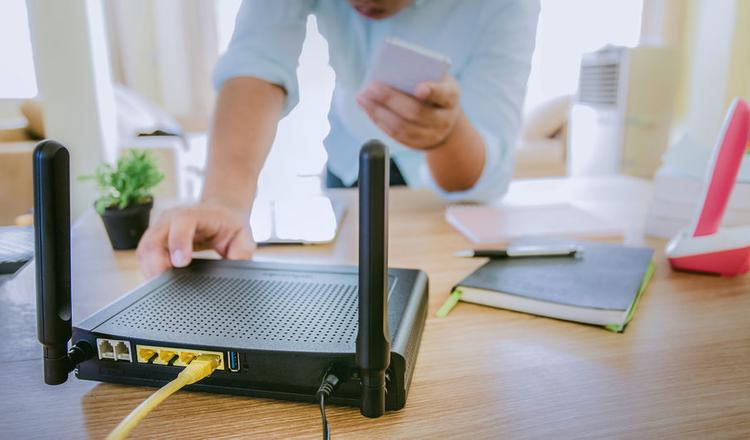
As our reliance on the internet continues to grow, securing our home Wi-Fi network is more crucial than ever. Routers, which once were thought to be relatively secure, have become a prime target for hackers, and ignoring this risk can lead to serious consequences for our online security.
Why Router Security Matters?
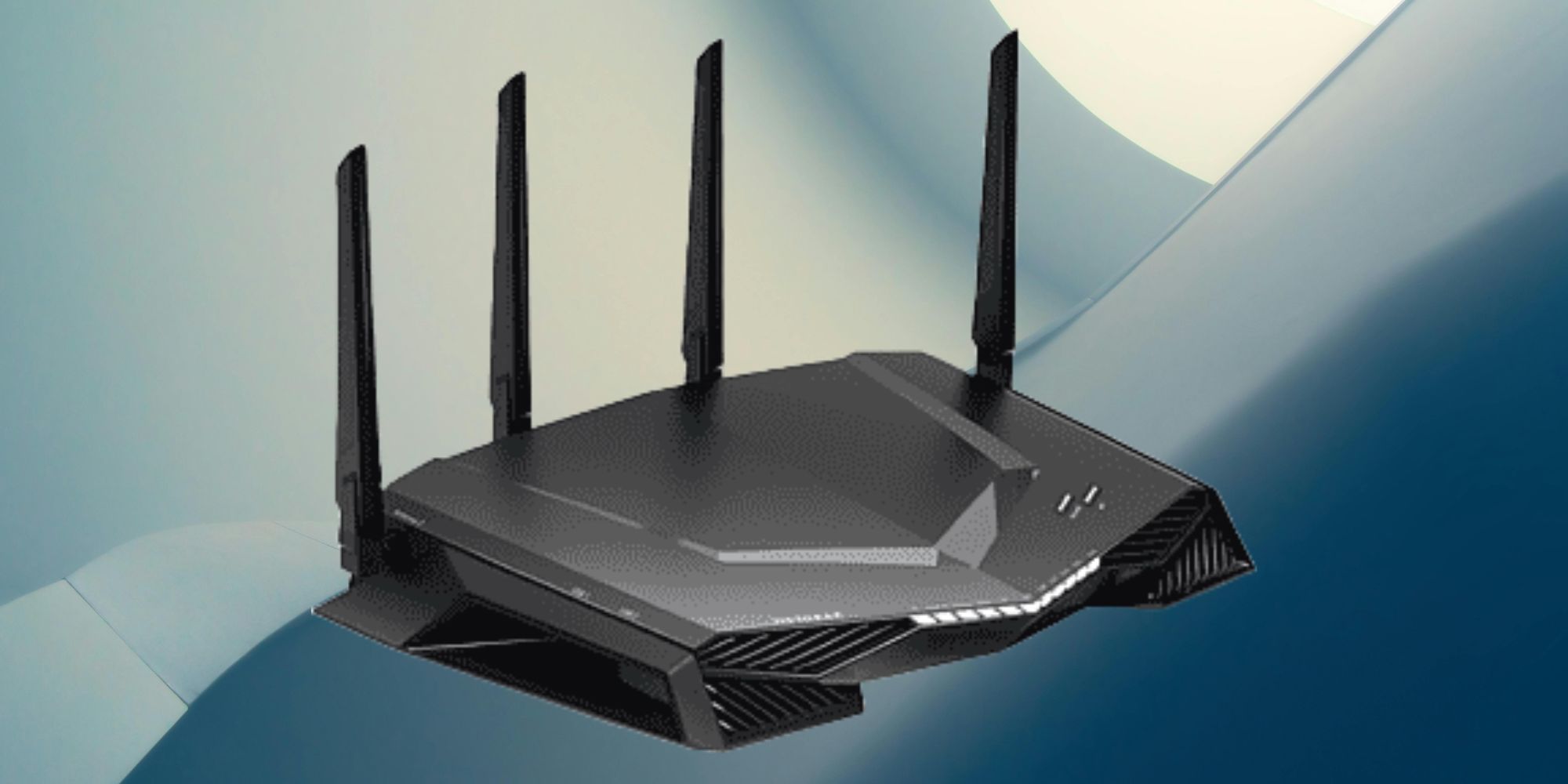
Our routers serve as the gateway to our homes and businesses, allowing us to connect to the internet and access a vast array of information. However, they also pose a significant threat to our security if not properly secured. With the rise of WPA3 encryption and advanced firmware updates, manufacturers are working to strengthen our routers' security features, but a more secure router is only as strong as the security of its user.
Why Home Router Security Remains a Top Priority
Security experts consider routers one of the most critical yet overlooked weak points in home security. Ninety-six percent of Americans use the internet and routers serve as a primary means for internet access. Routers are critical networking devices that manage the flow of data and information between connected devices. Securing your home Wi-Fi network means more than just updating your router; it means understanding the importance of security and taking steps to protect your devices from getting hacked and your information from getting stolen.
Why Home Internet Routers are a Prime Target for Hackers
Draconian defaults on routers, in particular, remain a major problem. This can make it much easier for hackers to take control of your network and compromise your sensitive information. In fact, a recent hack of 14,000 home routers shows how vulnerable even well-managed homes can be. Despite all of the improvements, routers still represent a prime target for malicious attacks, especially if your security is lax.
Securing Your Home Wi-Fi Router: Simple Steps for Safety
Change Your Default Router Admin Password
A default password is a security risk waiting to happen. Change it as soon as you access your router to something unique and unguessable. The password should be at least 12 characters long and contain a mix of letters, numbers, and symbols.
Enable WPA3 Encryption
WPA3 is the latest encryption method available for home routers, and it's a game-changer when it comes to security. Enable WPA3 on your router to ensure your data is protected with the best possible encryption standards.
Configure Your Router Settings
Take control of your router's settings by configuring it properly. Disable WPS (Wi-Fi Protect Setup) and turn off remote management. Disable any unnecessary features such as Universal Plug and Play (UPnP), which can create vulnerabilities for hackers. Also, change the SSID and set up a guest network to segregate visitors from your primary network.
Segment Your Device Network
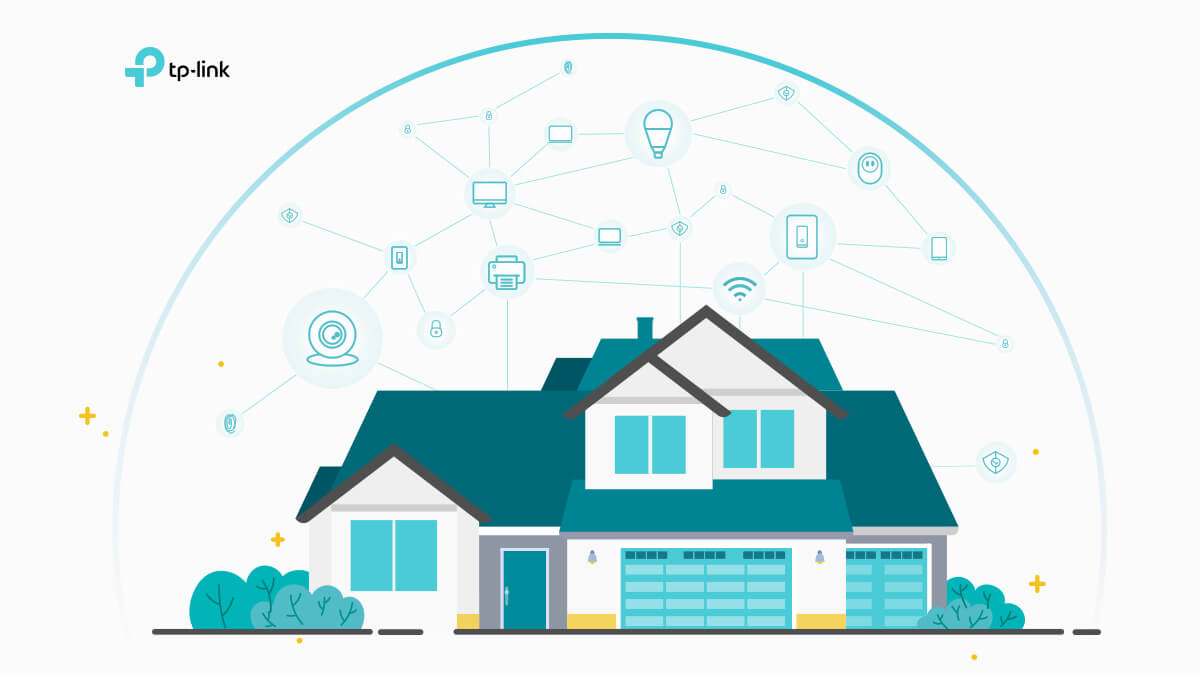
Segmenting your devices is an important aspect of securing your home network. By separating devices into their own networks, you can protect sensitive information and create a secure gateway for less sensitive data. This is especially important if you have IoT devices, such as smart home devices and security cameras.
Regularly Update Firmware and Software
Regularly updating your router's firmware and software is crucial to patching security vulnerabilities that have arisen from weaknesses. If your manufacturer offers automatic updates, make sure to take advantage of them. Otherwise, be sure to update your router manually to stay ahead of potential security threats.
Block Threats Before They Reach Your Data
Finally, take the step to block threats before they reach your data. Use your router to maintain a firewall which will alert you to potential threats and prevent them from accessing your home network. This can drastically improve your online security and experience.