Motherboard Capacitor Repair Techniques: A Step-by-Step Guide
When your computer's motherboard experiences frequent crashes, random restarts, or erratic behavior, it may indicate a capacitor issue. In this article, we will delve into the world of capacitors, exploring the signs of a faulty capacitor, the tools and materials needed for repair, and a step-by-step guide on how to fix a capacitor on a motherboard.
Understanding Motherboard Capacitors
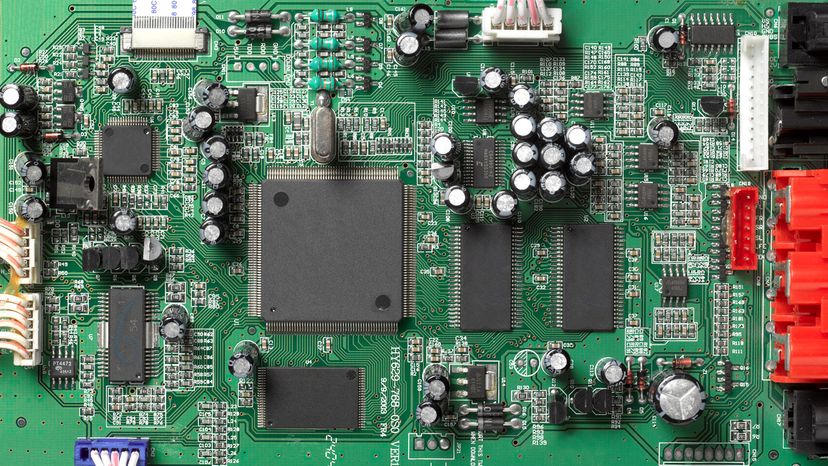
Motherboard capacitors are crucial components that filter and regulate the power supply to various components. When a capacitor fails, it can cause a range of problems, from system instability to complete failure. In this article, we will discuss the common signs of a faulty capacitor, the tools and materials needed for repair, and a step-by-step guide on how to fix a capacitor on a motherboard.
Signs of a Faulty Capacitor
The telltale signs of a failing motherboard capacitor include:
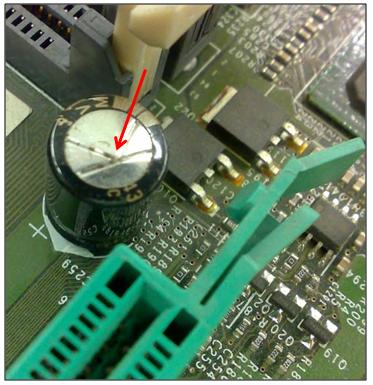
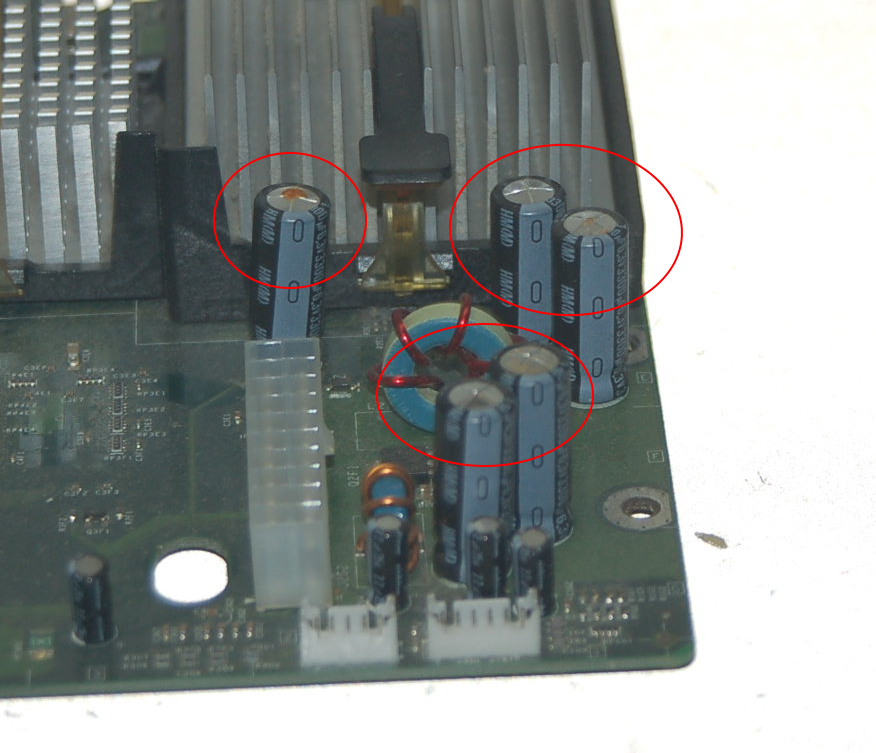
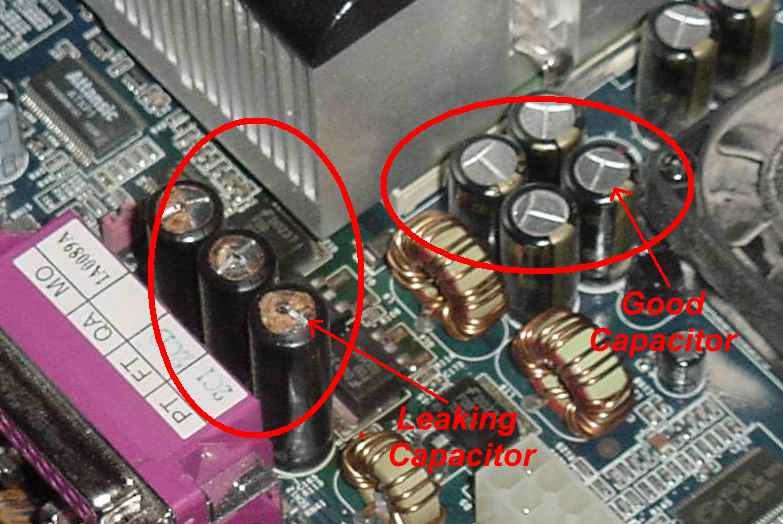
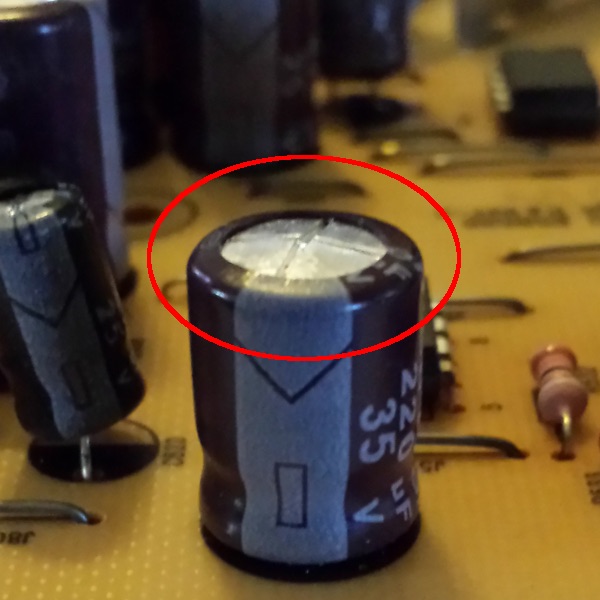
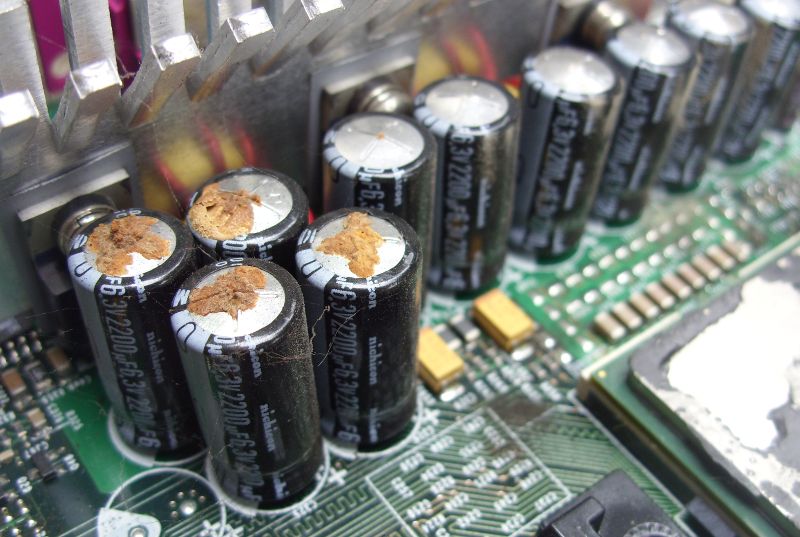
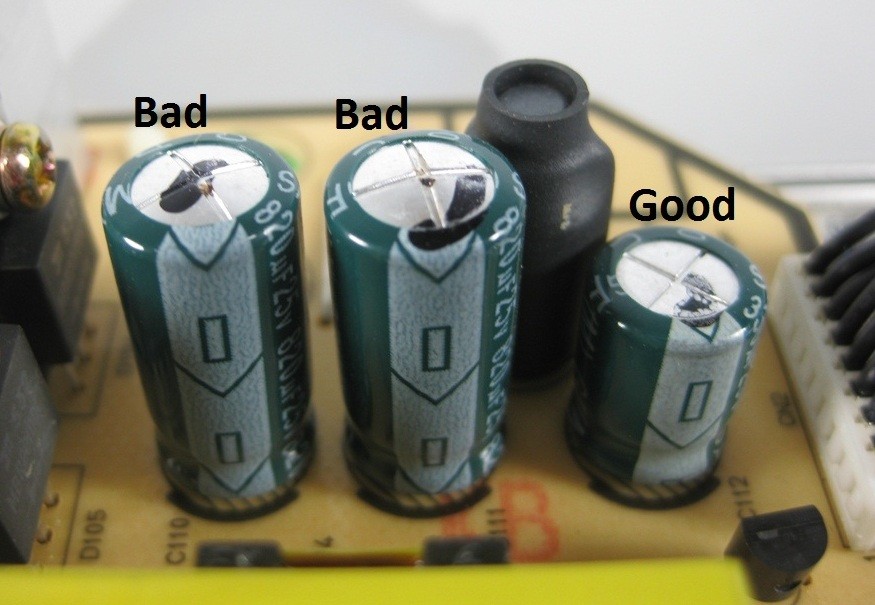
- Bulging or Leaking: Inspect capacitors visually for any abnormal swelling or electrolyte leakage.
- Unstable Power Supply: If your computer's power supply is unstable, it may indicate a capacitor issue.
- Frequent Crashes or Random Restarts: If your computer crashes frequently or restarts randomly, it may be a sign of a capacitor problem.
Tools and Materials Needed for Repair
To fix a capacitor on a motherboard, you will typically need:
- Soldering Iron and Solder Wick
- Desoldering Pump or Solder Wick
- Solder Wire and Flux
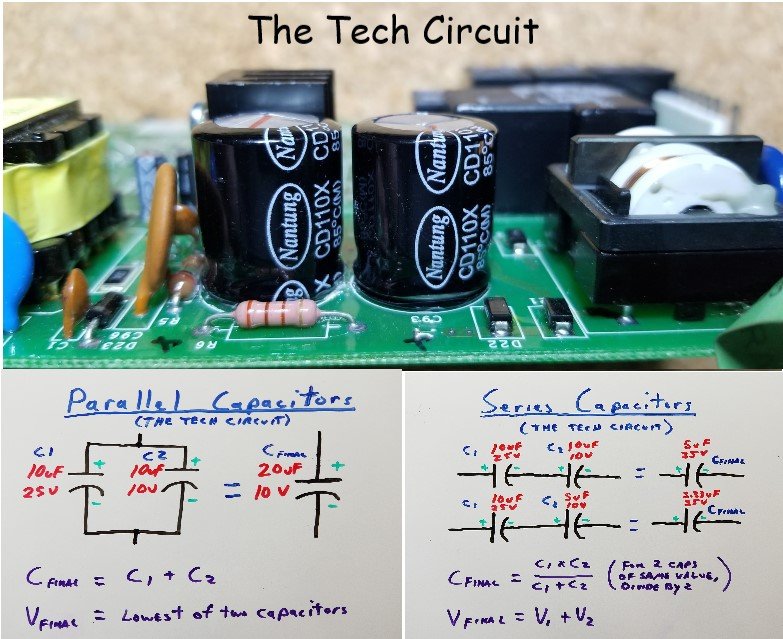
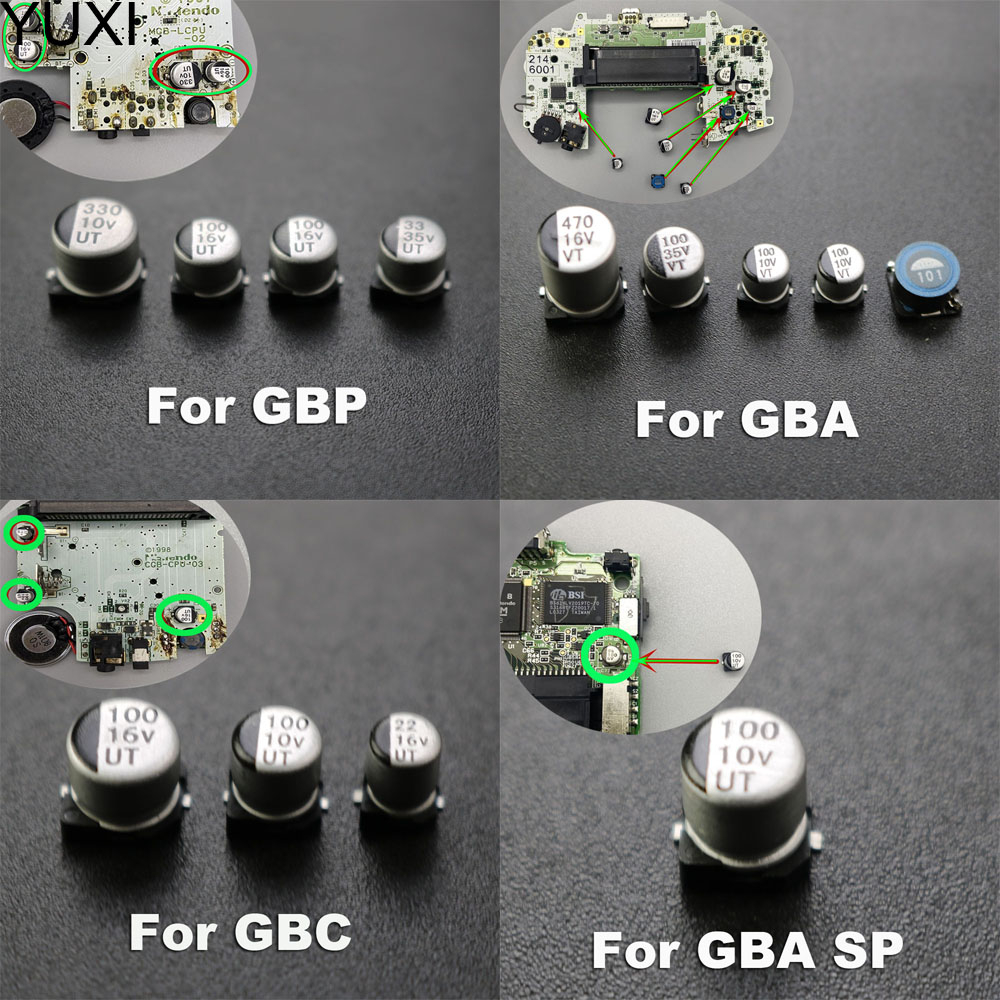
- Replacement Capacitors
Step-by-Step Guide to Fixing a Capacitor on a Motherboard
Here is a step-by-step guide to fixing a capacitor on a motherboard:
- Disconnect Power: Before starting the repair, disconnect the power cord from the motherboard.
- Locate the Faulty Capacitor: Identify the faulty capacitor and mark it for removal.
- Remove the Faulty Capacitor: Use a soldering iron to remove the faulty capacitor from the motherboard.
- Desolder the Solder Joints: Use a desoldering pump or solder wick to remove the solder from the joints.
- Install the New Capacitor: Install the new capacitor and solder the joints.
- Test the Motherboard: Once the repair is complete, test the motherboard to ensure it is functioning properly.
Importance of Proper Soldering Techniques
Proper soldering techniques are crucial when repairing a capacitor on a motherboard. Improper soldering can cause additional damage to the motherboard, making it difficult or impossible to repair.
Common Motherboard Capacitor Repair Techniques

Some common motherboard capacitor repair techniques include:
- Capacitor Replacement: Replacing a faulty capacitor with a new one.
- Capacitor Soldering: Soldering a new capacitor to the motherboard.
- Capacitor Desoldering: Removing a faulty capacitor from the motherboard using a desoldering pump or solder wick.
Conclusion
Repairing a capacitor on a motherboard can be a delicate process that requires attention to detail and a good understanding of electronics. By following the steps outlined in this article, you can fix a capacitor on a motherboard and extend its lifespan. Remember to use proper soldering techniques and follow safety guidelines to avoid any damage to the motherboard or personal injury.
Motherboard Capacitor Repair Techniques: FAQs
Here are some frequently asked questions about motherboard capacitor repair techniques:
Q: Can I replace a motherboard capacitor myself?
A: Yes, you can replace a motherboard capacitor yourself, provided you have the right tools and a steady hand.
Q: What are the signs of a faulty capacitor?
A: The signs of a faulty capacitor include bulging or leaking, unstable power supply, and frequent crashes or random restarts.
Q: What tools do I need to fix a capacitor on a motherboard?
A: You will typically need a soldering iron, desoldering pump or solder wick, solder wire and flux, and replacement capacitors.
Q: How do I replace a capacitor on a motherboard?
A: To replace a capacitor on a motherboard, follow the steps outlined in this article, including disconnecting power, locating the faulty capacitor, removing the faulty capacitor, desoldering the solder joints, installing the new capacitor, and testing the motherboard.