How to Delete Your Instagram Account: A Step-by-Step Guide
If you're reading this, chances are you're considering deleting your Instagram account. Whether you're tired of the platform's algorithms, concerned about your online privacy, or simply want a break from the endless scrolling, deleting your Instagram account can seem daunting. However, with a little patience and the right steps, you can say goodbye to your Instagram account and start fresh.Understanding the Instagram Account Deletion Request Process
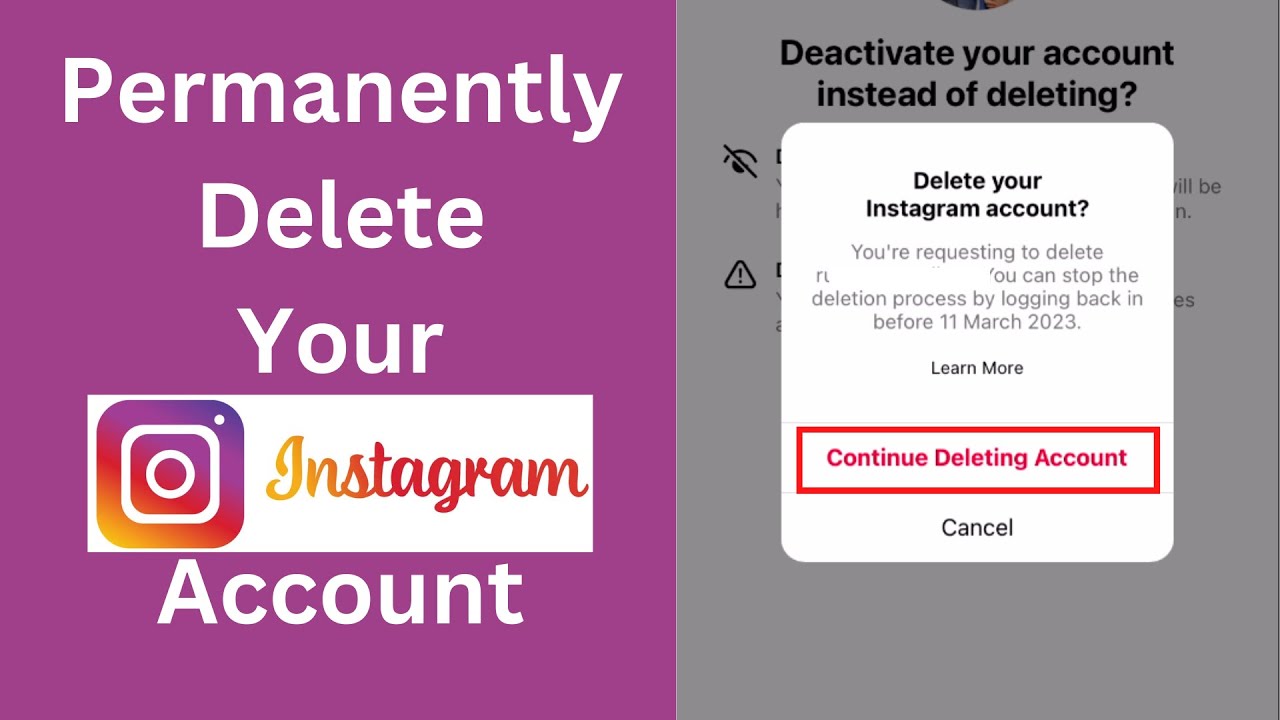
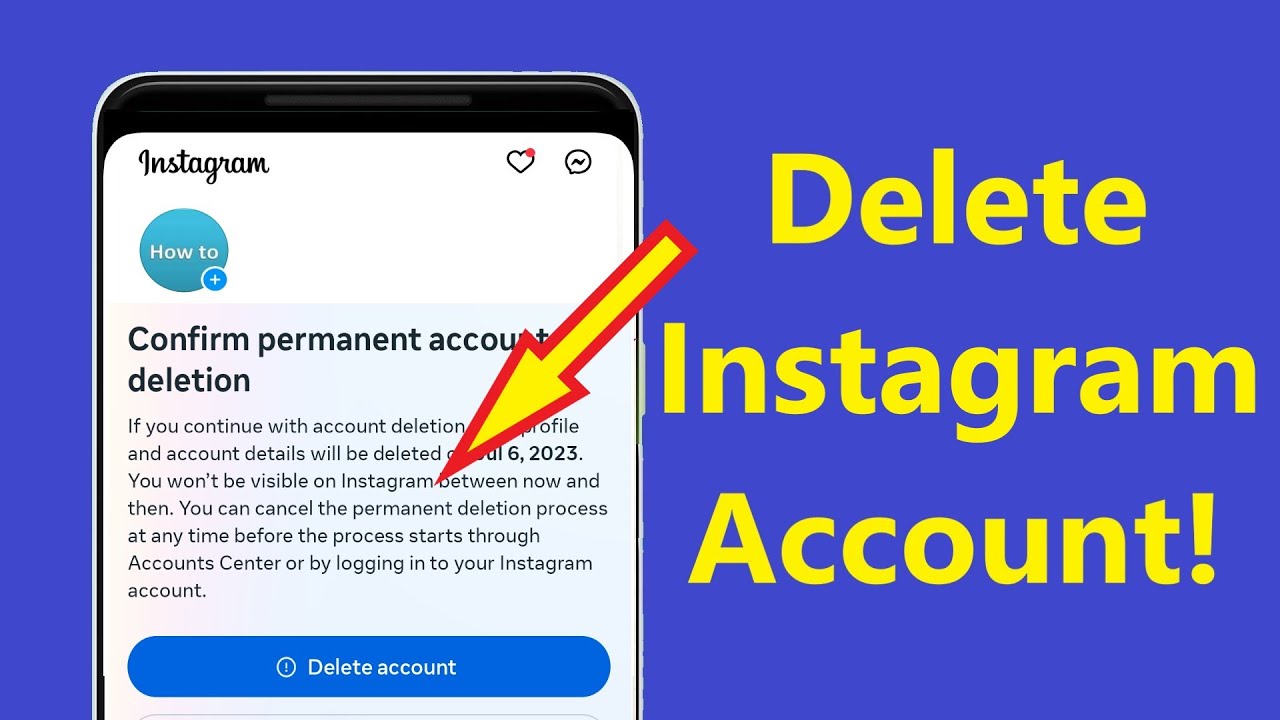
Before we dive into the step-by-step guide, it's essential to understand the Instagram account deletion request process. When you request to delete your account, Instagram won't remove it immediately. Instead, the deletion request is processed after 30 days. During this time, your profile and content will be hidden from public view, but you'll still be able to access and view your account. This grace period gives you time to reconsider and reactivate your account if you change your mind.How to Delete Your Instagram Account Permanently
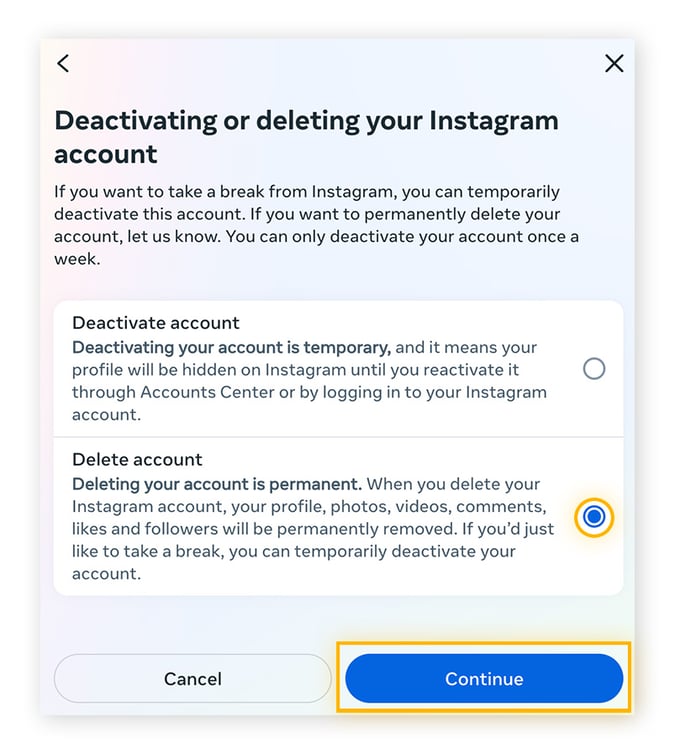
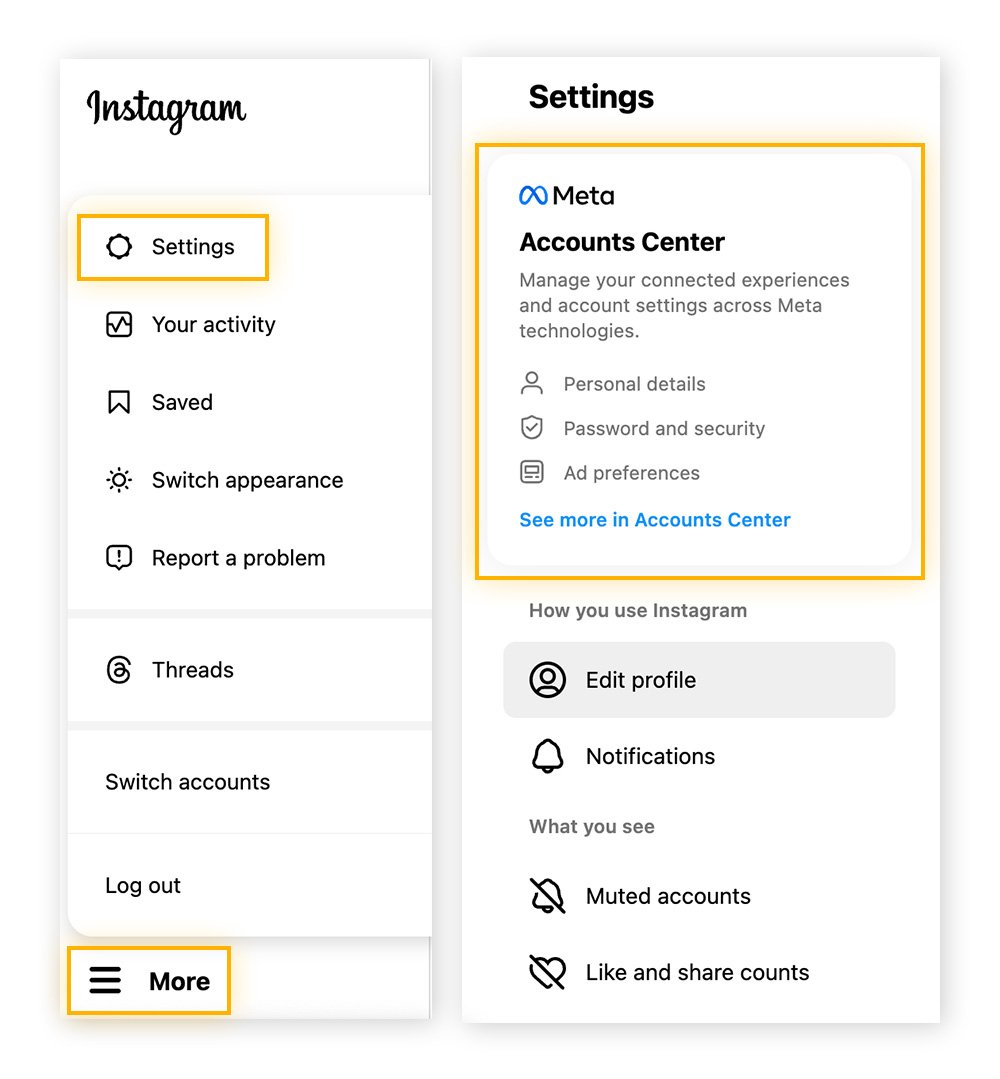
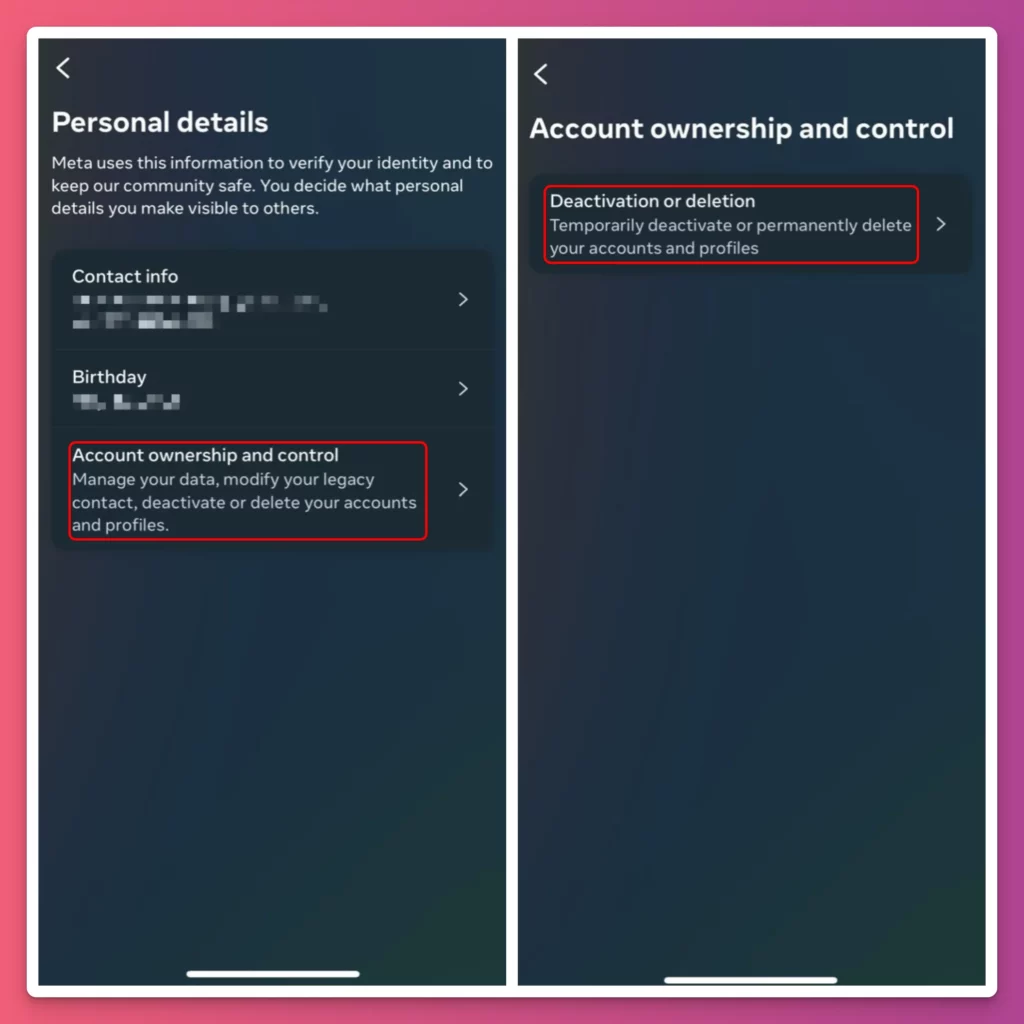
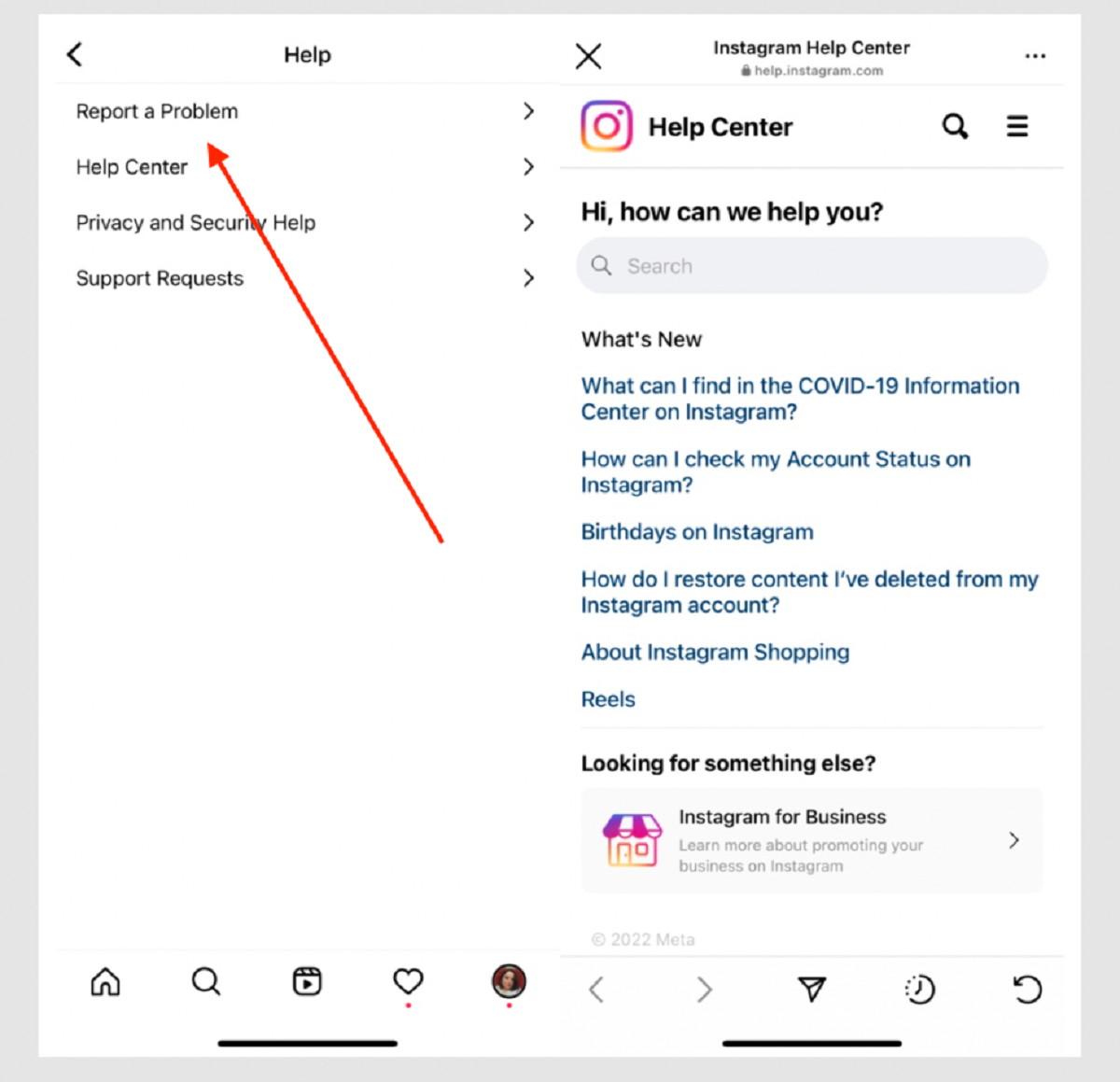
To initiate the account deletion process, follow these steps:- Access Instagram's Help Center and select "Delete Your Account" from the "Managing Your Account" section.
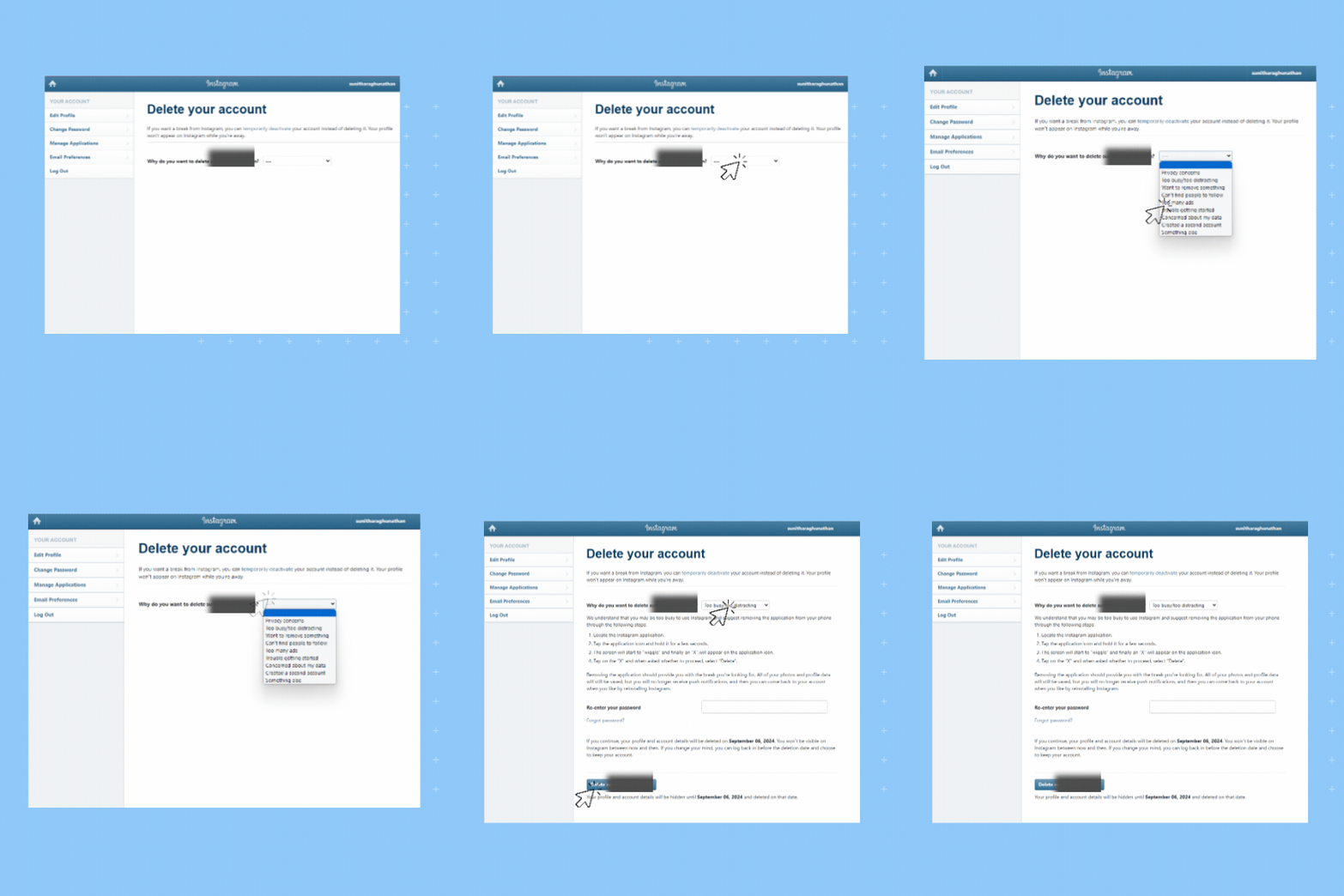
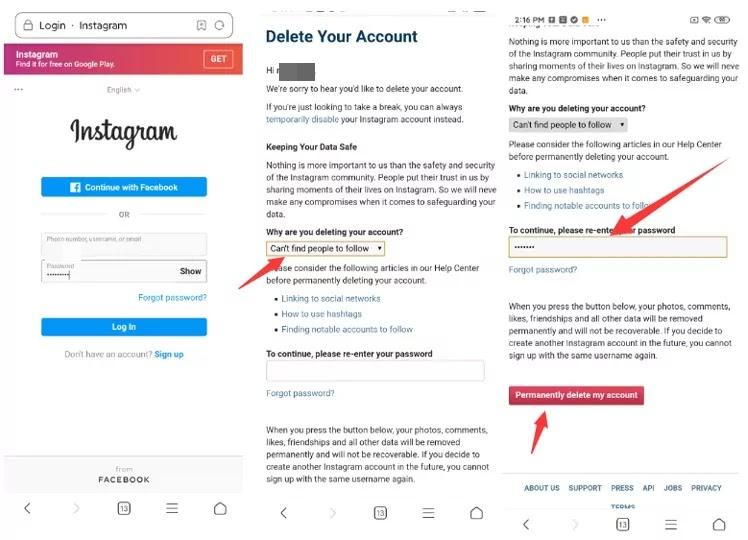
- Click on "Delete Account" and select "Why are you deleting your account?" from the dropdown menu.
- Choose a reason for deleting your account and re-enter your password. The option to permanently delete your account will only appear after selecting a reason and entering your password.
- Click "Permanently Delete Account" to confirm your decision. Your account will be removed after the 30-day grace period.
What Happens When You Delete Your Instagram Account
When you delete your Instagram account, your profile, photos, videos, comments, likes, and followers will be permanently removed from the platform. This means that you won't be able to access or recover any of your account data after deletion.Return or Reactivate Your Account: The 30-Day Grace Period
How to Download Your Data Before Deleting Your Account
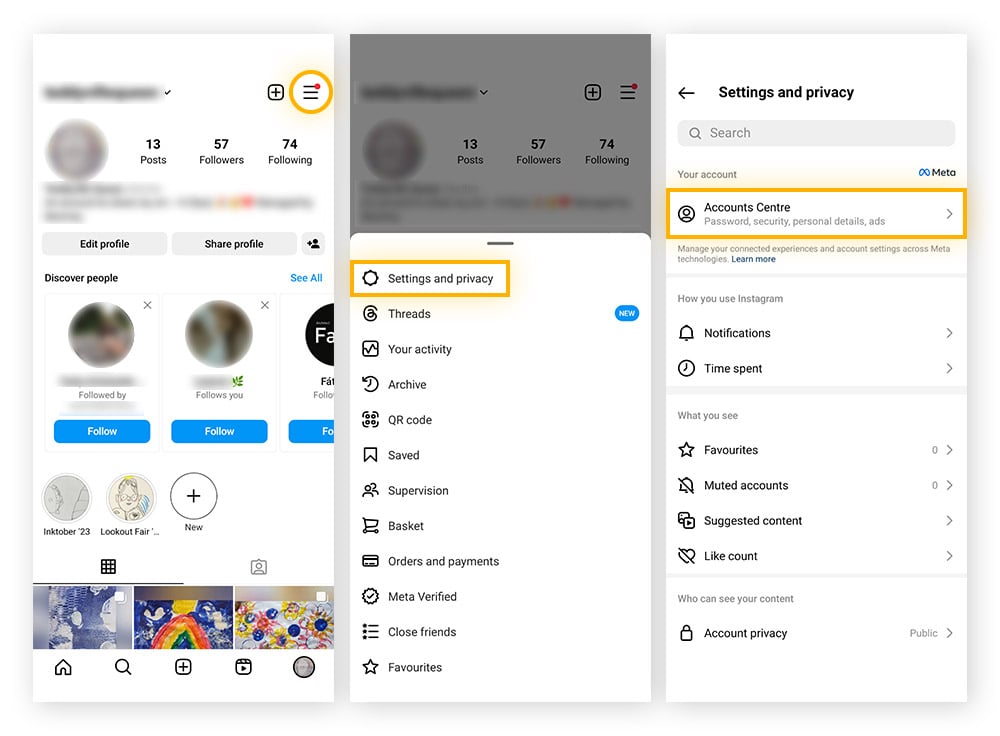
Before you delete your Instagram account, it's essential to download your data. This includes your photos, videos, stories, and comments. To download your data, follow these steps:- Go to your profile and tap the three horizontal lines (Android) or gear icon (iPhone) at the top right corner of your screen.
- Tap "Settings" and select "Account" from the dropdown menu.
- Scroll down and tap "Download Data" under the "Security" section.
- Choose the type of data you want to download (photos, videos, stories, etc.).
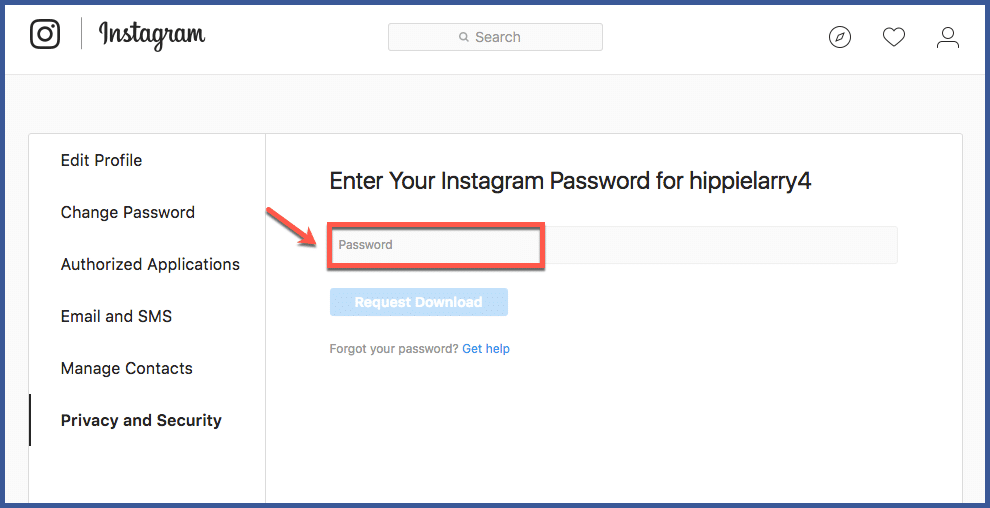
- Tap "Request Download" and wait for a downloadable link to arrive in your inbox.