Secure Router Configuration: Boost Your Home Network Security
As the central hub of your home network, your router plays a crucial role in safeguarding your devices and protecting against cyber threats. However, with the increasing complexity of modern routers and the rise of IoT devices, ensuring a secure router configuration has become more challenging than ever. In this article, we'll delve into the essential tips and best practices to help you secure your router and safeguard your home network.
1. Change Your Router's Default Password and Username
The first step in securing your router is to change its default password and username. These credentials are often well-known and easily discoverable, making it a vulnerability that hackers can exploit. Log in to your router, go to the administration panel, and change the default password and username to strong, unique credentials.
2. Enable WPA3 Encryption
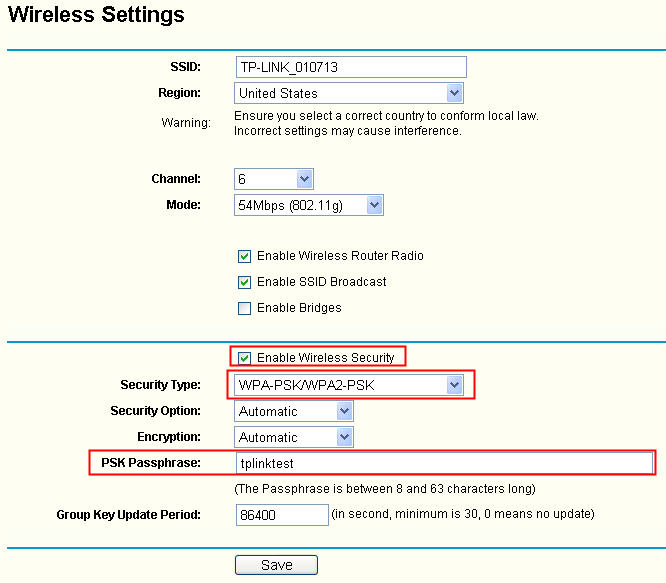
WPA3 (Wi-Fi Protected Access 3) is the latest encryption standard that provides enhanced security and protection against hacking attempts. If your router supports WPA3, enable it to ensure your network is secure. Additionally, set up a strong passphrase to secure your network.
3. Set Up a Guest Network
A guest network is a separate network that isolates visitors from your main network, preventing them from accessing your devices and sensitive data. Enable the guest network feature on your router and set it up according to your needs.
4. Disable Remote Access
Remote access allows you to configure and manage your router from the internet, but it also poses a security risk. Disable remote access to prevent hackers from accessing your router and taking control of your network.
5. Use a VPN (Virtual Private Network)
A VPN encrypts your internet traffic and masks your IP address, providing an additional layer of security and protection against hacking attempts. Consider setting up a VPN on your router to secure your entire network.
6. Regularly Update Your Router's Firmware
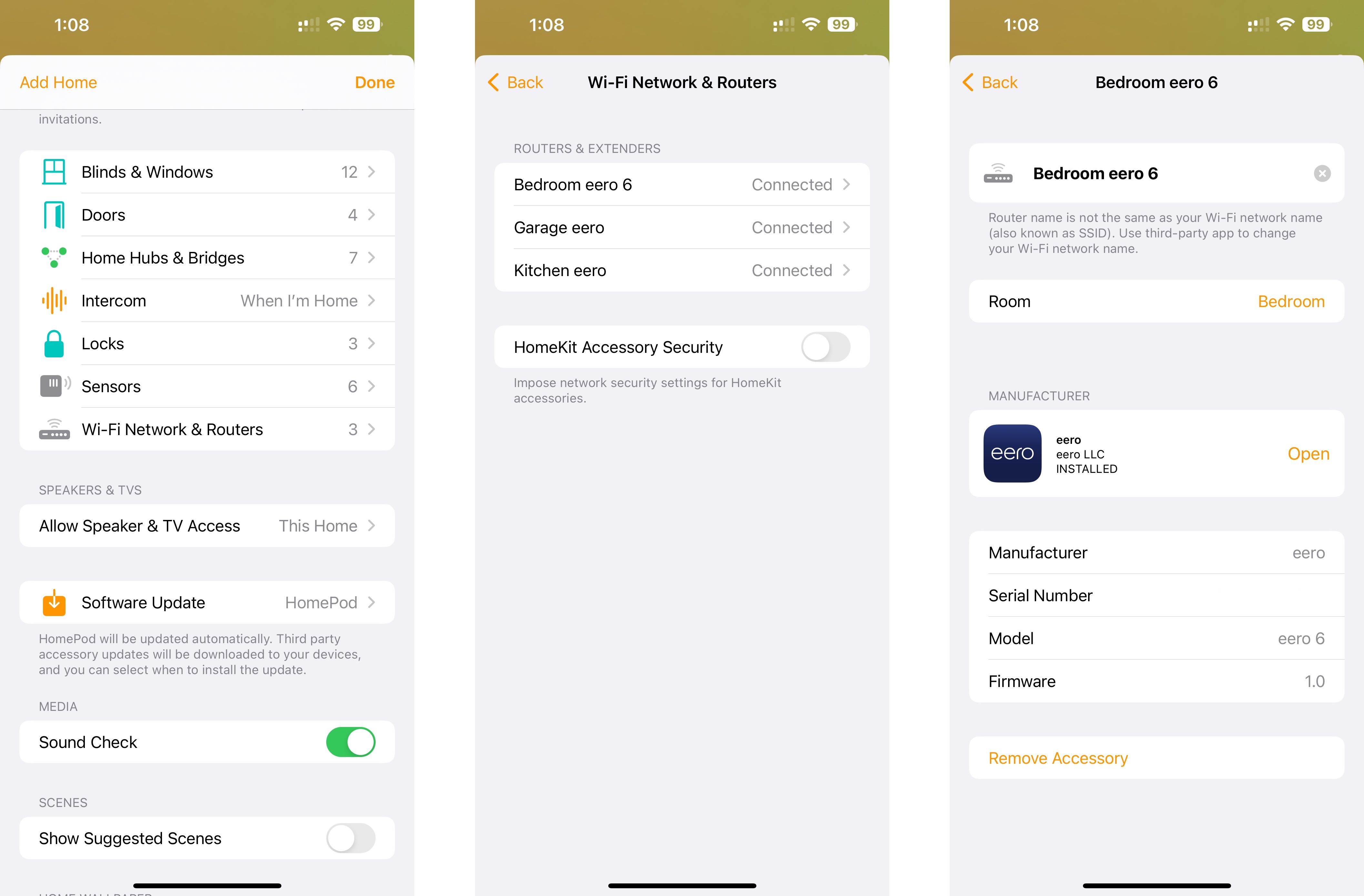
Firmware updates often include security patches and bug fixes, so it's essential to keep your router's firmware up to date. Regularly check for updates and apply them as soon as possible.
7. Secure Your Wi-Fi Network with Strong Passwords
Use strong, unique passwords for your Wi-Fi network, and avoid using the same password for multiple networks. Consider setting up a password manager to generate and store complex passwords.
8. Consider Using a Secure Router App
Many routers come with a built-in app that provides easy setup and management, as well as advanced security features. Look for a router app that offers robust security features, such as intrusion detection and prevention, to help safeguard your network.
9. Monitor Your Network Activity
Regularly monitor your network activity to detect any suspicious behavior or hacking attempts. Use built-in tools or third-party apps to track network activity and stay alert for potential threats.
10. Store Your Router in a Secure Location
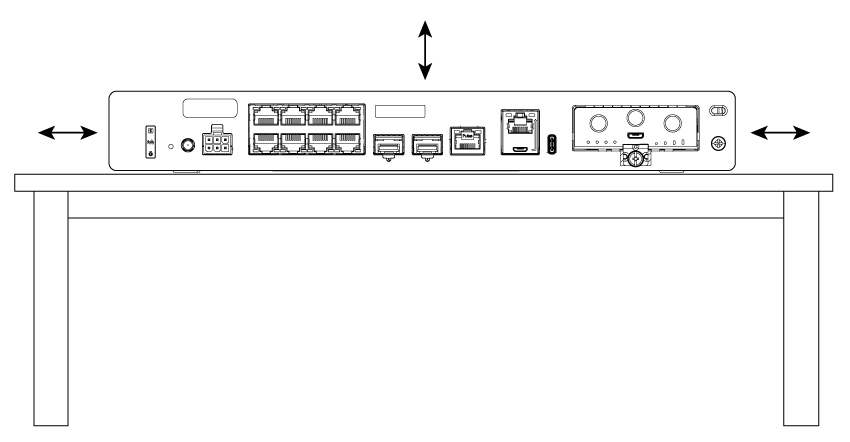
Store your router in a secure physical location to prevent unauthorized access. Avoid placing your router in a visible location, such as a closet or attic, where it can be easily accessed by others.
Conclusion
Safeguarding your home network requires a combination of strong passwords, robust encryption, and regular maintenance. By following these essential tips and best practices, you can ensure a secure router configuration and protect your devices and data from cyber threats. Remember to stay vigilant and regularly update your router's firmware, monitor your network activity, and consider using a secure router app to enhance your network's security.
![[Wireless] How to make my router more secure? - ASUS](https://www.juniper.net/documentation/us/en/software/guided-setup/branch-srx-gs/topics/images/jn-000263.png "[Wireless] How to make my router more secure? - ASUS")